

Gaming keyboards
242 products
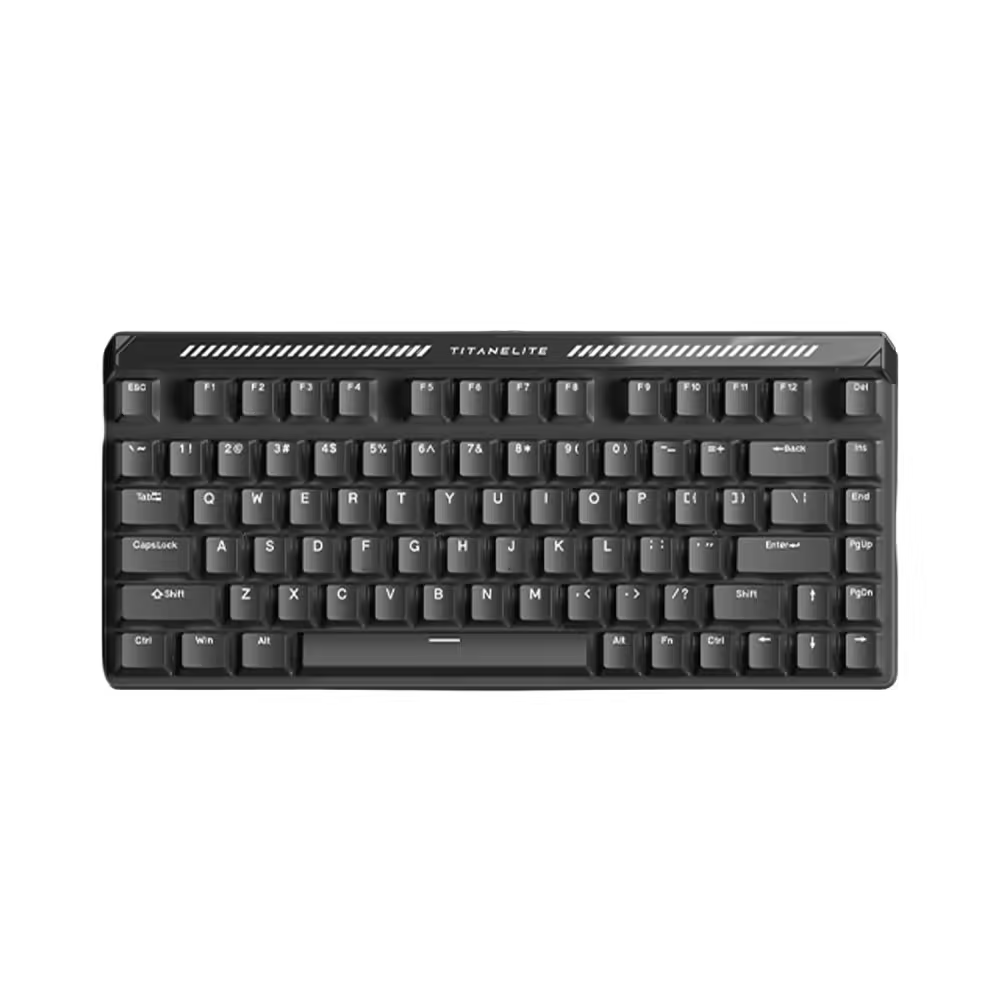
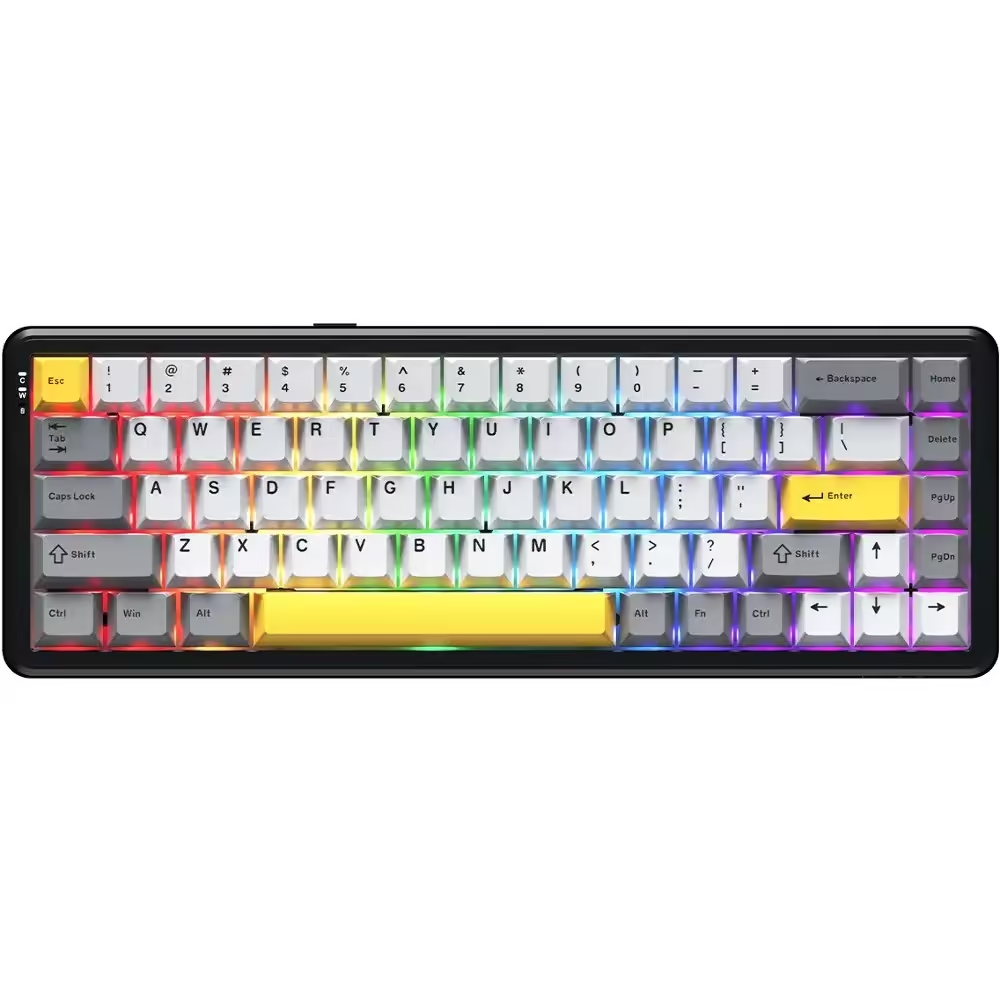
Ajazz gaming mechanical keyboard Gaming Mechanical Keyboard AK680 MAX - 8+8K, Magnetic Rice Switches [Linear], (English US), Black, Gray, RGB
- Mechanical
- Cable/Wireless
- 65%
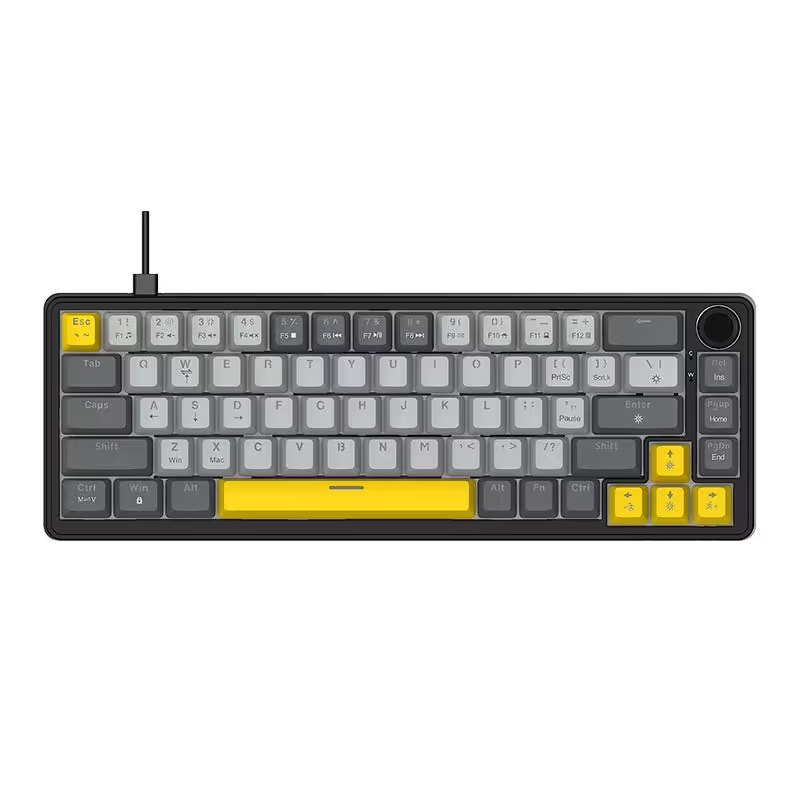
Ajazz gaming mechanical keyboard Gaming Mechanical Keyboard AK690 - Maillard MC Switches [Linear], (English US), Black, Gray
- With USB cable
- 65%
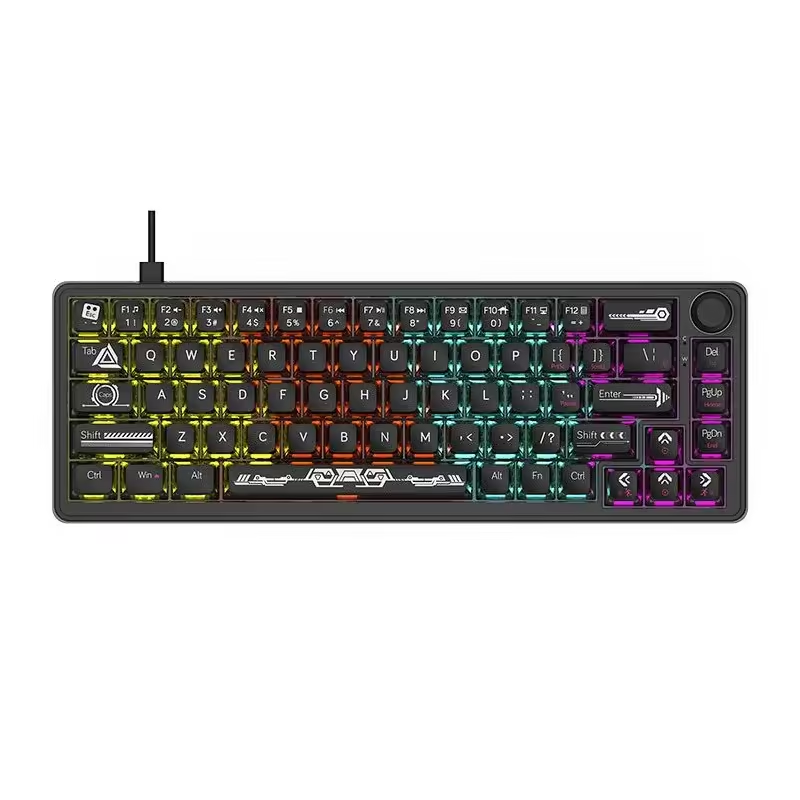
Ajazz gaming mechanical keyboard Gaming Mechanical Keyboard AK690 - Maillard MC Switches [Linear], (English US), Transparent Black
- Mechanical
- With USB cable; With cable
- 65%
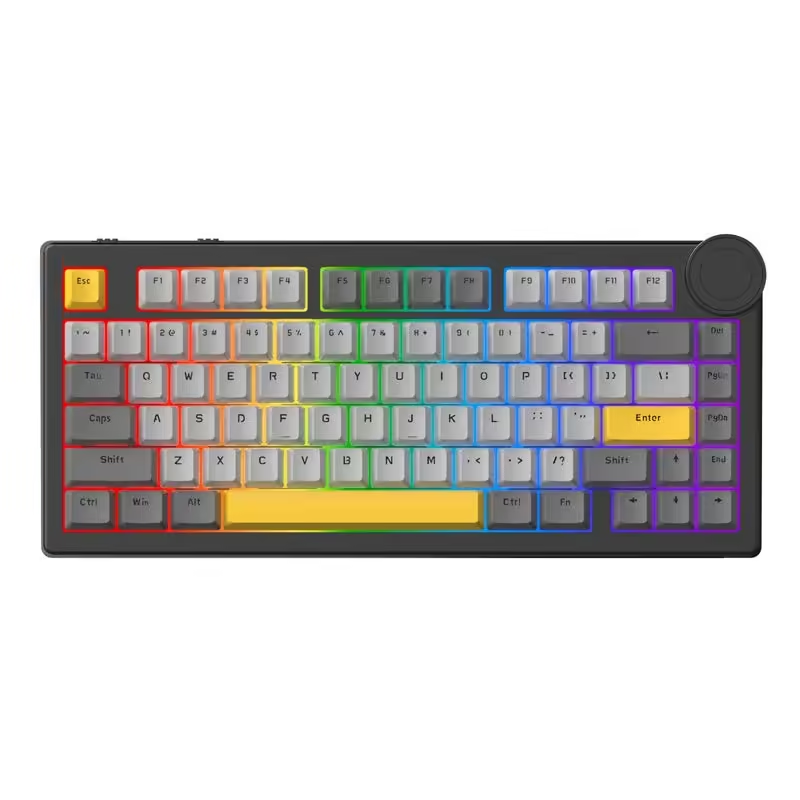
Ajazz gaming mechanical keyboard Gaming Mechanical Keyboard AK820 V2 - 1+1K, Coconut Flake Switches [Linear], (English US), Black, Gray, RGB
- Mechanical
- With USB cable; Wireless; 2.4 GHz Wireless via Nano USB; Cable/Wireless
- 75%

Gaming mechanical Keyboard ZOWIE CELERITAS II DIVINA PINK
- Mechanical
- With USB cable
- High profile
- Full size

Gaming mechanical Keyboard ZOWIE CELERITAS II DIVINA BLUE
- Mechanical
- With USB cable
- High profile
- Full size

Keyboard ROYAL KLUDGE R87Pro Half Grey Gaming Keyboard, Brown switch, RK-R87PRO TKL, USB Type-C, RGB - RK-R87PRO-HALFGY-BRNSW-US
- Mechanical
- With USB cable
- TKL

Keyboard LORGAR LRG-KBA4175-BK-US Mechanical USB
- Mechanical
- With USB cable
- High profile
- 75%

Keyboard LORGAR LRG-KBA4175-RT-US Mechanical USB
- Mechanical
- With USB cable
- High profile
- 75%
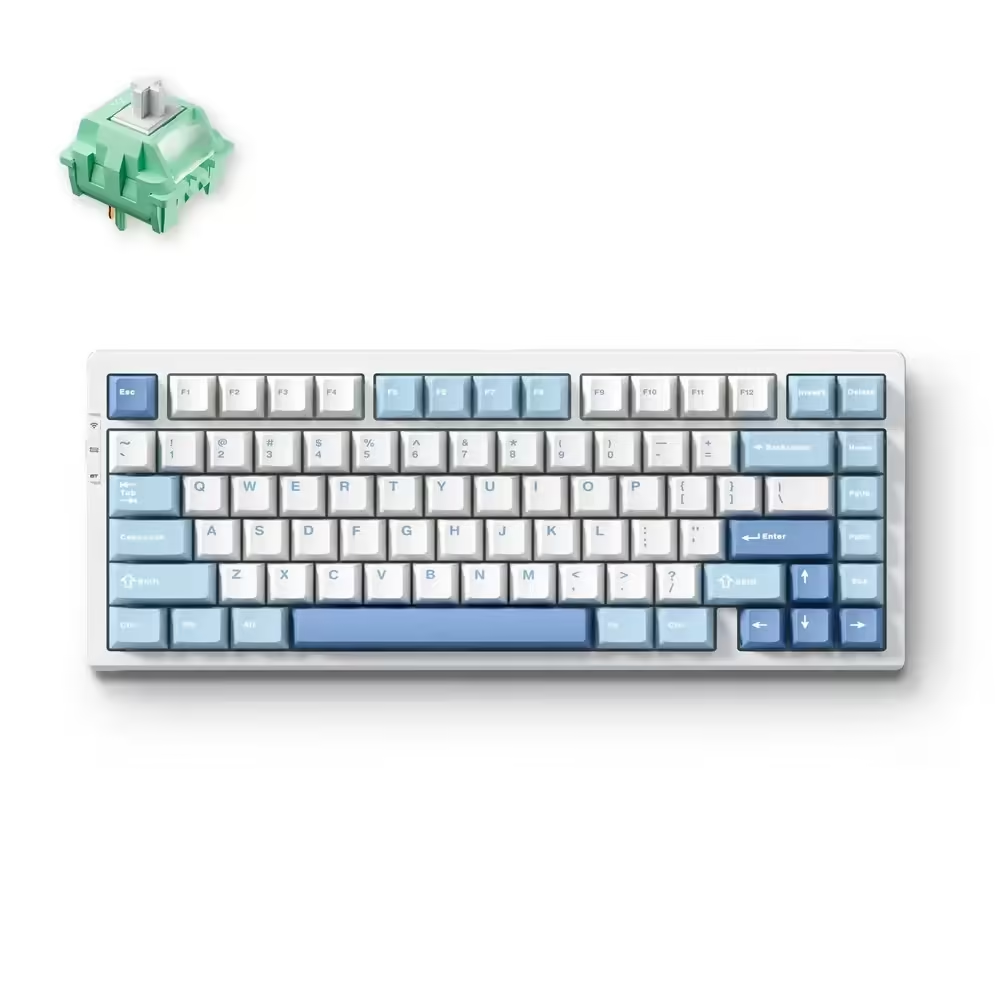

Gaming keyboard A4Tech Bloody B230N Neon Backlit - White
- Semi-mechanical
- With USB cable
- High profile

Gaming keyboard A4Tech Bloody B230N Neon Backlit - Black
- Semi-mechanical
- With USB cable
- High profile

Gaming mechanical keyboard Logitech G512 X 98 - Dual Swap Linear Analog/Mechanical Switch - Black
- Mechanical
- With USB cable
- High profile

Gaming mechanical keyboard Logitech G316 X 75 - Hot-Swappable Tactile Switch - White
- Mechanical
- With USB cable
- High profile

Gaming mechanical keyboard Logitech G316 X 75 - Hot-Swappable Tactile Switch - Black
- Mechanical
- With USB cable
- High profile

Gaming mechanical keyboard Logitech G Pro X2 RAPID TKL, Magnetic Analog Linear Switch - White
- Mechanical
- With USB cable
- High profile

Gaming mechanical keyboard Logitech G Pro X2 RAPID TKL, Magnetic Analog Linear Switch - Black
- Mechanical
- With USB cable
- High profile

Gaming mechanical Keyboard ASUS ROG Strix Scope II RX - ROG RX Optical Switch Red
- Mechanical
- With USB cable
- High profile

Gaming wireless Keyboard ASUS ROG Azoth - ROG NX Mechanical Switch Snow
- Mechanical
- Wireless
- High profile

Gaming wireless Keyboard ASUS ROG Falcata 75% - ROG HFX V2 Magnetic Switch
- Mechanical
- With USB cable
- High profile

Gaming Mechanical Keyboard ASUS ROG Falchion Ace 75 HE Red - ROG HFX V2 Magnetic Switch
- Mechanical
- With USB cable
- High profile
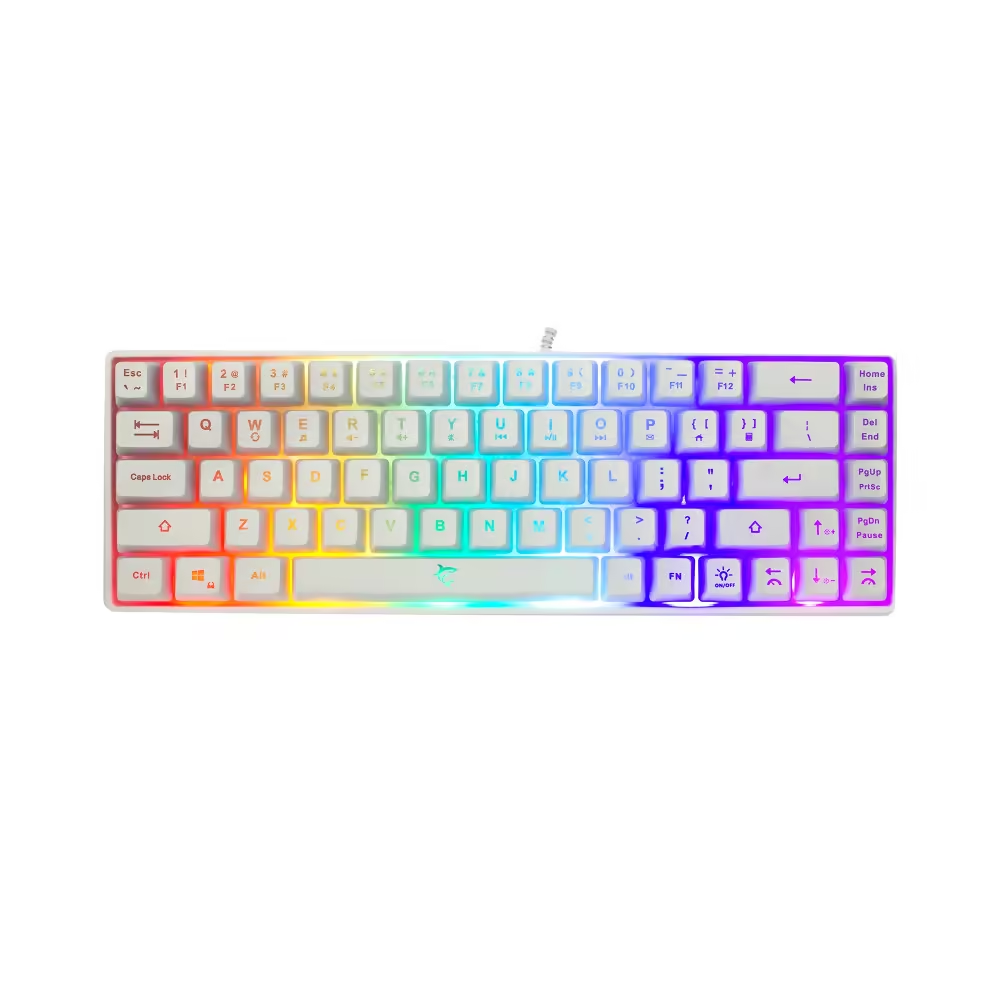

Logitech G512 X 98 Gaming Mechanical Keyboard - Dual Swap Analog/Mechanical Switch - Black
- Mechanical
- With USB cable
- High profile
Useful when choosing
The gaming keyboard must respond instantly, withstand thousands of presses, and be comfortable during long sessions. Here you will find mechanical, optical, magnetic, and membrane models in full size and compact formats – wired, wireless, and with backlighting to your taste. There are models for competitive players, for people who type a lot, and for anyone who just wants a comfortable and durable keyboard.
How to choose
- Switch type. Linear (red) switches are smooth and quiet – favorites among gamers. Tactile (brown) switches have a slight bump, comfortable for typing as well. Clicky (blue) switches are loud and distinctly audible. Magnetic (Hall Effect) switches allow you to adjust the actuation point.
- Size. Full-size has a numeric pad. TKL is without it and frees up space for the mouse. 75%, 65%, and 60% are even more compact – good for small desks and travel.
- Connection. Wired is the simplest choice. Wireless with a 2.4 GHz receiver is as fast as wired, while Bluetooth is convenient for laptops and tablets.
- Key profile. High keys are classic. Low profile is closer to a laptop keyboard and reduces wrist angle.
- Hot-swap. Keyboards with switch sockets allow you to change them without soldering and try different feels.
- Backlighting and software. RGB backlighting per key helps you find keys in the dark. The software allows macros, profiles for individual games, and remapping of each key.
What to watch out for
- Check the layout – US or with Bulgarian letters, if you type a lot in Cyrillic.
- Quiet switches or membranes are the better choice if you play at night or in a shared room.
- Detachable USB-C cable is more convenient and easily replaced if damaged.
- Wrist support helps during long sessions, especially with high keys.
- The metal top plate makes the keyboard heavier and more stable, but also louder when pressed hard.
Customization
Many mechanical keyboards accept standard keycaps and switches, so you can change the look and feel later. In gaming accessories, you will find keycaps, switches, puller tools, and spiral cables. If you are upgrading your entire gaming setup, also check out gaming mice and mouse pads. Keyboards with QMK or VIA support allow remapping of each key without additional software.