
Mice
34 products
-12%


18.50 €
21.00 €
Earn 18 points+18 p.
Available in external warehouse
-10%

5.40 €
6.00 €
Earn 5 points+5 p.
Available in external warehouse
-10%

18.00 €
20.00 €
Earn 18 points+18 p.
Limited quantity
-8%

4.60 €
5.00 €
Earn 4 points+4 p.
Available in external warehouse
-10%

18.00 €
20.00 €
Earn 18 points+18 p.
Available in external warehouse
-11%

31.00 €
35.00 €
Earn 31 points+31 p.
Available in external warehouse
-5%

19.00 €
20.00 €
Earn 19 points+19 p.
Available in external warehouse
-7%

Gaming Mouse Lenovo Legion M600s Qi Wireless Gaming Mouse - GY51H47355
- Optical
- 19000 DPI
- 6
- from 70 to 100 grams
70.00 €
75.00 €
Earn 70 points+70 p.
Delivery between 5-7 days
-8%

61.00 €
66.00 €
Earn 61 points+61 p.
Limited quantity
-7%

13.00 €
14.00 €
Earn 13 points+13 p.
Limited quantity
-10%

Wireless Optical Mouse RAPOO 1680, Silent, 2.4Ghz, Black
- Wireless Wireless
- 1000 DPI
- 3
- For left hand; For right hand
6.30 €
7.00 €
Earn 6 points+6 p.
Available in external warehouse
-5%

Logitech M350S Pebble 2 Bluetooth Mouse Tonal White - 910-007013
- Wireless Wireless
- 1000 DPI
- 3
- For left hand; For right hand
18.00 €
19.00 €
Earn 18 points+18 p.
Available in external warehouse
-12%

Logitech G Pro X Superlight 2 Gaming Mouse - Black - 910-006630
- HERO 2
- 32000 DPI
- 5
- up to 70 grams
134.00 €
153.00 €
Earn 134 points+134 p.
Delivery between 5-7 days
-8%

CHERRY GENTIX BT Wireless Mouse, USB, Bluetooth, Black
- Wireless Wireless
- 1000 DPI; 2000 DPI
- 7
- For right hand
22.00 €
24.00 €
Earn 22 points+22 p.
Available in external warehouse
-8%
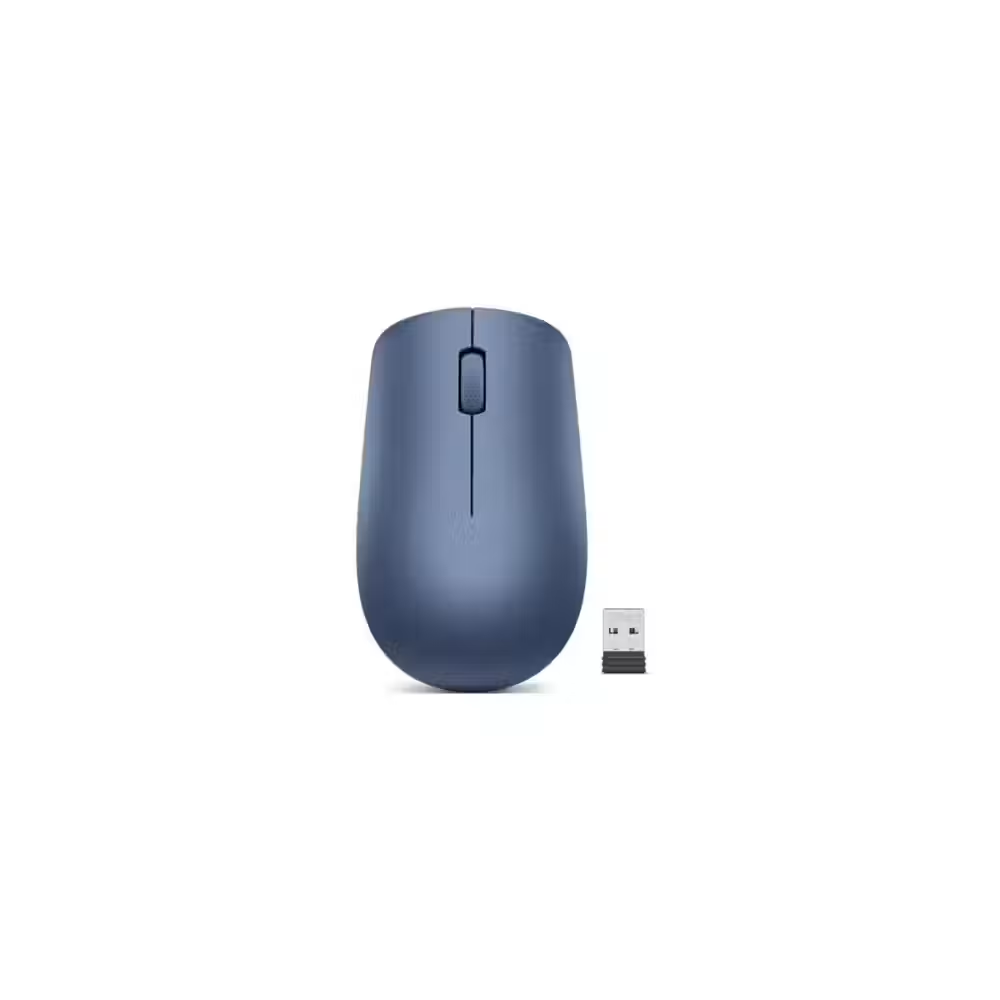
Lenovo 530 Wireless Mouse Abyss Blue - GY50Z18986
- Wireless Wireless
- 1200 DPI
- 3
- For left hand; For right hand
16.50 €
18.00 €
Earn 16 points+16 p.
Available in external warehouse
-10%

Wireless mouse Hama MW-300 V2 Green Wireless
- Wireless Wireless
- 3
- For left hand; For right hand
7.20 €
8.00 €
Earn 7 points+7 p.
Available in external warehouse
-10%

Wireless mouse Hama MW-300 V2 Yellow Wireless
- Wireless Wireless
- 3
- For left hand; For right hand
7.20 €
8.00 €
Earn 7 points+7 p.
Available in external warehouse
-9%

Logitech G502 X LIGHTSPEED Wireless Gaming Mouse Black
- Optical
- 25 600 DPI
- 13
- over 100 grams
114.00 €
125.00 €
Earn 114 points+114 p.
Delivery between 5-7 days
-10%

11.70 €
13.00 €
Earn 11 points+11 p.
Available in external warehouse
-10%
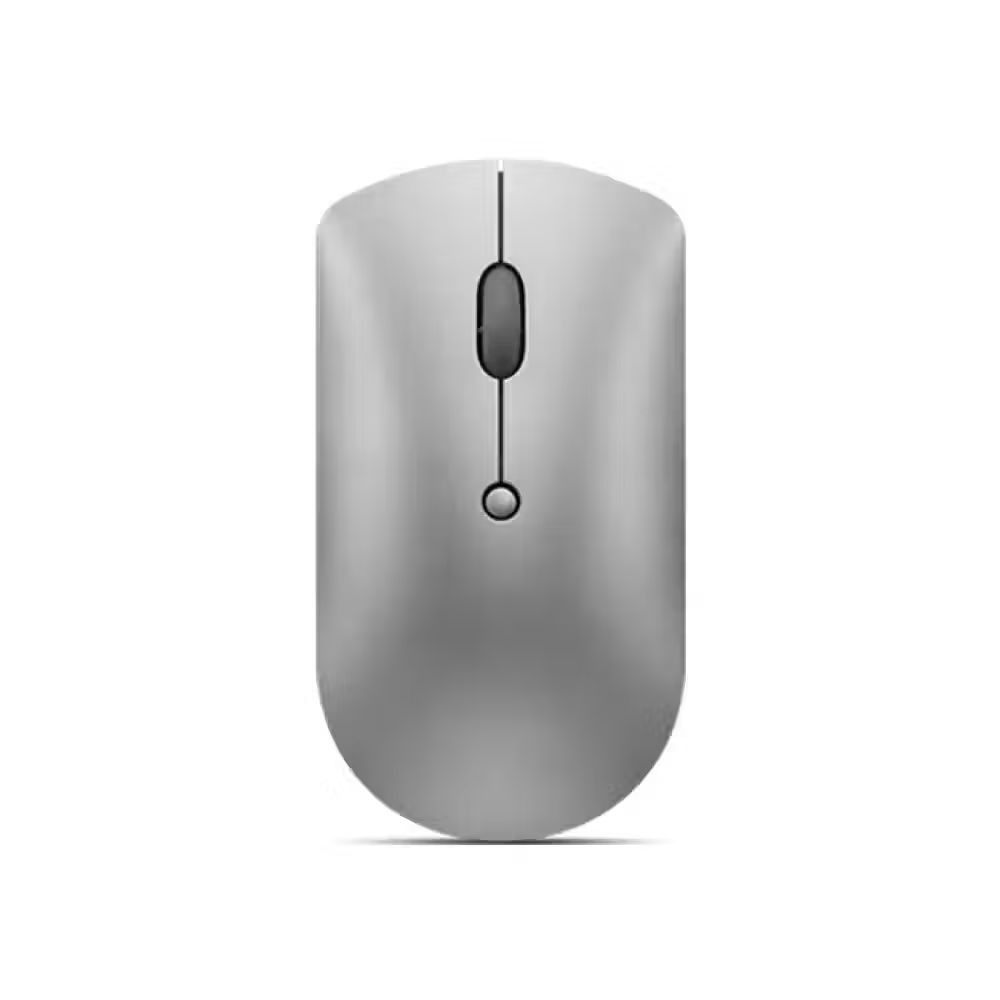
Lenovo 600 Bluetooth Silent Mouse - GY50X88832
- Wireless Wireless
- 2400 DPI
- 3
- For left hand; For right hand
21.50 €
24.00 €
Earn 21 points+21 p.
Available in external warehouse
-10%

A4 BLOODY P91 PRO RGB BLACK Gaming Mouse
- PixArt PMW3389
- 16000 DPI
- 5
- over 100 grams
21.50 €
24.00 €
Earn 21 points+21 p.
Available in external warehouse
-7%

ASUS WT425 Wireless 2.4GHz Red Wireless Mouse - 90XB0280-BMU030
- Wireless Wireless
- 1600 DPI
- 5
- For right hand
13.00 €
14.00 €
Earn 13 points+13 p.
Available in external warehouse
-10%

Gaming Mouse MSI CLUTCH GM41 LIGHTWEIGHT - S12-0401860-C54
- Optical
- 16000 DPI
- 6
- from 70 to 100 grams
36.00 €
40.00 €
Earn 36 points+36 p.
Available in external warehouse
-6%

Mouse Logitech M235 Wireless Optical Mouse 2.4GHz Red - 910-002496
- Wireless Wireless
- 1000 DPI
- 3
- For left hand; For right hand
17.00 €
18.00 €
Earn 17 points+17 p.
Available in external warehouse
Useful when choosing
The mouse is part of almost every movement in front of the computer, so a comfortable shape and accurate sensor save time and reduce strain on the hand. Here you will find compact travel mice, ergonomic and vertical models for long work, silent mice for the office, and models with many buttons for faster work.
How to choose
- Shape and size. A large mouse is more comfortable for the whole hand, while a small one is for fingertip grip and travel. Right-handed models have a curved shape, while symmetrical ones work for left-handed users as well.
- Ergonomics. Vertical mice and trackballs keep the wrist in a more natural position. They are a good solution for wrist pain or for many hours in front of the computer.
- Connection. Wired mice do not need batteries. Wireless ones work with a small USB receiver or Bluetooth, and some can switch between several computers.
- Buttons. Standard mice have three buttons. Models with six or more add buttons for forward and backward and freely programmable buttons for favorite commands.
- Weight. Lightweight mice under 70 grams are fast and suitable for gaming. Heavier ones stay more stable and provide more precise movement when working with details.
What to watch out for
- Silent buttons are useful in a shared office and at home in the evening.
- Check if the mouse charges with a cable or uses batteries and how long they last.
- On glass or glossy surfaces, use a pad – most sensors do not work well directly on it.
- If you work with two computers, a mouse with multiple channels saves you a second device.
- The fast-scrolling wheel is convenient for long documents and spreadsheets, while side scrolling is useful for wide tables and video editing.
- The size of the mouse should match your hand – a mouse that is too small strains the fingers, while one that is too large strains the wrist.
Compatibility
Mice work with Windows, macOS, Linux, and many tablets immediately after connection. The manufacturer's software is only needed if you want to program additional buttons or change sensitivity. For Bluetooth models, check if your computer has Bluetooth, and if not – choose a mouse with a USB receiver. For gaming, check out gaming mice, and for a complete set, add a keyboard.
Frequently Asked Questions
Каква мишка е подходяща при болки в китката?
Вертикалната мишка държи ръката в положение като при ръкостискане и намалява усукването на китката. Тракболът също е добър вариант, защото мишката стои на място и движиш само топчето. Добре е да избереш размер според дланта си и да я използваш заедно с пад с опора за китката.
Безжична мишка с приемник или с Bluetooth?
Мишката с USB приемник се свързва веднага и има много стабилна връзка. Bluetooth не заема USB порт и е удобен за лаптопи и таблети. Много модели поддържат и двата начина, така че можеш да използваш приемника с компютъра, а Bluetooth – с лаптопа.
Какво е DPI и колко ми трябва?
DPI показва колко далеч се движи курсорът при едно и също движение на мишката. За офис и обикновен монитор са достатъчни стойности около 1000–1600. По-високите стойности са полезни при големи монитори с висока резолюция и в игрите, където се настройват според личния стил.
Работи ли мишката с Mac?
Да, почти всички мишки работят с Mac веднага, като основните бутони и колелцето функционират без настройка. За допълнителните бутони може да ти трябва софтуерът на производителя, ако има версия за macOS. При Bluetooth моделите Mac разпознава мишката директно от настройките.
Има ли мишки за левичари?
Има симетрични мишки, които са еднакво удобни за лява и дясна ръка, както и модели, направени специално за лява ръка. Използвай филтъра „Ергономичност“, за да видиш само подходящите модели. При симетричните мишки страничните бутони често са и от двете страни.
