
Pads
6 products


HAMA Mouse Pad "Business", M, Gray
- HAMA
- Standard

HAMA Mouse Pad "Business", M, Black
- HAMA
- Standard
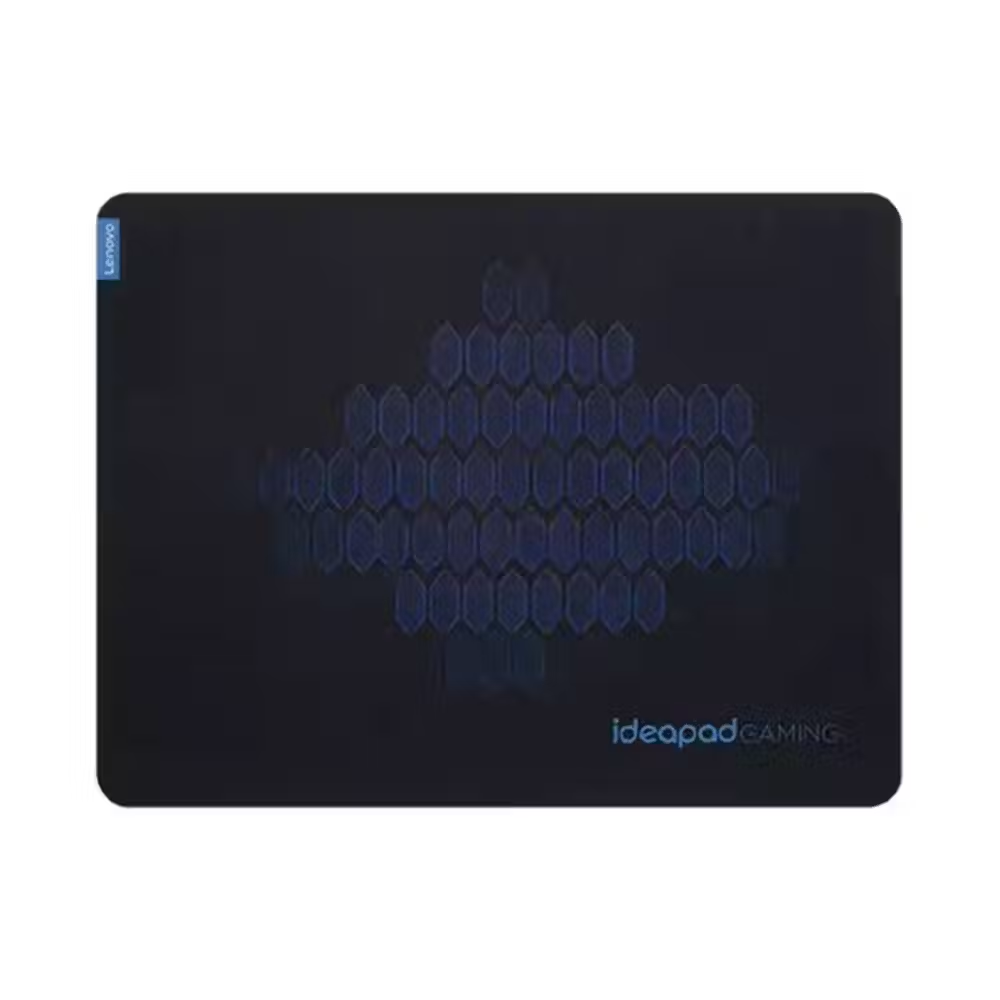
Lenovo Cloth Gaming Mouse Pad M - GXH1C97873
- Lenovo
- Gaming
- Textile
- No
- 2 mm

Mouse pad Hama "Business", XL, 126879
- HAMA
- Standard
- Textile
- 3 mm

HAMA mini mouse pad "Ergo", 126855
- HAMA
- Standard
- Textile

Notebook pad 3 in 1 HAMA, Protective and cleaning cloth
- HAMA
- Standard
- Textile
Useful when choosing
The mouse pad may seem like a small purchase, but it affects how accurately and smoothly the mouse moves and how much strain is put on the wrist. Here you can find small and large pads, models with wrist support, gaming mats, and extended pads that accommodate both the mouse and keyboard.
How to choose
- Size. The standard pad is sufficient for office use and for people who move the mouse with their wrist. If you move your whole arm or play at low sensitivity, choose a large pad. The extended XL and XXL models cover a large part of the desk.
- Surface. A dense textile surface provides more control and easier stopping. Smooth and fast pads are more suitable for quick movements in games. Plastic and leather pads are easier to clean.
- Thickness. Thin pads of 2–3 mm are stable and barely felt under the hand. Thicker ones absorb the unevenness of the desk and are softer on the wrist.
- Wrist support. Ergonomic pads with gel or foam keep the wrist at mouse level and reduce strain during long work sessions.
- Appearance. Besides the classic black and gray models, there are colorful pads, pads with artificial leather for a professional desk, and models with RGB lighting around the edge.
What to watch out for
- The rubber base prevents the pad from sliding on the desk – check it, especially on smooth surfaces.
- The stitched edges protect the textile pad from fraying and last longer.
- RGB pads are powered by a USB port and take up one of the free ports.
- The textile pad can be cleaned with lukewarm water and mild soap, but let it dry completely.
- The new pad may sometimes have a slight smell and creases from folding – leave it unfolded on the desk for a day or two and they will disappear.
Compatibility
The pads work with all optical and laser mice, wired and wireless. If you have a mouse with wireless charging, check if the pad is designed for that. Fast glass and hybrid surfaces sometimes require sensitivity adjustments for the mouse because the cursor moves differently. A large pad for the entire desk requires space for the keyboard, so measure the surface beforehand. Along with the new pad, check out mice, and for gaming – gaming pads.
