
Processors
15 products
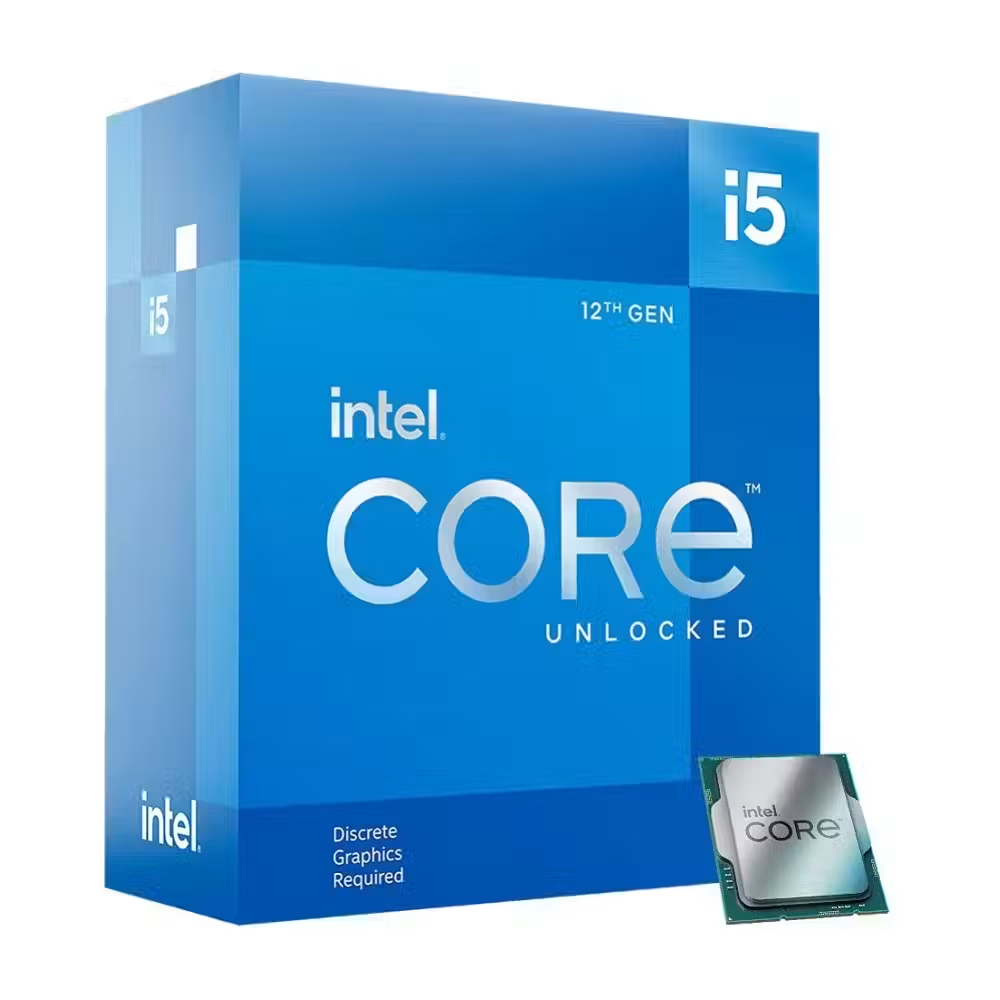
Intel Core i5-12600K Box Processor
- LGA 1700
- Intel Core i5
- 10
- 16
- Intel UHD Graphics 770 iGPU
235.00 €
Earn 235 points+235 p.
★★★★★
(0)
Delivery between 5-7 days
НАЙ-ПРОДАВАН

Intel Core i5-12600KF Box Processor
- LGA 1700
- Intel Core i5
- 10
- 16
- No
205.00 €
Earn 205 points+205 p.
★★★★★
(0)
Delivery between 5-7 days

Intel Core i5-12600KF Tray Processor - CM8071504555228
- LGA 1700
- Intel Core i5
- 10
- 16
- No
181.00 €
Earn 181 points+181 p.
★★★★★
(0)
Delivery between 5-7 days

Intel Core i9-12900K Box Processor
- LGA 1700
- Intel Core i9
- 16
- 24
- Intel UHD Graphics 770 iGPU
368.00 €
Earn 368 points+368 p.
★★★★★
(0)
Available in external warehouse
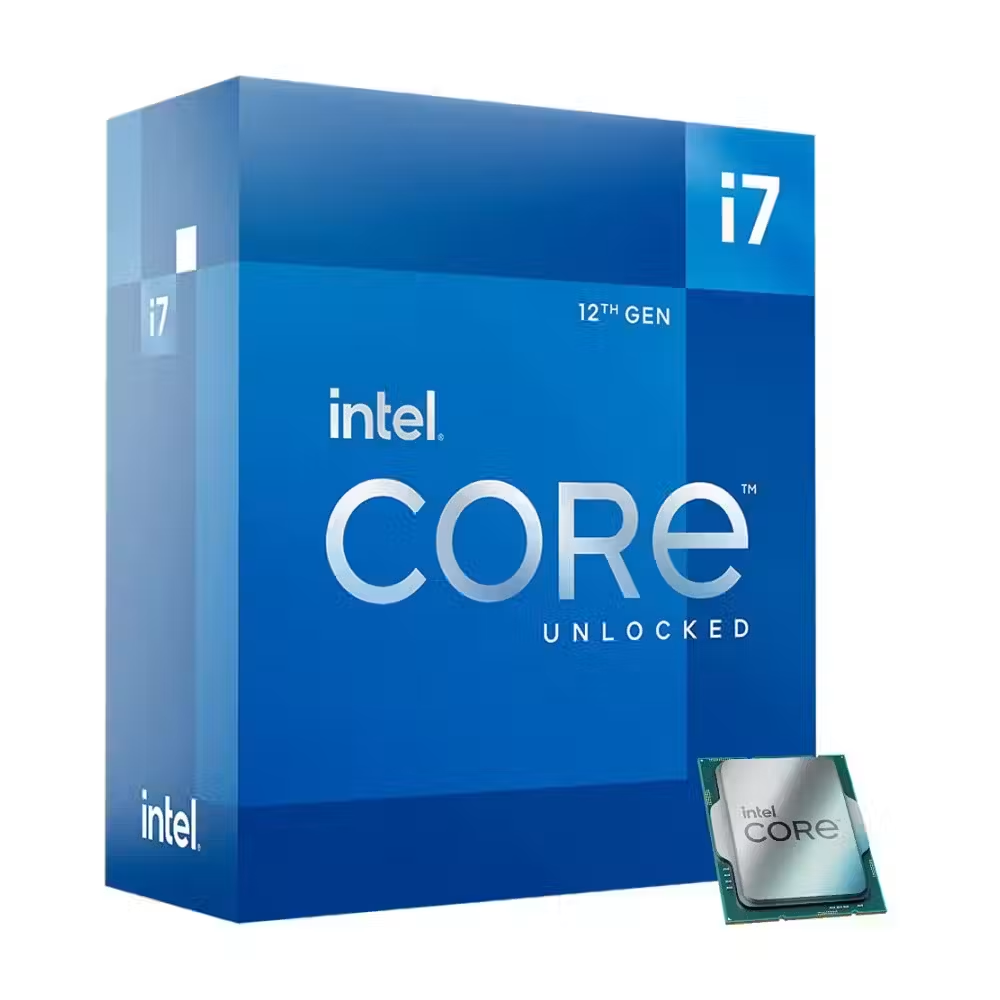
Intel Core i7-12700K Box Processor
- LGA 1700
- Intel Core i7
- 12
- 20
- Intel UHD Graphics 770 iGPU
318.00 €
Earn 318 points+318 p.
★★★★★
(0)
Delivery between 5-7 days

Intel Core i7-12700KF Box Processor
- LGA 1700
- Intel Core i7
- 12
- 20
- No
265.00 €
Earn 265 points+265 p.
★★★★★
(0)
Delivery between 5-7 days

Processor Intel Core i9-12900K Tray
- LGA 1700
- Intel Core i9
- 16
- 24
- No
386.00 €
Earn 386 points+386 p.
★★★★★
(0)
Delivery between 5-7 days

Intel Core i5-12600 Box Processor
- LGA 1700
- Intel Core i5
- 6
- 12
- Intel UHD Graphics 730 iGPU
288.00 €
Earn 288 points+288 p.
★★★★★
(0)
Available in external warehouse

Processor Intel Core i7-12700KF Tray
- LGA 1700
- Intel Core i7
- 12
- 20
- No
310.00 €
Earn 310 points+310 p.
★★★★★
(0)
Limited quantity

Processor Intel Core i9-12900KF Tray
- LGA 1700
- Intel Core i9
- 16
- 24
- No
357.00 €
Earn 357 points+357 p.
★★★★★
(0)
Delivery between 5-7 days
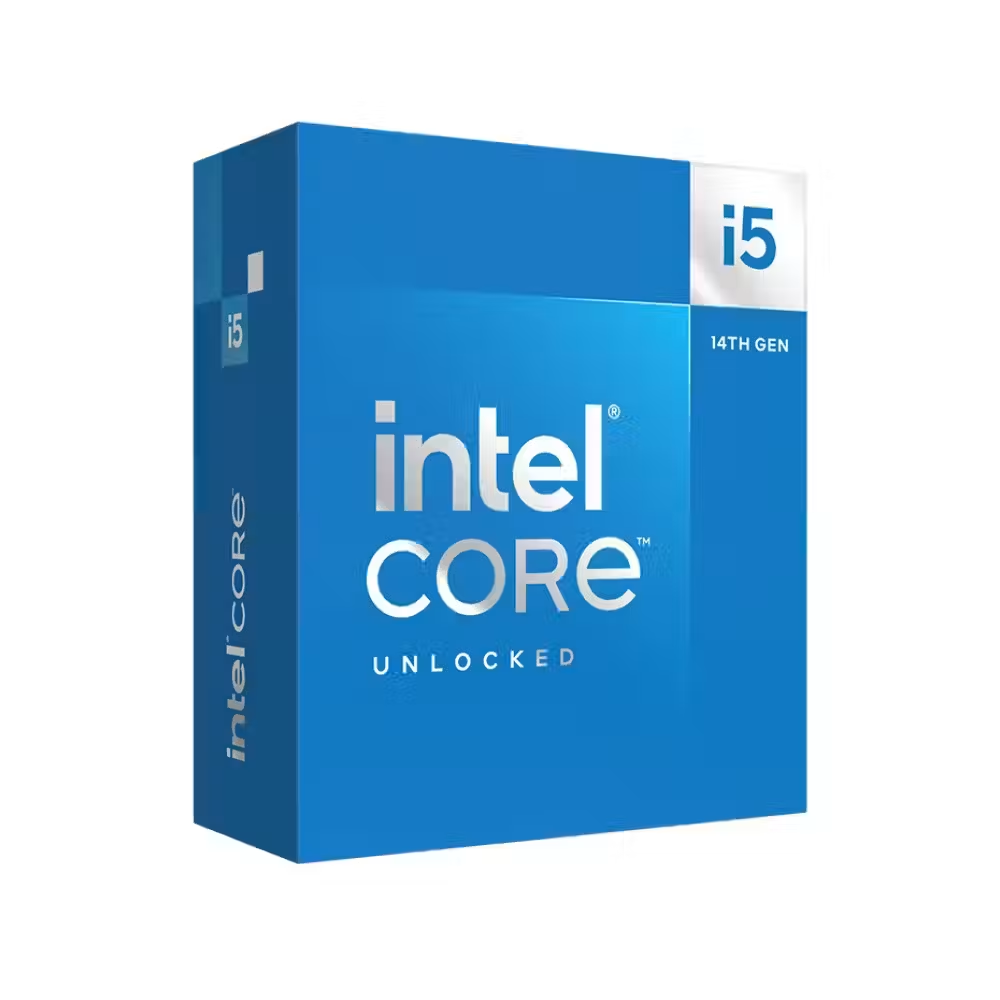
Processor Intel Core i5-14600KF Box - BX8071514600KFSRN42
- LGA 1700
- Intel Core i5
- 14
- 20
- No
311.00 €
Earn 311 points+311 p.
★★★★★
(0)
Delivery up to 15 days
НАЙ-ПРОДАВАН

Processor Intel Core i5-14600K Box - BX8071514600KSRN43
- LGA 1700
- Intel Core i5
- 14
- 20
- Intel UHD Graphics 770 iGPU
271.00 €
Earn 271 points+271 p.
★★★★★
(0)
Available in external warehouse

Processor Intel Core i5-13600KF Tray - BX8071513600KF
- LGA 1700
- Intel Core i5
- 14
- 20
- No
287.00 €
Earn 287 points+287 p.
★★★★★
(0)
Available in external warehouse

Processor Intel Core i5-14600K Tray - INB71514600KSRN43
- LGA 1700
- Intel Core i5
- 14
- 20
- Intel UHD Graphics 770 iGPU
268.00 €
Earn 268 points+268 p.
★★★★★
(0)
Delivery between 5-7 days

Intel Core i5-14600KF Tray - CM8071504821014
- LGA 1700
- Intel Core i5
- 14
- 20
- No
250.00 €
Earn 250 points+250 p.
★★★★★
(0)
Available in external warehouse
Useful when choosing
The processor determines how quickly the entire computer responds – from opening programs to frames in games and video export time. Here you will find models from AMD and Intel – from economical processors for office use to multi-core models for workstations and servers.
How to choose
- Number of cores. For office and browsing, 4–6 cores are sufficient. For gaming, the most reasonable choice is 6–8 fast cores. Video editing, 3D, and compiling use 12, 16, or more cores.
- Series. Ryzen 3 and Core i3 are for everyday work, Ryzen 5 and Core i5 – for most gamers, Ryzen 7/9 and Core i7/i9 – for heavy tasks and high frames. Threadripper and Epyc are for workstations and servers.
- The socket. It determines which motherboard you need. New platforms like AM5 and LGA 1851 work with DDR5 and allow for future upgrades.
- Frequency and cache. Higher frequency speeds up programs that use few cores, while a large cache is particularly helpful in games. Therefore, a processor with fewer cores but more cache can be faster in games than a more expensive multi-core model.
- Future-proofing. If you plan to install a more powerful processor in a few years, choose a socket that the manufacturer still supports with new generations. This way, you will only need to change the processor without changing the motherboard and memory.
- Integrated graphics. Many models do not have this. Without it, you will definitely need a separate graphics card; otherwise, there will be no display.
What to watch out for
- Many processors are sold without a cooler in the box – check this and add a cooler if necessary.
- Powerful models heat up a lot and require good air or water cooling; otherwise, they will throttle their frequency.
- An older motherboard with a compatible socket may require a BIOS update for the new processor.
- Power consumption (TDP) indicates how much heat the processor will generate and what cooler to choose.
Compatibility
The processor must match the socket with the motherboard, and the motherboard determines the type of memory – DDR4 or DDR5. The cooler must also support the socket. Check the power supply capacity for high-end models. If you are building a new computer, the configurator shows only compatible parts.
Frequently Asked Questions
Какъв процесор е подходящ за игри?
За повечето игри най-добрият избор е 6- или 8-ядрен процесор от последните поколения – Ryzen 5/7 или Core i5/i7. Процесорите на AMD с допълнителен кеш (с X3D в името) са особено силни в игрите. Повече ядра почти не вдигат кадрите, затова вложи останалия бюджет във видео картата.
Какво означава, че процесорът няма охладител?
Това значи, че в кутията има само процесор и трябва да купиш охладител отделно. Обикновено така се продават по-мощните модели, защото повечето купувачи и без това слагат по-добро охлаждане. В характеристиките на всеки продукт е посочено дали има охладител в комплекта.
AMD или Intel?
И двете марки имат добри процесори във всеки клас. AMD е силна в игрите с X3D моделите и предлага дълга поддръжка на сокет AM5. Intel има добри модели за смесена работа и често по-силна вградена графика при процесорите без суфикс F. Избери по задачите си и по платформата, която искаш да ъпгрейдваш.
Мога ли да сложа нов процесор в старата си дънна платка?
Само ако сокетът и чипсетът го поддържат. Например AM4 платките работят с процесори Ryzen от няколко поколения, но често се налага обновяване на BIOS. Провери списъка с поддържани процесори на сайта на производителя на платката. Ако сокетът е различен, трябва нова платка, а често и нова памет.
Трябва ли ми процесор с вградена графика?
Ако ще слагаш отделна видео карта, не е задължително. Вградената графика обаче помага при проблем с картата, защото пак ще имаш картина, и е достатъчна за офис, филми и леки игри. Процесорите на Intel с F в името и част от моделите на AMD нямат вградена графика.

