
Routers
10 products


Router Mikrotik A42G-HbeP HAP be Lite L4
- MikroTik
- Wi-Fi 7
- 2.4 GHz; 5 GHz
- 24 months

ASUS ExpertWiFi EBR63 AX3000 WiFi 6 Wireless Router
- ASUS
- Wi-Fi 6
- 4 x RJ-45 10/100/1000
- 36 months

ASUS ZenWiFi BD4 White AX3600 Whole-Home Mesh WiFi 7 (802.11be), MU-MIMO, OFDMA, Ai Mesh Wireless MESH System
- ASUS
- Wi-Fi 7
- 2.4 GHz; 5 GHz
- 24 months

Gateway Ubiquiti UXG-Max UniFi
- Ubiquiti
- No WiFi
- 12 months

Wireless MESH system Cudy M3000, 3 pcs, AX3000 Dual Band, 2.4/5 GHz, 574 - 2402 Mbps
- Cudy
- Wi-Fi 6
- 24 months

TENDA I24 /AP 2 GBPS
- TENDA
- Wi-Fi 5
- 2.400-2.4835GHz,5.150-5.250GHz
- 24 months

TENDA AC10 WL GB AC1200 Wireless Router
- TENDA
- Wi-Fi 5
- 5 GHz
- 3 x RJ-45
- 24 months
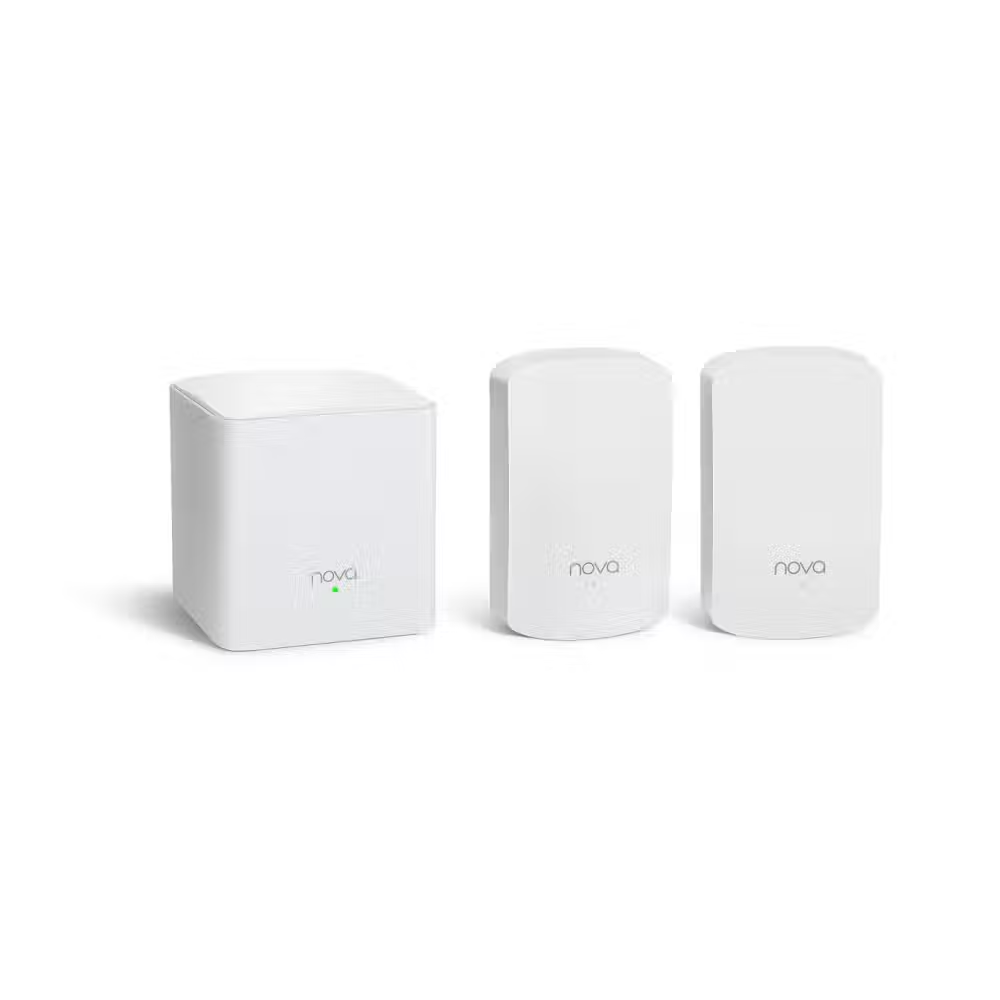
TENDA MW5G Wireless Mesh System (3-PACK) AC1200
- TENDA
- Wi-Fi 5
- 5 GHz
- 2 x RJ-45
- 24 months
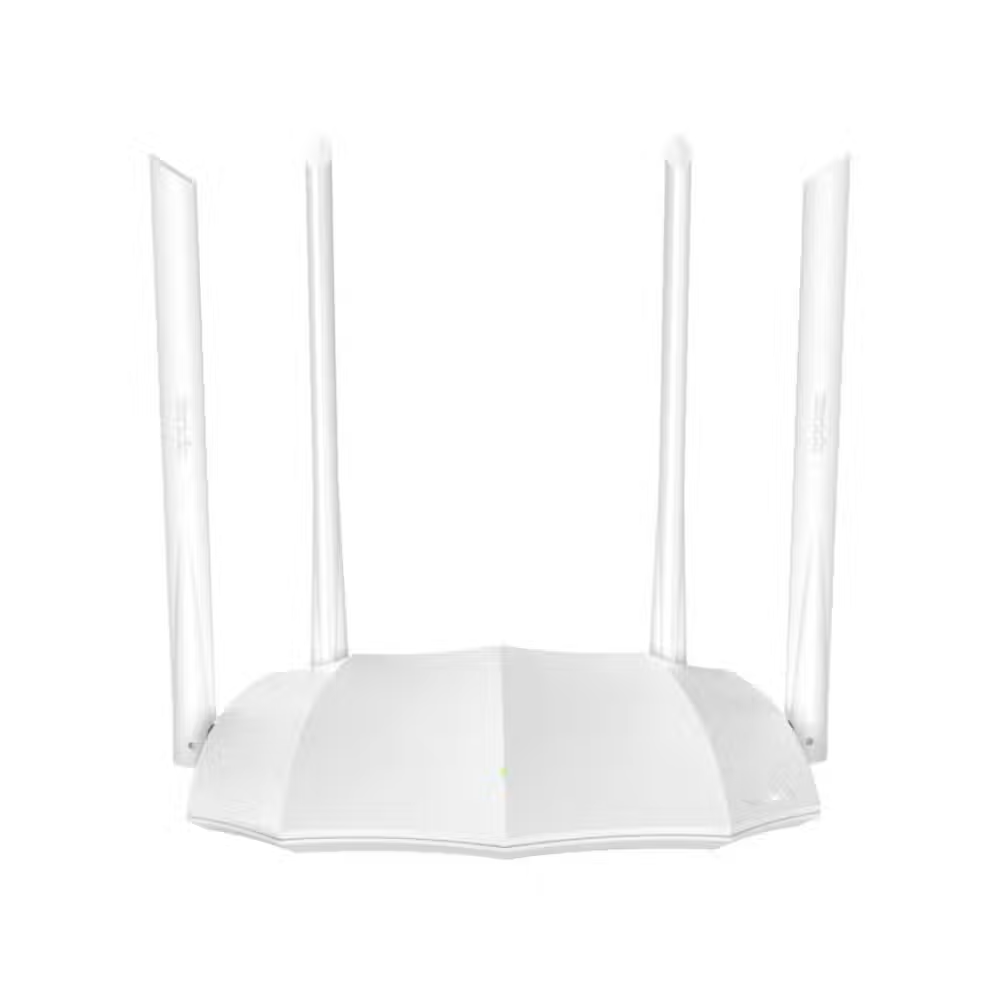
TENDA AC5 AC1200 V3.0 Smart Dual-Band WiFi Router
- TENDA
- Wi-Fi 5
- 5 GHz
- 4 x RJ-45
- 24 months

Wireless router TENDA AC8 WL GB AC1200 ROUTER
- TENDA
- Wi-Fi 5
- 5 GHz
- 4 x RJ-45
- 24 months
Useful when choosing
The router is the heart of the home network – it determines the speed, stability, and range of the internet in every room. Here you will find routers for small apartments and large houses, mesh systems for even coverage, gaming routers, models with 4G for places without wired internet, and professional routers for offices.
How to choose
- The Wi-Fi standard. Wi-Fi 5 is sufficient for smaller homes with a few devices. Wi-Fi 6 performs better with many phones, TVs, and smart devices simultaneously. Wi-Fi 6E and Wi-Fi 7 add the 6 GHz frequency and provide the highest speed with new devices.
- The coverage. For an apartment, usually one good router is enough. For a multi-story house or a long apartment, a mesh system with two or three points provides an even signal everywhere.
- The ports. Gigabit ports are the minimum today. If your internet is faster than 1 Gbps or you have a NAS, look for a port of 2.5 or 10 Gbps. The USB port allows sharing a disk or printer on the network.
- The additional features. QoS prioritizes gaming and video calls, parental control limits children's access, and the VPN server allows secure access to the home network from outside.
- Mobile internet. Routers with a 4G SIM card slot provide internet at the cottage or as a backup connection in the office.
What to watch out for
- Check if your internet provider requires specific settings or their own device.
- Place the router in an open and central location, away from metal cabinets and microwave ovens.
- Regularly update the firmware – this closes security vulnerabilities.
- Change the factory password for administration and the network immediately after installation.
- The manufacturer's mobile app makes the initial setup and monitoring much easier.
Compatibility
Routers work with all devices, and the new standards are backward compatible – older phones and laptops connect without issues, just at a lower speed. For full speed on Wi-Fi 6 or 7, your device must also support them – an old computer can be upgraded with a new WiFi adapter. If your internet provider has given you their own router, you can leave it just as a modem and connect the link to the new router. If you need more wired ports, add a switch, and for distant rooms – an access point.
