

Thermal pastes and thermal pads
114 products


Graphics Card Sensor Thermal Grizzly WireView Pro II Noctua Edition Reversed GPU 12V-2x6
- Thermal Grizzly
- 1pc
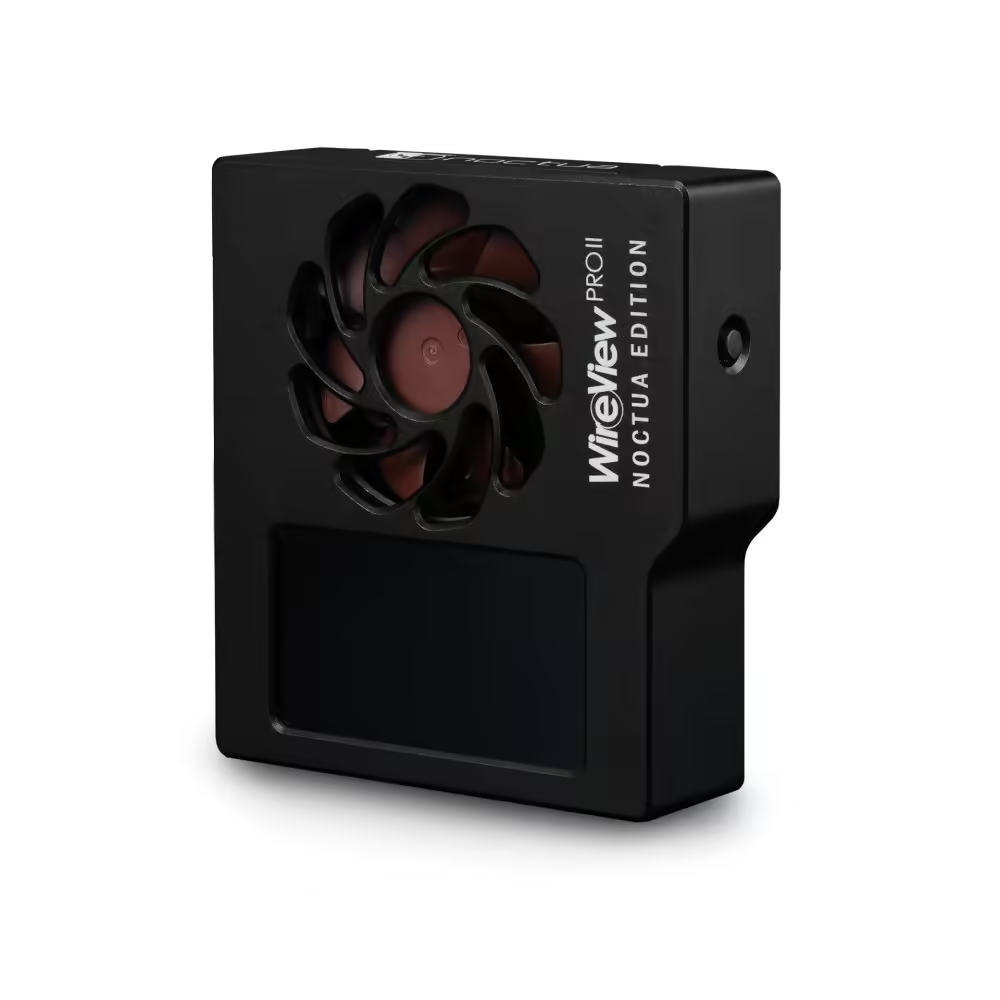
Graphics Card Sensor Thermal Grizzly WireView Pro II Noctua Edition GPU 12V-2x6 - Black
- Thermal Grizzly
- 1pc

Thermal paste Thermal Grizzly - Duronaut Pro 6g
- Thermal Grizzly
- 12.5 W/mk


Thermal Paste Thermal Grizzly Duronaut Pro - 30g
- Thermal Grizzly

Thermal paste Thermal Grizzly Hydronaut Pro - 30g
- Thermal Grizzly
- 30g

Thermal Paste Thermal Grizzly Hydronaut Pro - 6g
- Thermal Grizzly
- 6g

Thermal paste Thermal Grizzly Hydronaut Pro - 2g
- Thermal Grizzly
- 2g

Thermal Paste Thermal Grizzly Duronaut 30g
- Thermal Grizzly
- 12.5 W/mk

Thermal paste Thermal Grizzly Kryonaut Extreme, 6g, Black
- Thermal Grizzly
- 6g
- 14.2 W/mk

Thermal Grizzly WireView Pro II GPU 12V-2x6 Reversed Sensor - Black
- Thermal Grizzly
- 1g

Graphics card sensor Thermal Grizzly WireView Pro II GPU 12V-2x6 - White
- Thermal Grizzly
- 1g

Graphics card sensor Thermal Grizzly WireView Pro II GPU 12V-2x6 Reversed - White
- Thermal Grizzly
- 1g

Thermal Grizzly Putty Basic Thermal Paste - 30g
- Thermal Grizzly
- Thermal paste
- 30g

Thermal pad Thermal Grizzly Minus Pad High Compression, 120 x 100 x 2.0 mm - 2 pcs.
- Thermal Grizzly
- Thermal pad
- -
- 120 x 100 x 2.0 mm
- 2.0 mm
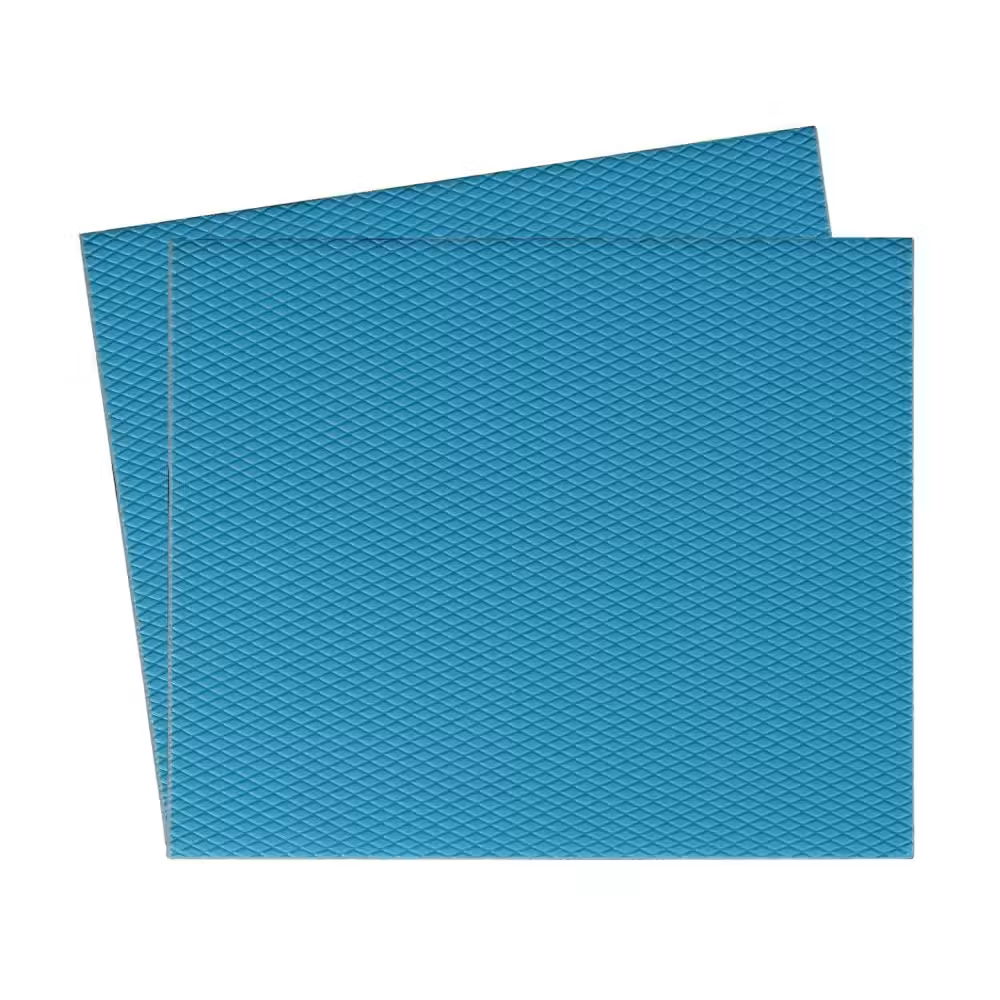
Thermal pad Thermal Grizzly Minus Pad High Compression, 120 x 100 x 3.0 mm - 2 pcs.
- Thermal Grizzly
- Thermal pad
- -
- 120 x 100 x 3.0 mm
- 3.0 mm

Thermal paste Arctic MX-7 Thermal Compound 4gr with 6pcs MX Cleaner - ACTCP00092A
- Arctic
- Thermal paste
- 4g

Thermal paste Arctic MX-7 Thermal Compound 2gr
- Arctic
- Thermal paste
- 2g

Thermal paste Arctic MX-7 Thermal Compound 4gr - ACTCP00090A
- Arctic
- Thermal paste
- 4g
Useful when choosing
Thermal paste and thermal pads fill the microscopic imperfections between the chip and the cooler and allow heat to transfer quickly. Without them, even the most expensive cooler cannot lower the temperature. Here you will find thermal pastes in syringes for processors and video cards, thermal pads of various thicknesses for memory and power elements, as well as cleaning agents for old paste.
How to choose
- Thermal conductivity. It is measured in W/mK. Values between 6 and 12 W/mK are more than sufficient for most systems, while pastes for enthusiasts and overclocking provide a few degrees lower temperature.
- Quantity. For one application on a processor, you need a pea-sized amount of paste. A 1–2 g syringe is enough for several builds, while larger packages are for service centers and frequent changes.
- Paste or pad. The paste is for the processor and the chip of the video card. Thermal pads are for the memory of the video card, power elements, and M.2 drives, where the distance to the radiator is greater.
- Thickness of the pad. The pad should be exactly the thickness of the original – from 0.5 to 3 mm. A thinner pad does not contact the chip, while a thicker one raises the radiator from the main chip.
- Electrical conductivity. Ordinary pastes do not conduct electricity and are safe. Liquid metal is the most effective but conducts electricity and requires experience in application.
What to watch out for
- Before application, clean the old paste with isopropyl alcohol or a special cleaner.
- Too much paste is not better – excess just spills over the edges.
- When changing pads on a video card, note the thickness of each original pad.
- The paste dries out over the years – for an older computer, changing it often noticeably lowers temperatures.
- Keep the syringe closed after use to prevent the residue from drying out.
Compatibility
Thermal pastes work with any processor and any cooler, regardless of brand. Many coolers come with pre-applied paste, but each time you remove it, you need to apply new paste. Choose thermal pads by thickness and size according to where you will place them. For mounting brackets and other parts, see cooling accessories.