
Hard drives
82 products

WD Red Pro hard drive, 4TB NAS, 3.5", 256MB, 7200RPM - WD4006FFBX
- NAS
- 3.5"
- 4TB
- 7200 rpm
322.00 €
Earn 322 points
★★★★★
(0)
Delivery up to 15 days
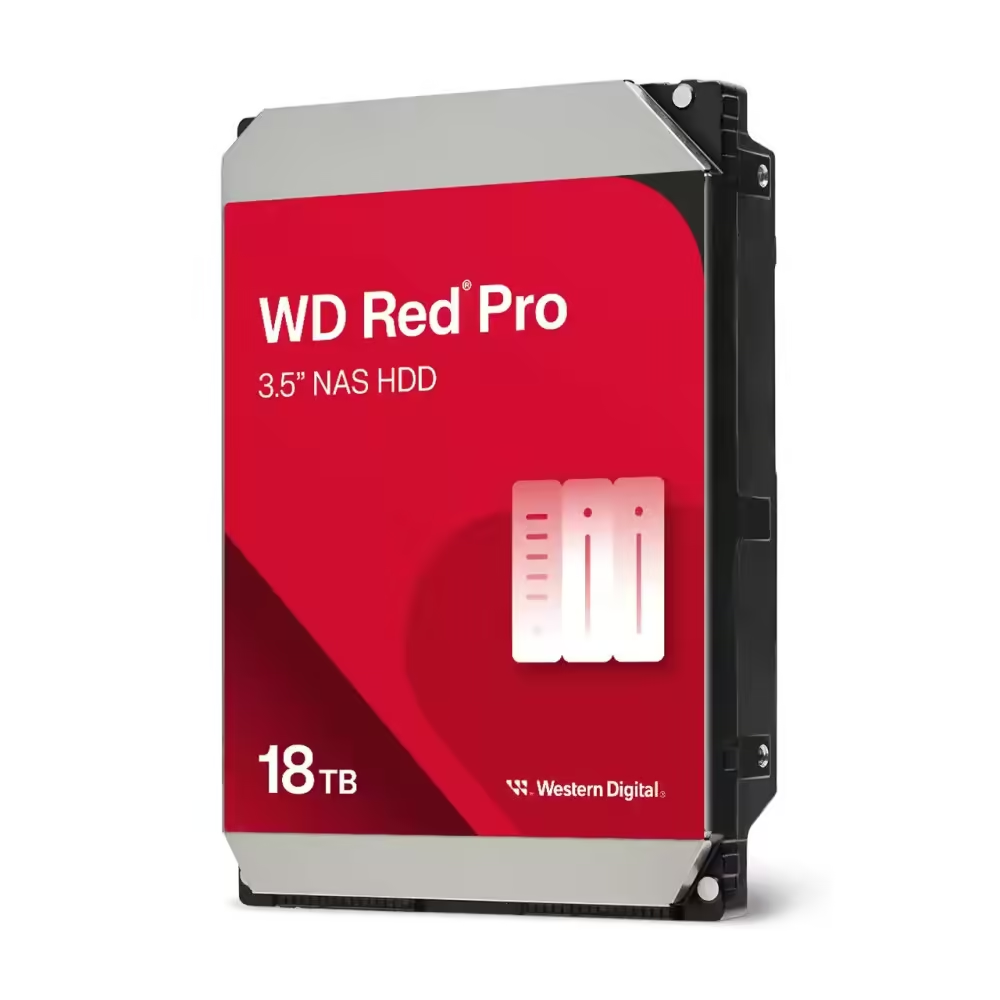
Hard drive WD Red Pro, 18TB NAS, 3.5", 512MB, 7200RPM, WD181KFGX
- NAS
- 3.5"
- 18TB
- 7200 rpm
950.00 €
Earn 950 points
★★★★★
(0)
Available in external warehouse

Hard drive SYNOLOGY HAT5320 NAS 20TB SATA 3.5", 7200 RPM
- NAS
- 3.5"
- 20TB
- 7200 rpm
1 246.00 €
Earn 1246 points
★★★★★
(0)
Available in external warehouse
SYNOLOGY HAT5300 NAS Hard Drive 12TB SATA 3.5", 7200 RPM
- NAS; Server
- 3.5"
- 12TB
- 7200 rpm
888.00 €
Earn 888 points
★★★★★
(0)
Available in external warehouse

SYNOLOGY HAT5320 NAS Hard Drive 4 TB SATA 3.5", 7200 RPM
- NAS
- 3.5"
- 4TB
- 7200 rpm
447.00 €
Earn 447 points
★★★★★
(0)
Available in external warehouse

Hard drive Toshiba MG11ACA18TE, 18TB, 7200 RPM, 1024 MB, 3.5", Serial ATA III - 100900623
- Server
- 3.5"
- 18TB
- 7200 rpm
992.00 €
Earn 992 points
★★★★★
(0)
Delivery up to 15 days

WD Gold Enterprise hard drive, 14TB, 512MB Cache, SATA3, WD142KRYZ
- Desktop; Server
- 3.5"
- 14TB
- 7200 rpm
768.00 €
Earn 768 points
★★★★★
(0)
Available in external warehouse

Hard Drive WD HDD Blue WD80EAAZ - 8 TB - 3.5" - SATA 6 GB/s
- Desktop
- 3.5"
- 8TB
- 5640 rpm
415.00 €
Earn 415 points
★★★★★
(0)
Delivery between 5-7 days
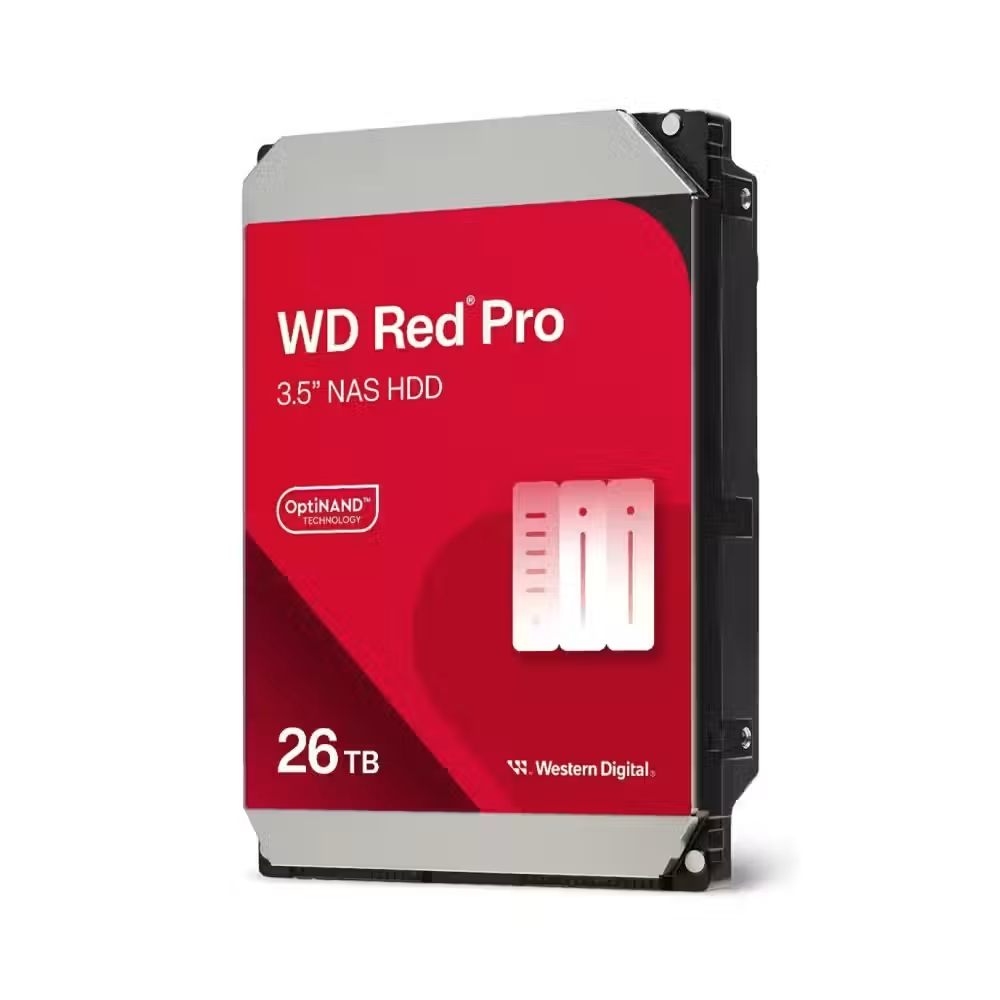
Hard drive WD Red Pro, 26TB NAS, 3.5", 512MB, 7200RPM, WD260KFGX
- Desktop; NAS
- 3.5"
- 7200 rpm
1 970.00 €
Earn 1970 points
★★★★★
(0)
Delivery up to 15 days
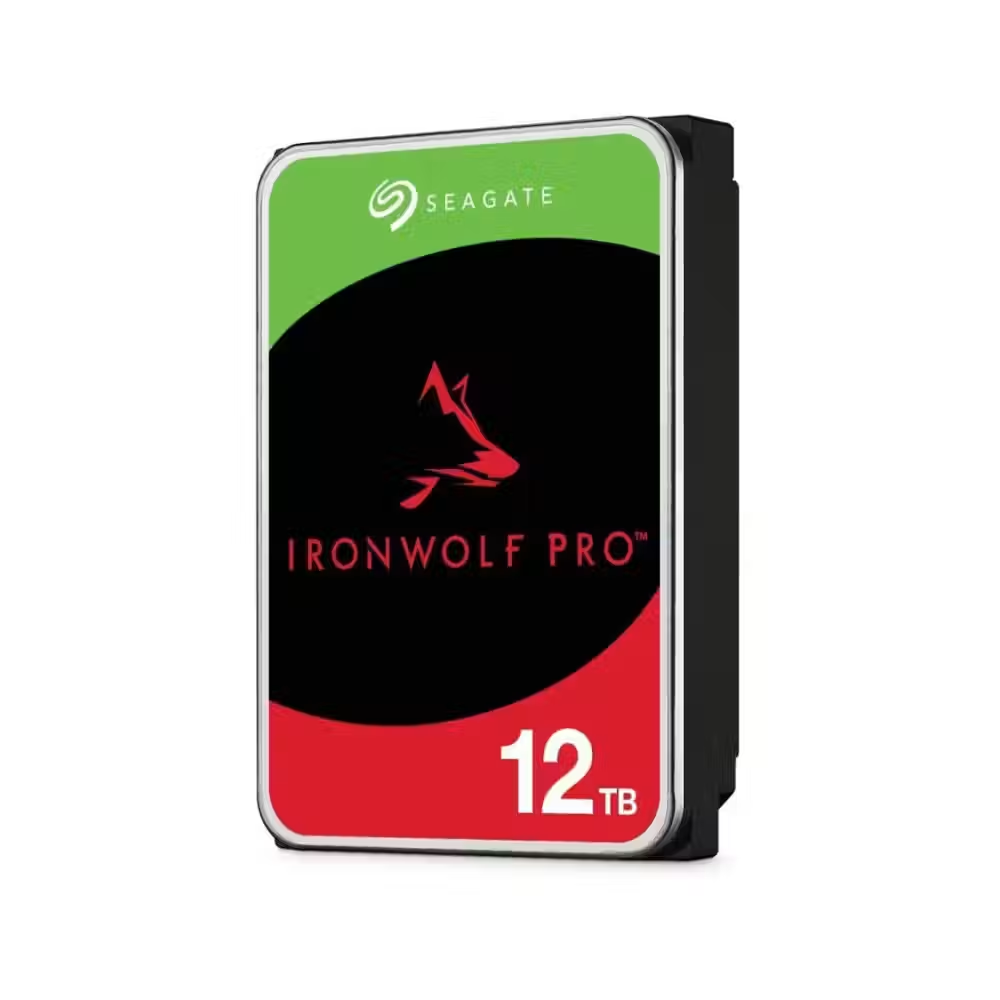
Hard drive SEAGATE IronWolf PRO ST12000NT001, 12TB, 256MB Cache, SATA 6.0Gb/s
- NAS
- 3.5"
- 12TB
- 7200 rpm
612.00 €
Earn 612 points
★★★★★
(0)
Delivery between 5-7 days

Hard Drive Seagate Skyhawk AI ST16000VE005 16TB 3.5", 7200RPM, 512MB, SATA3
- Desktop
- 3.5"
- 16TB
- 7200 rpm
978.00 €
Earn 978 points
★★★★★
(0)
Limited quantity

Hard drive WD ULTRASTAR DC HC555 Server, 20TB, 3.5", 512MB, 7200RPM, SATA 6Gb/s, 512E SE NP3 - WUH722020CLE6L4
- Server
- 3.5"
- 20TB
- 7200 rpm
1 315.00 €
Earn 1315 points
★★★★★
(0)
Limited quantity

Hard drive Seagate IronWolf 4TB Pro 3.5", 256MB, 7200 RPM, SATA 6Gb/s - ST4000NT001
- NAS
- 3.5"
- 4TB
- 7200 rpm
257.00 €
Earn 257 points
★★★★★
(0)
Limited quantity

Hard drive WD Red Plus 10TB SATA 6Gb/s 3.5" HDD - WD100EFGX
- NAS
- 3.5"
- 10TB
- 5400 rpm
502.00 €
Earn 502 points
★★★★★
(0)
Available in external warehouse
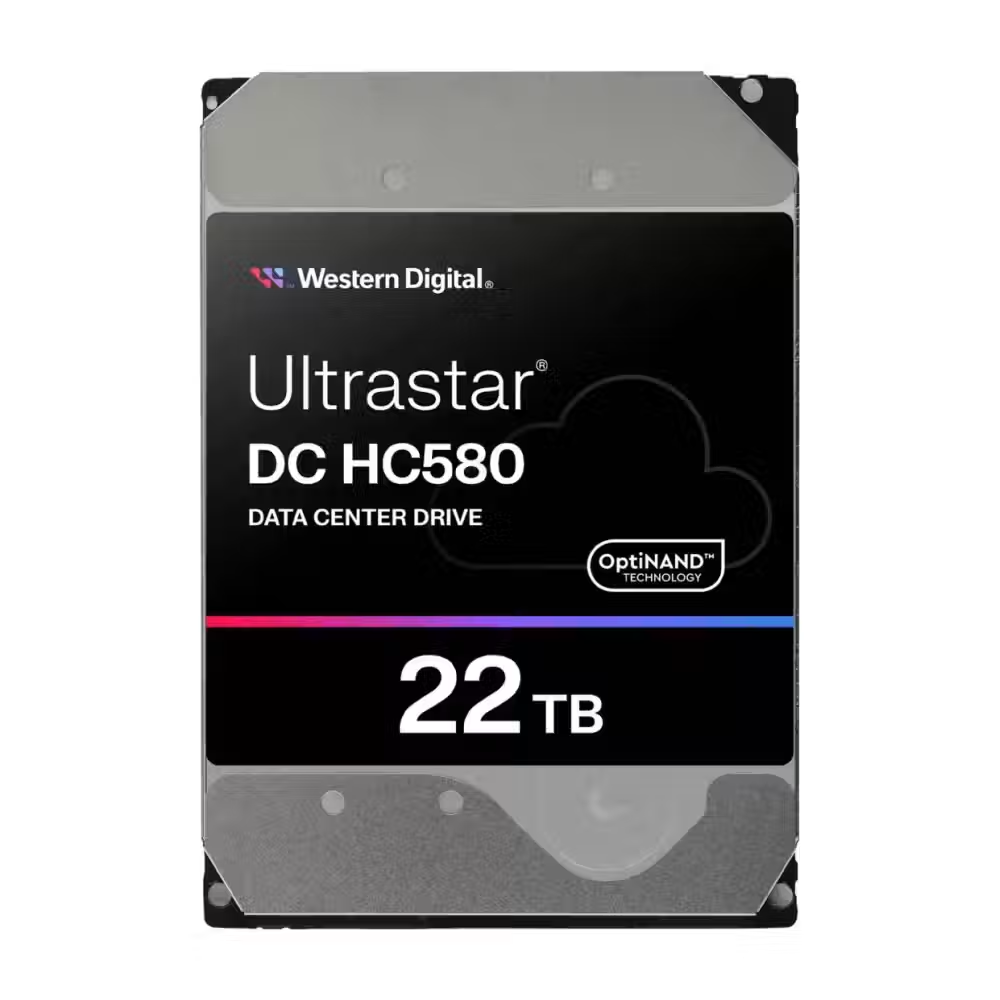
WD Ultrastar DC HC580 22TB Hard Drive, 3.5", 7200rpm, 512MB SATA3 6Gb/s - WUH722422ALE6L4
- Server
- 3.5"
- 22 TB
- 7200 rpm
1 463.00 €
Earn 1463 points
★★★★★
(0)
Limited quantity

Hard drive Seagate BarraCuda 20TB 3.5" 7200rpm SATA3 6Gb/s 512MB - ST20000DM001
- Desktop
- 3.5"
- 20TB
- 7200 rpm
824.00 €
Earn 824 points
★★★★★
(0)
Delivery up to 15 days

Hard drive Ubiquiti UACC-HDD-E-24TB Enterprise 24TB, 3.5", SATA3 6Gb/s, NAS, 7200rpm - UACC-HDD-E-24TB
- NAS
- 3.5"
- 24TB
- 7200 rpm
1 379.00 €
Earn 1379 points
★★★★★
(0)
Delivery up to 15 days

Hard Drive WD Purple 4TB SATA HDD 3.5" 128MB Cache - WD44PURZ
- Monitoring
- 3.5"
- 4TB
216.00 €
Earn 216 points
★★★★★
(0)
Available in external warehouse

Hard drive WD Red Plus, 12TB NAS, 3.5", 512MB, 7200RPM - WD120EFGX
- NAS
- 3.5"
- 12TB
- 7200 rpm
593.00 €
Earn 593 points
★★★★★
(0)
Available in external warehouse

Hard disk WD Blue 4TB, 5400rpm 256MB, SATA3 - WD40EZZX
- Desktop
- 3.5"
- 4TB
- 5400 rpm
213.00 €
Earn 213 points
★★★★★
(0)
Delivery between 5-7 days
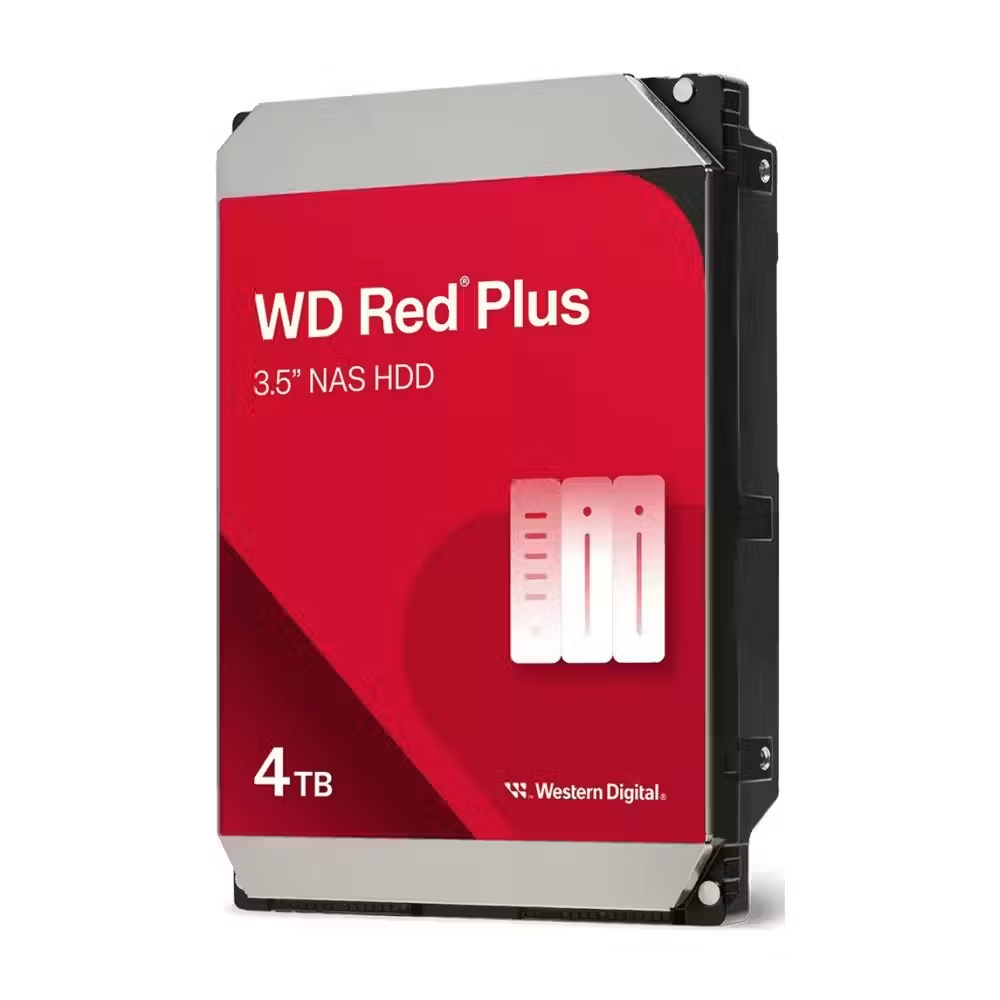
Hard drive WD Red Plus, 4TB NAS, 3.5", 128MB, 5400RPM - WD40EFZZ
- NAS
- 3.5"
- 4TB
- 5400 rpm
235.00 €
Earn 235 points
★★★★★
(0)
Available in external warehouse
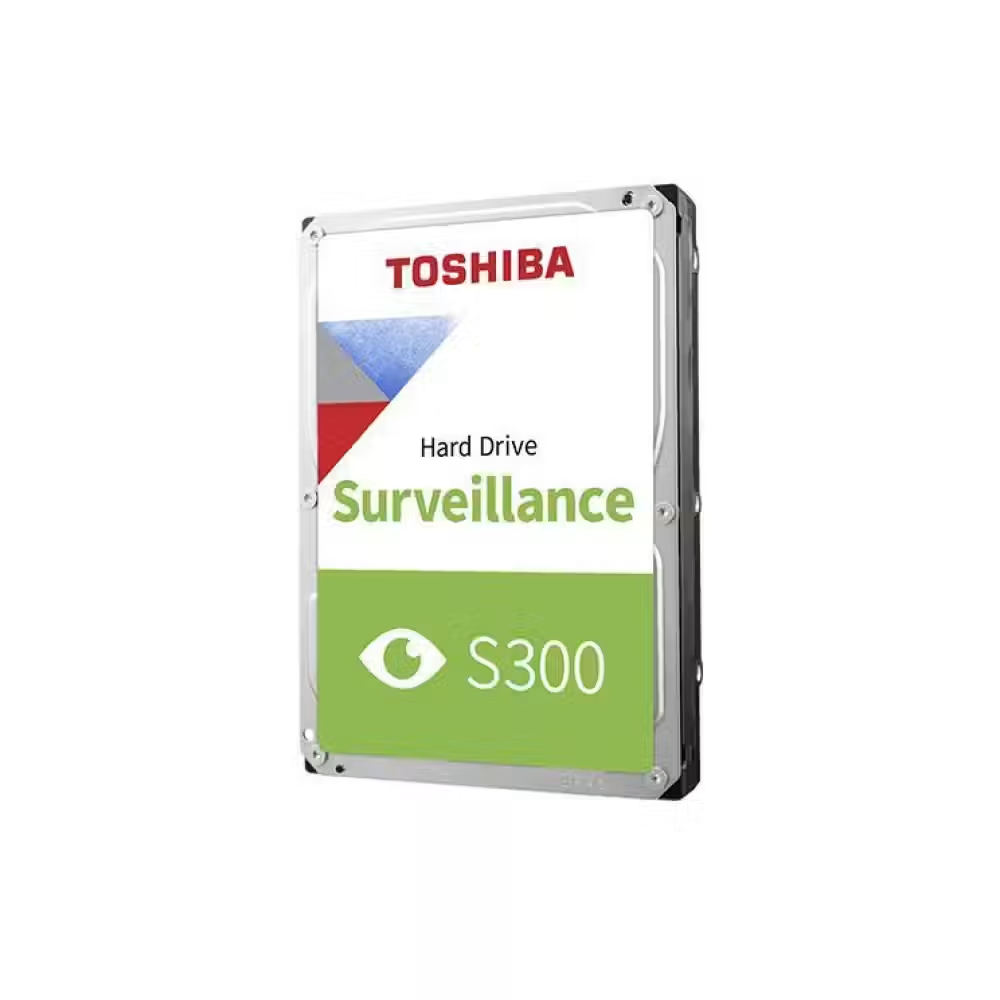
Hard disk TOSHIBA Surveillance S300, 6TB, 5400/5700rpm, 256MB, SATA 3
- Server
- 3.5"
- 6TB
- 7200 rpm
346.00 €
Earn 346 points
★★★★★
(0)
Delivery up to 15 days

Hard Drive SYNOLOGY HAT3320 NAS 8TB Plus Series SATA 3.5" - HAT3320-8T
- NAS
- 3.5"
- 8TB
- 7200 rpm
527.00 €
Earn 527 points
★★★★★
(0)
Available in external warehouse

Hard drive WD Purple Pro 8TB 7200rpm 256MB WD8002PURP
- Monitoring
- 3.5"
- 8TB
- 7200 rpm
464.00 €
Earn 464 points
★★★★★
(0)
Available in external warehouse
Useful when choosing
A hard drive is the most economical way to store a lot of data – photos, videos, archives, and backups. Here you will find 3.5-inch drives for desktop computers, NAS, and video surveillance, 2.5-inch models for laptops, and server drives for continuous operation.
How to choose
- The purpose. Desktop drives are for general use. NAS models are designed for 24/7 operation in network storage. Video surveillance drives are optimized for continuous recording from cameras, while server drives are for high loads.
- The capacity. There are drives from 1 TB to 20 TB and more. Get one with a reserve – data grows faster than you expect, and a larger drive is more cost-effective per terabyte.
- The RPM. Drives with 7200 rpm are faster, while those with 5400–5900 rpm are quieter and cooler. For archiving and surveillance, the slower ones are perfectly adequate.
- The size. 3.5 inches is the standard for desktop computers and storage, while 2.5 inches is for laptops and compact devices.
- The cache and warranty. A larger cache helps when working with many small files. NAS and server drives usually have a longer warranty and a higher allowable annual write volume.
What to watch out for
- A hard drive is slow for an operating system – for that, choose an SSD.
- SAS drives work only with controllers and servers that support them.
- For NAS, choose drives designed for NAS – they withstand the vibrations of multiple drives together.
- Keep a backup of important data in a second location.
- Mount the drive securely and away from vibrations – shocks during operation are dangerous for the mechanics.
- The new drive must be initialized and formatted in Windows before it appears in “This PC.”
Compatibility
Standard drives connect via SATA to the motherboard and power supply. In a desktop computer, look for a free 3.5-inch slot in the case. If you want to carry the drive with you, place it in an external enclosure or choose a ready-made external drive. For the system and programs, combine a large hard drive with a fast M.2 SSD.
Frequently Asked Questions
Твърд диск или SSD?
SSD е много по-бърз и е задължителен за операционната система и програмите. Твърдият диск е по-изгоден, когато ти трябват много терабайти за снимки, видео и архиви. Най-доброто решение за повечето компютри е SSD за системата и голям твърд диск за съхранение.
Какво е NAS диск?
Това е твърд диск, направен за мрежови хранилища, които работят денонощно и съдържат няколко диска един до друг. Тези дискове понасят по-добре вибрациите и постоянната работа и имат по-дълга гаранция. За настолен компютър обикновеният диск е достатъчен, но и NAS диск ще работи без проблем.
Мога ли да ползвам обикновен диск за видеонаблюдение?
Може, но дисковете за видеонаблюдение са по-подходящи, защото са направени за непрекъснат запис от много камери едновременно. Те се справят по-добре с постоянното натоварване и обикновено имат по-дълга гаранция. За система с няколко камери, работеща денонощно, избери такъв модел.
Каква е разликата между 5400 и 7200 оборота?
Дисковете със 7200 оборота в минута четат и пишат по-бързо, но са по-шумни и по-топли. Моделите с 5400–5900 оборота са по-тихи и икономични и са подходящи за архиви и резервни копия. За игри и програми и двата вида отстъпват значително на SSD.
Колко издържа един твърд диск?
При нормална употреба твърдият диск обикновено работи години без проблем, но е механично устройство и може да откаже внезапно. Затова важните данни трябва да имат резервно копие на друго място. NAS и сървърните модели са направени за по-дълга денонощна работа.

