
USB drives
89 products


SanDisk Flash memory 128GB Phone Drive, USB 3.2 Type-C, Lightning
- 256 GB
- Black
- 60 months
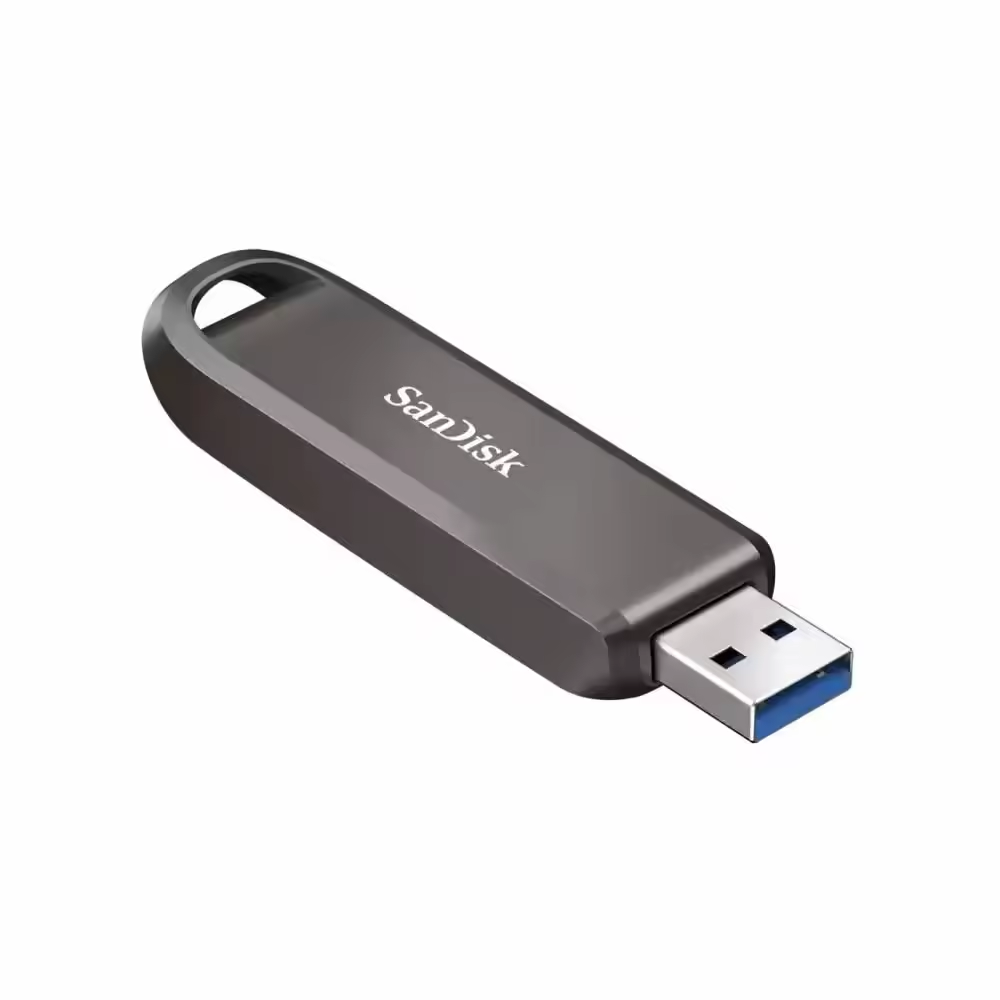
SanDisk Extreme Pro USB-A Flash Drive, 1TB
- 1000 GB
- Gray
- 60 months

USB Drive KINGSTON DataTraveler Exodia G2 512GB
- 512 GB
- Black; Purple
- 60 months

USB Drive KINGSTON DataTraveler Exodia G2 256GB
- 256 GB
- Black; Green
- 60 months
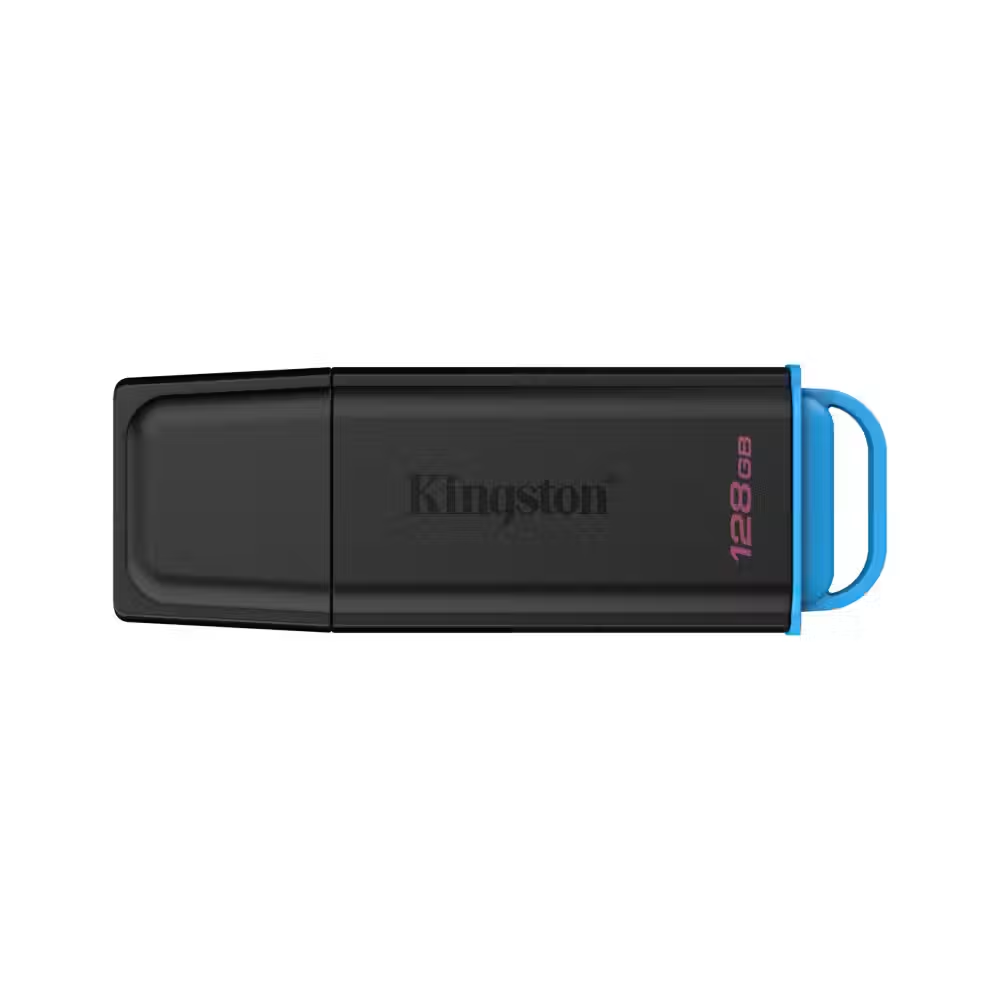
USB flash drive KINGSTON DataTraveler Exodia G2 128GB
- 128 GB
- Black; Blue
- 60 months

USB flash drive KINGSTON DataTraveler Exodia G2 64GB
- 64 GB
- Black
- 60 months

SanDisk Flash Drive Extreme Fit USB-C, 512GB
- 512 GB
- Black
- 60 months

SanDisk Flash Drive Extreme Fit USB-C, 256GB
- 256 GB
- Black
- 60 months

SanDisk Flash Drive Extreme Pro USB-C, 1TB
- 1000 GB
- Black
- 60 months

SanDisk Ultra Slider USB Type-C, 512GB
- 512 GB
- Black
- 60 months

SanDisk Ultra Slider USB Type-C, 256GB
- 256 GB
- Black
- 60 months

SanDisk Cruzer Spark 64GB USB 2.0
- 64 GB
- USB 2.0
- Black
- 24 months

SanDisk Ultra Slider USB Type-C, 32GB
- 32 GB
- Black
- 60 months

Transcend 256GB, USB3.2, Pen Drive, Type-C, Capless, Black - TS256GJF790C
- 256 GB
- USB 3.2; USB Type-C
- Black; Green
- 60 months

Intenso USB Flash Drive 3.2 128GB cMobile Line
- 128 GB
- Silver
- 24 months

Intenso USB Flash Drive 3.2 64GB cMobile Line
- 64 GB
- Silver
- 24 months

Intenso USB Flash Drive 3.2 32GB cMobile Line
- 32 GB
- Silver
- 24 months
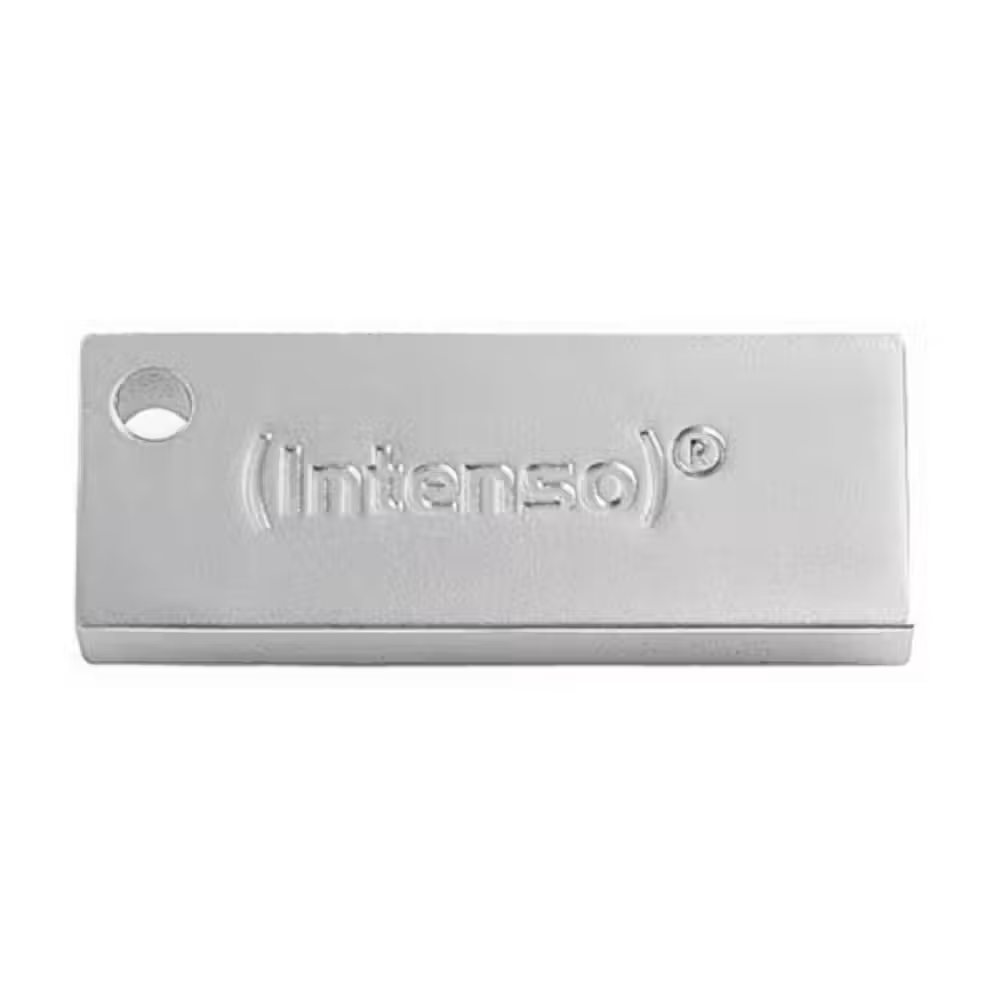
Intenso USB Flash Drive 3.2 128GB Premium Line
- 128 GB
- Silver
- 24 months

Intenso USB Flash Drive 3.2 32GB Premium Line
- 32 GB
- Silver
- 24 months

Intenso USB Flash Drive 3.2 256GB Jet Line
- 256 GB
- Silver
- 24 months

Intenso USB Flash Drive 3.2 128GB Jet Line
- 128 GB
- Silver
- 24 months

Intenso USB Flash Drive 3.2 128GB Ultra Line
- 128 GB
- Silver
- 24 months

Intenso USB Flash Drive 3.2 32GB Ultra Line
- 32 GB
- Silver
- 24 months

Intenso USB Flash Drive 3.2 128GB Office Line
- 128 GB
- Silver / Black
- 24 months
Useful when choosing
The USB drive is the small device you should always have on hand – for documents, photos, Windows installation, or a movie for the TV. Here you will find classic flash drives with USB-A, models with USB-C for phones and laptops, drives with dual connectors, and fast models with large capacity.
How to choose
- Capacity. 16–32 GB is enough for documents and operating system installation. 64–128 GB are convenient for photos and videos. 256 GB and more can replace a small external drive.
- Speed. USB 2.0 drives are suitable for small files. For copying videos and large folders, choose USB 3.0 or newer – the difference in writing speed is significant.
- Connector. USB-A is the standard port on computers. USB-C is found on new laptops, tablets, and phones. Drives with dual connectors work with both types without an adapter.
- Purpose. Regular flash drives are for transferring files. Drives for phones with USB-C help free up space by transferring photos directly from the phone.
- Case. Metal models are more durable. Small models that barely protrude can stay plugged in permanently in a laptop or car.
What to watch out for
- The write speed is usually lower than the read speed – check both values.
- Put a cap on or choose a model with a retractable connector if you carry it in your pocket.
- Do not keep the only copy of important files on a flash drive – it can easily get lost.
- Safely eject the drive, especially immediately after copying.
- If the drive will contain personal or work data, choose a model with encryption or protect the files with a password.
- A keychain or ring on the casing makes the drive harder to lose.
Connection and format
USB drives work with computers, laptops, TVs, cars, and music systems. If you will use it with both Windows and Mac, format it in exFAT – it works with both systems and allows files larger than 4 GB. Some TVs and cars only read FAT32, so check their manuals. On older computers without USB-C, the dual connector drive is more universal than one with only USB-C. For larger capacity and higher speed, check out external drives, and for cameras and phones – memory cards.
