
Access point
57 products


Access Point Ubiqiti UAP-AC-M-PRO WLAN 1300Mbps, No PoE, White
- Ubiquiti
- 2.4 GHz
- 2 x RJ-45; 2 x 10/100/1000
- 12 months


Wireless access point Cudy AP1200, AC1200, 2.4/5 GHz, 300 - 867 Mbps
- Cudy
- 2.4 GHz
- 1 x 10/100/1000
- 24 months

Ubiquiti UniFi U7 Pro Access Point, Wi-Fi, PoE+ (802.3at)
- Ubiquiti
- 2.4 GHz
- 1 x RJ-45
- 24 months

Wireless access point Cudy AP1300E Wall, AC1200
- 24 months
- Cudy
- 2.4 GHz
- 2 x 10/100/1000

Wireless range extender Cudy RE300 - 300Mbps
- 24 months
- Cudy
- 2.4 GHz
- 1 x 10/100
- Wi-Fi 4
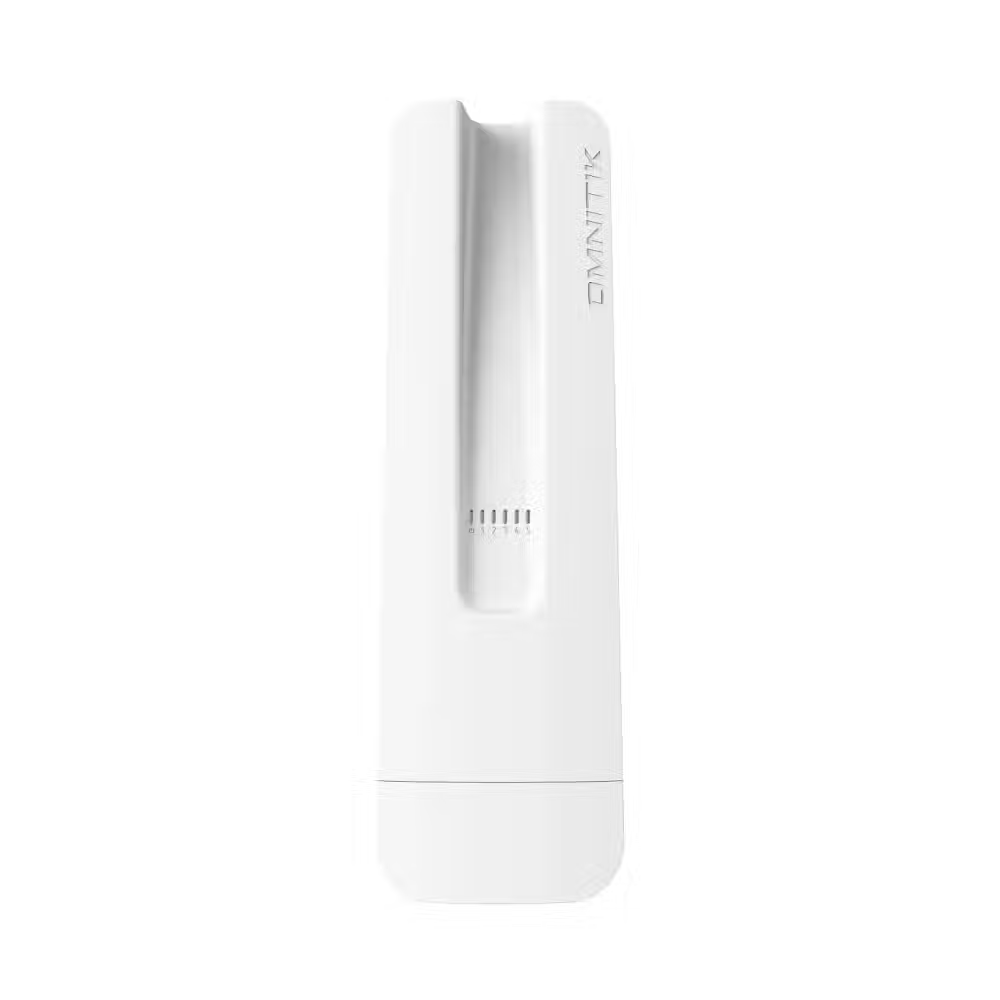

Wireless Access Point MikroTik hAP ax S - E62iUGS-2axD5axT
- 12 months
- MikroTik
- 2.4 GHz
- USB 2.0; 5 x 10/100/1000

Wireless amplifier Range Extender / AP Cudy RE3600 WiFi7, 1x Gigabit Ethernet Port
- Cudy
- 2.4 GHz
- 24 months
- Wi-Fi 5

Wireless extender Range Extender / AP Cudy RE1200 Outdoor WiFi5, AC1200, 1x 10/100/1000, outdoor use
- Cudy
- 2.4 GHz
- 1 x 10/100
- 24 months

Wireless access point Cudy AP1300D Wi-Fi Gigabit AC1200
- Cudy
- 2.4 GHz
- 1 x 10/100/1000
- 24 months

ZYXEL NWA90AX PRO Wireless Access Point, WiFi6, AX3000, PoE
- ZYXEL
- 2.4;5 GHz
- 24 months


Wireless Access Point ZYXEL NWA50AX PRO, WiFi6, AX1800, PoE
- ZYXEL
- 2.4;5 GHz
- 24 months

Access Point TP-Link EAP673, AX5400, For ceiling, WiFi 6
- TP LINK
- 2.4 GHz
- 24 months

Wireless Access Point MikroTik wAP ax - wAPG-5HaxD2HaxD, Outdoor, 2.4 GHz (574Mpbs)/5GHz (2400Mbps)
- MikroTik
- 1 x RJ-45
- 2.4;5 GHz
- 12 months

Wireless Access Point Cudy AP3000, AX3000 Dual Band Ceiling Mount
- Cudy
- 2.4 GHz
- 24 months

Wireless dual-band Access Point ZYXEL WAX300H, 2.4/5GHz, 575/2400Mbps
- ZYXEL
- 1 x 10/100/1000
- 2.4;5 GHz
- 60 months
- Wi-Fi 5

Access Point Cudy AP3000, AX3000, 2.4/5 GHz, 571 - 2402 Mbps, 1× 2.5 Gbps, PoE Adapter
- Cudy
- 2.4 GHz
- 1 x 10/100/1000
- 24 months

Wireless access point ZYXEL NWA220AX, AXE5400 WiFi 6E 2.4/5/6GHz
- ZYXEL
- 2 x 10/100/1000
- 60 months
- Wi-Fi 5

MIKROTIK mANTBox ax 15s Sector Antenna, L22UGS-5HaxD2HaxD-15S, 2.4/5GHz
- MikroTik
- 2.4 GHz
- 1 x 10/100/1000
- Wi-Fi 4
- 12 months
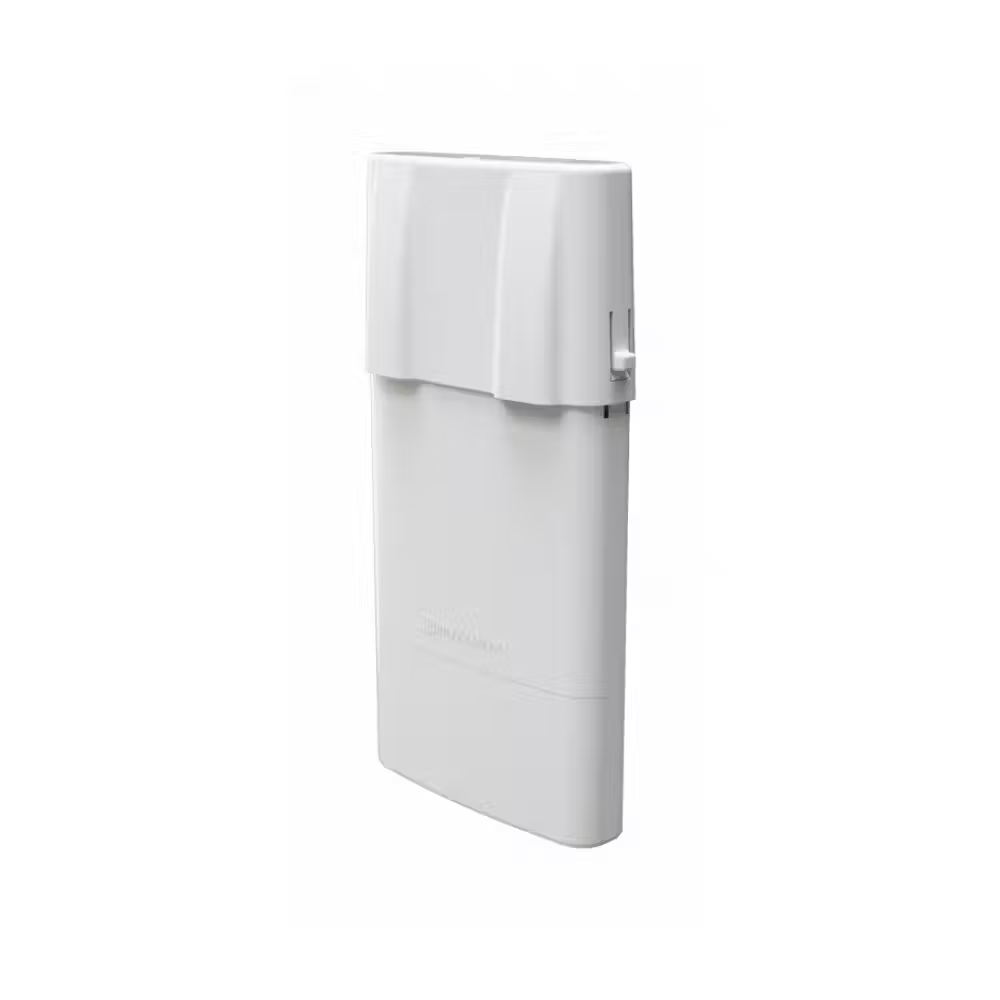
MikroTik NetBox 5 ax Outdoor Device, 10/100/1000, 5GHz
- MikroTik
- 1 x 10/100/1000
- 12 months
- Wi-Fi 5

Access Point MikroTik RBmAP2nD, Dual-Chain 2.4GHz micro AP, 650MHz CPU, 64MB RAM, 2xEthernet, PoE out
- MikroTik
- 2.4 GHz
- 2 x 10/100 WAN
- 12 months
- Wi-Fi 4
Useful when choosing
The access point extends the wireless network where the router does not reach – in distant rooms, on the second floor, in the yard, or in a large office. Unlike a regular repeater, it connects with a cable to the network and provides full speed. Here you can find ceiling and wall points, outdoor models, signal amplifiers, and antennas for long-distance wireless connections.
How to choose
- The Wi-Fi standard. Wi-Fi 5 is sufficient for most homes and small offices. Wi-Fi 6 and Wi-Fi 7 perform better with many users simultaneously and are suitable for offices, hotels, and establishments.
- The installation location. Ceiling models evenly cover the room around them. Wall points often have network ports for computers and TVs. Outdoor models are protected from rain and dust.
- Power supply. Most access points are powered by PoE through the network cable – there is no need for a socket nearby. Check if you have a PoE switch or injector in the package.
- Management. Individual points are configured separately. Systems with a central controller or cloud application manage all points as one network and allow seamless transition between them.
What to watch out for
- A wired access point provides much better speed than a wireless amplifier, which loses part of the speed.
- Use the same name and password for the network on all points to allow devices to switch automatically.
- Outdoor directional antennas are for connections between buildings at a long distance, not for yard coverage.
- The guest network separates visitors from the main computers – useful in offices and establishments.
- Place the points so that their zones slightly overlap – this way the connection does not drop when moving.
Connection
The access point connects with a network cable to the router or to a switch with PoE, which powers it. If you don’t have a cable to the location, an alternative is Powerline adapters, which transmit the network through the electrical installation. Points from the same brand and series work best together, especially with central management. For establishments and hotels, a guest login page is convenient, which many systems support. Some models come with a ceiling and wall bracket – check it before installation.
