
Case accessories
47 products

Lian Li 8.8 inch IPS LCD Universal Screen Black - G89.SM088X.00

Front panel for Lian Li O11D EVO RGB Mesh - Black

Front panel for Lian Li O11D EVO RGB Mesh - White

Xigmatek 9 inch LCD Screen Kit for Pano II Series - Black

DeepCool GPU holder Universal VGA holder GH-01

DeepCool GPU holder Universal VGA holder GH-01 - Addressable RGB


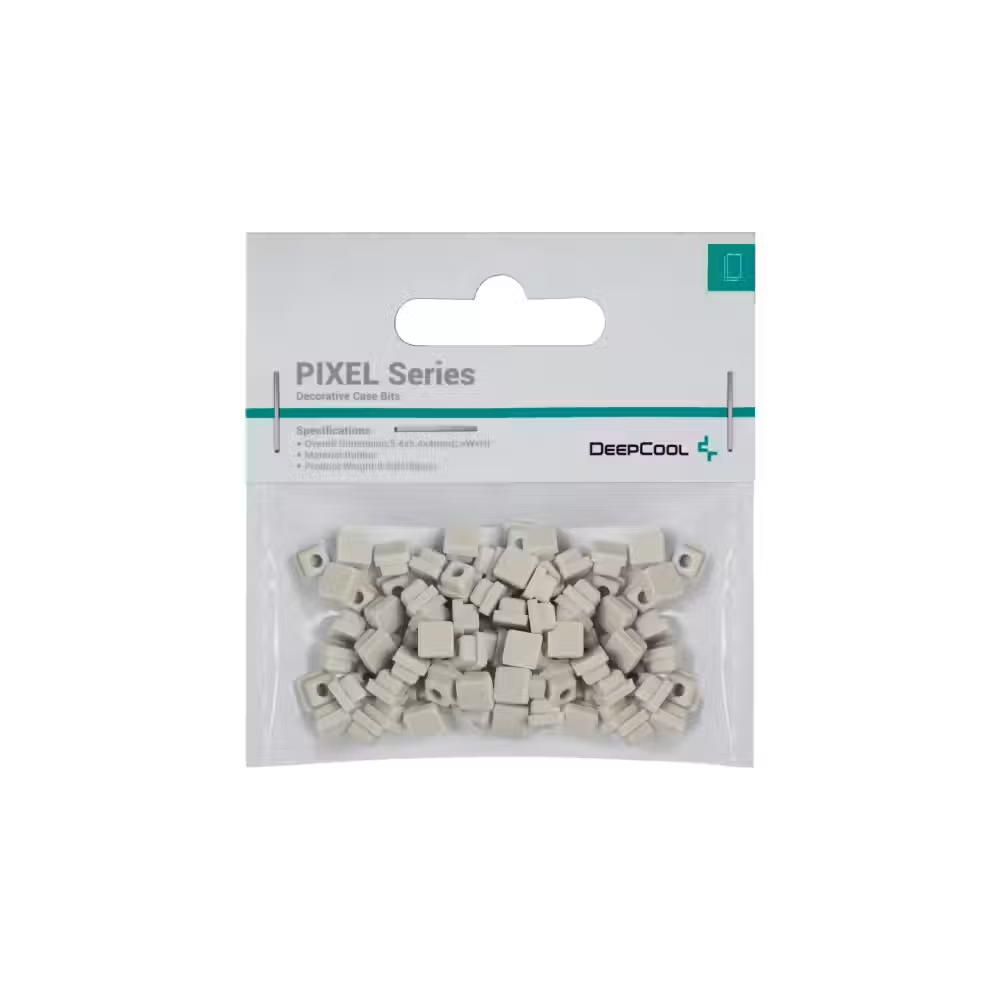


DeepCool silicone bits PIXEL Pumpkin Orange


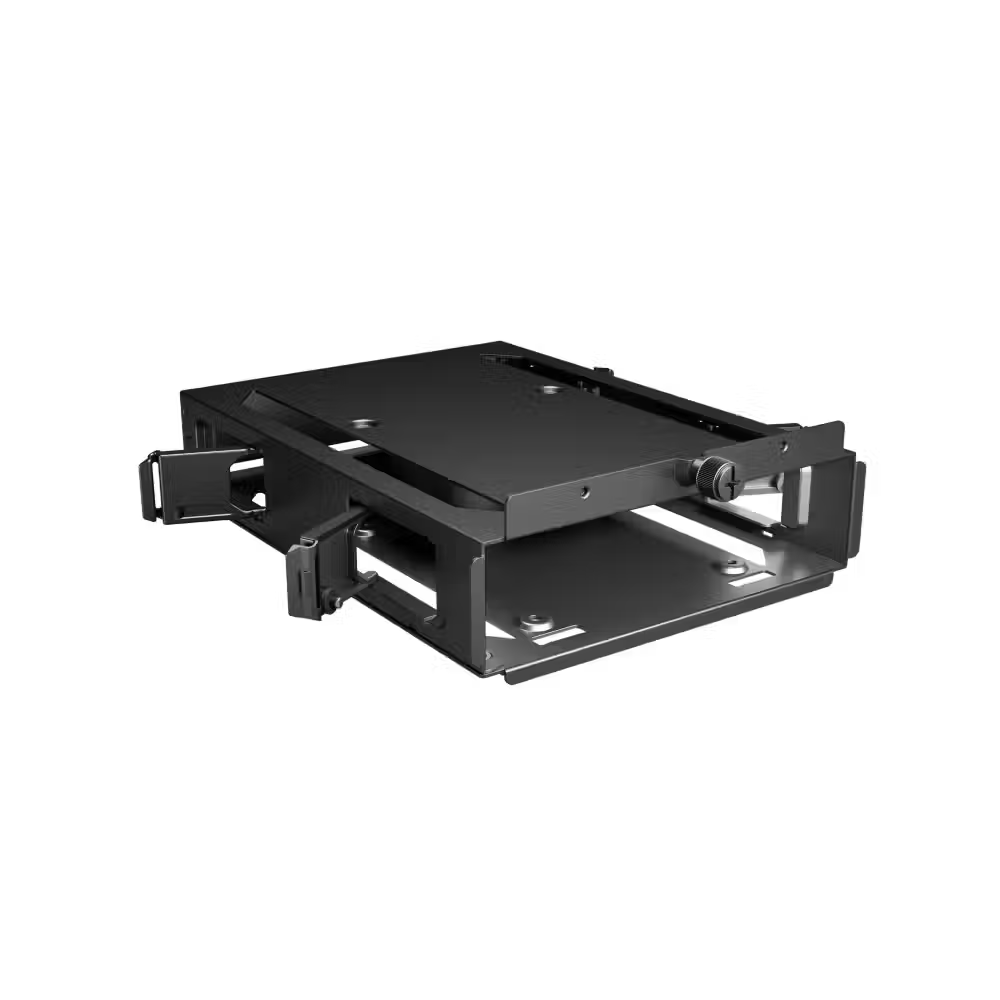
be quiet! hard drive drawer HDD Cage - BGA05

Hardware Testing Board Thermal Grizzly Benchtable Der8enchtable

ASUS TUF GAMING GT502 HORIZON ARGB LIGHTING KIT WHITE case accessory
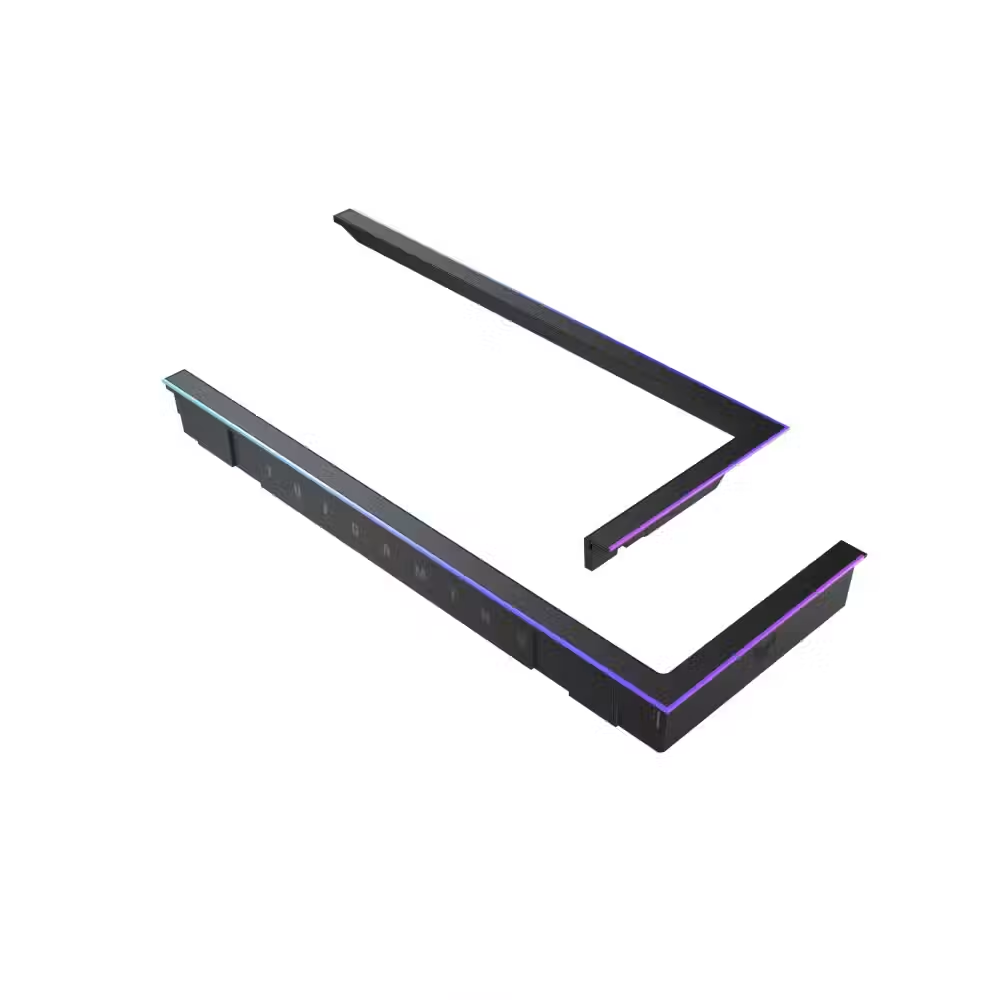
Accessory for case ASUS TUF GAMING GT502 HORIZON ARGB LIGHTING KIT BLACK

Filter for Computer Case Lian Li Lancool 207 - White

Filter for Computer Case Lian Li Lancool 207 - Black

Useful when choosing
Accessories for cases complete the assembly and solve mounting issues. Here you will find brackets and extension cables for vertical mounting of the graphics card, anti-sag holders for the graphics card, angled adapters for the 16-pin connector, dust filters, small displays, and decorative elements. Most of them do not affect performance, but make the assembly more organized, safer, and more personal.
How to choose
- Vertical mounting. The bracket and extension PCIe cable allow the graphics card to stand vertically and be visible through the glass. The cable must support the PCIe generation of the board and card – 4.0 or newer.
- Graphics card holder. Heavy cards with three fans sag over time. A simple support or clamp keeps the slot and card from stress.
- Power adapters. Angled adapters for the 12VHPWR connector allow the cable to not bend sharply in a tight case.
- Filters. Replacement filters for specific case models replace lost or damaged originals.
- Displays and decoration. Small displays show temperatures and load, while decorative elements personalize the look.
- Color. Most accessories are available in black and white to match the other parts.
What to watch out for
- With vertical mounting, the card is close to the glass – leave enough space for its fans.
- Cheap extension cables with older PCIe generations can cause unstable operation.
- The angled adapter must match the orientation of your graphics card's connector.
- Filters for specific cases are only for the specified models.
- Check if there is space in the case for the bracket – some cases have their own solution for vertical mounting.
Compatibility
Vertical mounting brackets usually use the expansion slots of a standard ATX case, but some are only for specific models. Extension cables must support the PCIe generation of the graphics card. The adapters for the 16-pin connector are for cards with 12VHPWR or 12V-2x6. For power supply cables, see braided cables. Before installation, measure the free space in the case and compare it with the dimensions of the accessory, especially for vertical mounting brackets.

