
Adattatori Bluetooth
12 prodotti

HAMA adattatore Bluetooth nano, versione 5.4, Classe 2, fino a 10m
- 24 mesi
- Bluetooth V5.4
11.00 €
Guadagna 11 punti+11 n.
★★★★★
(0)
Disponibile in magazzino esterno

Adattatore Bluetooth ASUS USB-BT540 Bluetooth 5.4 USB 2.0 Type-A
- 36 mesi
- Bluetooth V5.4
20.00 €
Guadagna 20 punti+20 n.
★★★★★
(0)
Disponibile in magazzino esterno
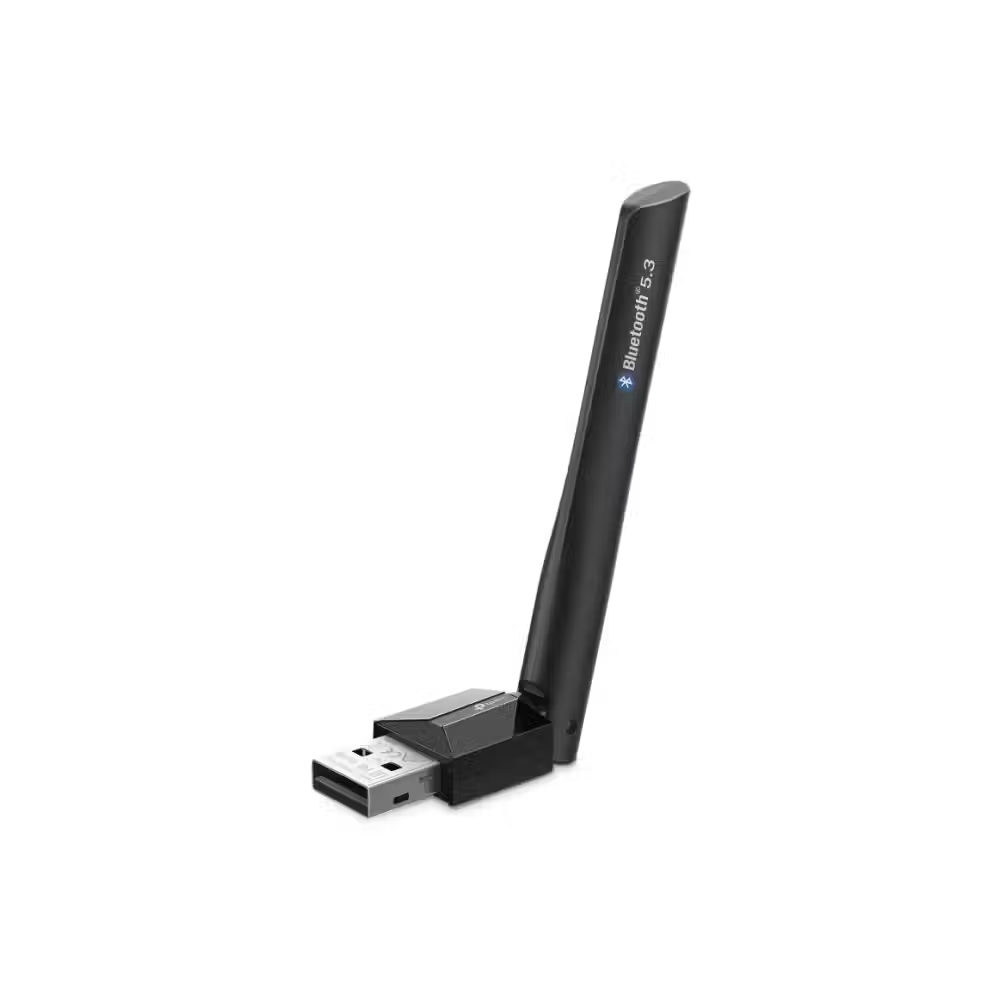
Adattatore Bluetooth TP-Link UB500 Plus Bluetooth 5.3 USB
- 24 mesi
- USB 2.0
13.00 €
Guadagna 13 punti+13 n.
★★★★★
(0)
Disponibile in magazzino esterno

Orico adattatore bluetooth Bluetooth 5.0 USB adapter, black - BTA-53-BK
- 24 mesi
- Bluetooth V5.3
8.00 €
Guadagna 8 punti+8 n.
★★★★★
(0)
Disponibile in magazzino esterno

Vention bluetooth per auto per chiamate e musica Car Bluetooth 5.4 audio receiver USB, 3.5mm jack - NAIHG
- 12 mesi
- Bluetooth V5.4
17.00 €
Guadagna 17 punti+17 n.
★★★★★
(0)
Disponibile in magazzino esterno

Adattatore bluetooth Orico Bluetooth 5.0 USB, nero - BTA-608-BK
- 24 mesi
- Bluetooth V5.0
7.00 €
Guadagna 7 punti+7 n.
★★★★★
(0)
Disponibile in magazzino esterno

Adattatore Bluetooth USB HAMA, Versione 4.0 C1 + EDR
- 24 mesi
- Bluetooth V4.0
17.00 €
Guadagna 17 punti+17 n.
★★★★★
(0)
Disponibile in magazzino esterno

Adattatore Bluetooth Edimax BT-8500 Bluetooth 5.0 nano USB
- 36 mesi
- Bluetooth V5.0
16.00 €
Guadagna 16 punti+16 n.
★★★★★
(0)
Quantità limitata

Bluetooth per auto per chiamate e musica Orico BCR02-BK Car Bluetooth 4.1 audio receiver USB 3.5mm jack
- 24 mesi
- Bluetooth V4.1
17.00 €
Guadagna 17 punti+17 n.
★★★★★
(0)
Disponibile in magazzino esterno
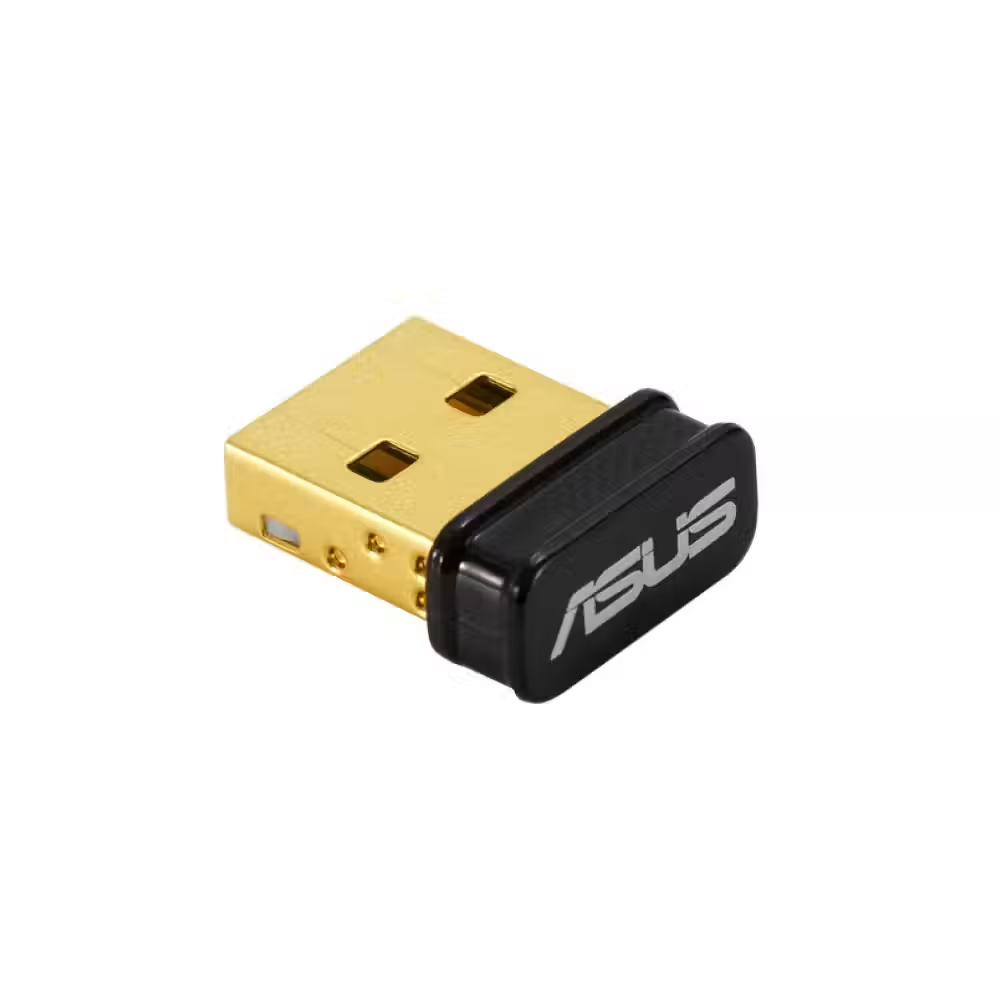
Adattatore Bluetooth ASUS USB-BT500 Bluetooth USB Black - 90IG05J0-MO0R00
- 24 mesi
- Bluetooth V5.0
- USB
23.00 €
Guadagna 23 punti+23 n.
★★★★★
(0)
Consegna tra 5-7 giorni

Adattatore Bluetooth Orico BTA-508-BK Bluetooth 5.0 USB adapter Black
- 24 mesi
- Bluetooth V5.0
8.00 €
Guadagna 8 punti+8 n.
★★★★★
(0)
Disponibile in magazzino esterno

Adattatore Bluetooth VCom DU115 Adapter Bluetooth 4.0 USB Black
- 12 mesi
- Bluetooth V4.0
4.00 €
Guadagna 4 punti+4 n.
★★★★★
(0)
Disponibile in magazzino esterno
Utile per la scelta
L'adattatore Bluetooth aggiunge una connessione wireless a un computer che non ha Bluetooth integrato – più spesso un computer desktop. Con esso puoi collegare cuffie wireless, controller, tastiera, mouse o altoparlante. Qui trovi piccoli adattatori USB, ricevitori audio e modelli per auto.
Come scegliere
- La versione di Bluetooth. La versione 5.0 e quelle più recenti offrono una connessione più stabile, una portata maggiore e un consumo di batteria inferiore per i dispositivi collegati. Le versioni più vecchie 4.0 e 4.1 bastano per mouse e tastiera, ma sono più deboli per le cuffie.
- Il tipo. L'adattatore USB aggiunge Bluetooth al computer. Il ricevitore Bluetooth è l'opposto – riceve il suono dal telefono e lo invia a un vecchio impianto, agli altoparlanti o al sistema audio dell'auto.
- La dimensione. Gli adattatori nano sporgono quasi nulla dalla porta e possono restare costantemente nel laptop. I modelli più grandi con antenna hanno una portata migliore.
- L'uso previsto. Se collegherai solo mouse e tastiera, basta l'adattatore più semplice. Per cuffie wireless e controller per giochi scegli una versione più recente e un modello di un marchio affermato.
- La portata. Gli adattatori normali arrivano a circa dieci metri in una stanza. Se il computer è sotto la scrivania, un cavo USB di prolunga aiuta l'adattatore a essere più vicino ai dispositivi.
A cosa fare attenzione
- Un adattatore con una versione più recente non migliora il suono se le cuffie supportano una versione più vecchia – la connessione funziona con la più vecchia delle due.
- La scocca metallica del computer e le porte USB 3.0 vicino all'adattatore possono interferire con il segnale – usa una porta frontale o una prolunga.
- Se il computer ha già Bluetooth integrato, disattivalo prima di usare l'adattatore.
- Verifica se l'adattatore richiede un driver per versioni più vecchie di Windows.
- Per il suono in auto, verifica se il sistema audio ha un ingresso AUX o USB.
- Un adattatore può collegare più dispositivi contemporaneamente, ma con molte cuffie e controller la connessione può diventare meno stabile.
Compatibilità
La maggior parte degli adattatori moderni funziona con Windows 10 e 11 immediatamente dopo l'accensione, mentre per i sistemi più vecchi il driver è sul sito del produttore. Con Linux il supporto dipende dal chip. Se cerchi anche una rete wireless più veloce, dai un'occhiata agli adattatori WiFi – molti di essi hanno Bluetooth integrato. Troverai dispositivi adatti per il collegamento tra le cuffie e gli altoparlanti.
Domande frequenti
Коя версия на Bluetooth да избера?
Избери версия 5.0 или по-нова – тя дава по-стабилна връзка, по-голям обхват и по-добра работа с безжични слушалки. Версиите 5.3 и 5.4 добавят по-ниска консумация и по-добро управление на много свързани устройства. По-старите версии стигат само за мишка и клавиатура.
Защо звукът на Bluetooth слушалките прекъсва?
Най-честите причини са голямо разстояние, металната кутия на компютъра и смущения от USB 3.0 портове или Wi-Fi. Премести адаптера на преден USB порт или използвай удължителен кабел, за да е по-близо до теб. Помага и обновяването на драйвера на адаптера.
Мога ли да свържа контролер за игри?
Да, повечето безжични контролери се свързват с компютъра през Bluetooth адаптер. Някои контролери поддържат по-добре собствения си безжичен приемник, ако имат такъв. Провери дали играта и системата поддържат твоя контролер без допълнителни програми и драйвери.
Какво е Bluetooth приемник?
Bluetooth приемникът получава звук от телефона или лаптопа и го подава към устройство без Bluetooth – стара уредба, активни колони или аудиосистема в колата. Включва се в AUX входа или в USB, а някои модели имат и микрофон за разговори в колата.
Трябва ли ми драйвер?
Windows 10 и 11 разпознават повечето Bluetooth адаптери автоматично. При по-стари системи или при определени чипове може да е нужен драйвер от сайта на производителя. В описанието на продукта обикновено е посочено кои системи се поддържат без допълнителна инсталация.

