
CPU coolers
7 products
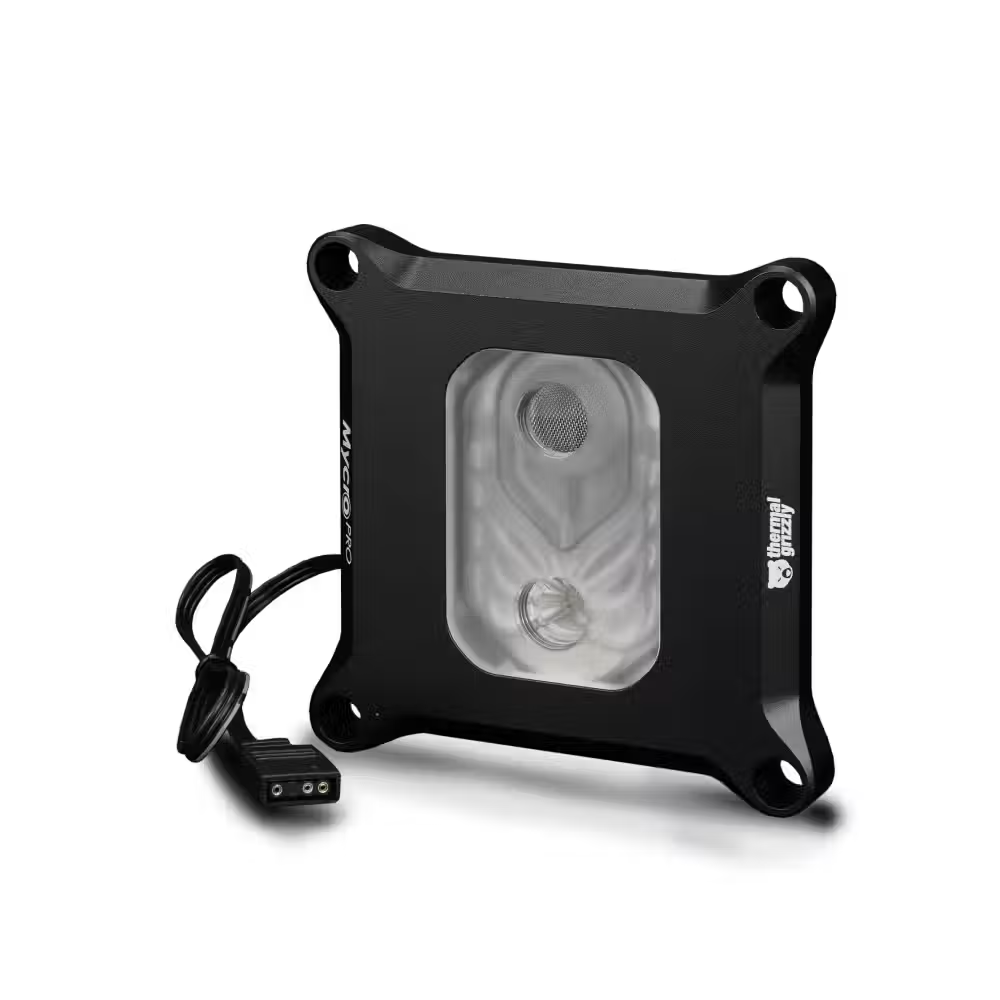
Water block for processor Thermal Grizzly Intel 1851 Mycro Pro RGB

Thermal Grizzly AM5 Mycro Pro RGB CPU Water Block


Alphacool Eisblock XPX Aurora PRO CPU Water Block, Acrylic Black, Digital RGB

Water block for processors EK-Quantum Velocity² D-RGB - AM5 Nickel + Acetal

EK-Quantum Velocity² D-RGB - 1700 Nickel + Plexi CPU water block

EK-Quantum Velocity² D-RGB CPU Water Block - 1700 Nickel + Acetal
Useful when choosing
The CPU block is the heart of the open water loop – it transfers heat from the processor to the liquid. Here you will find CPU blocks for AMD and Intel, with a copper base and covers made of acrylic, acetal, or metal, with and without addressable RGB lighting, as well as models for direct mounting on the core. A good block keeps the processor cool even under prolonged load and allows for quiet operation of the entire loop.
How to choose
- The socket. The block must support the processor socket – AM4, AM5, LGA 1700, LGA 1851, and others. Some blocks have separate versions for AMD and Intel, while others only change the mounting plate.
- The material. The base is made of copper, often nickel-plated to prevent tarnishing. The acrylic cover shows the liquid, while the acetal is opaque and more durable.
- The lighting. Models with addressable RGB connect to a 5V ARGB connector and synchronize with the other lighting parts.
- Direct mounting. Blocks for direct contact with the core provide the lowest temperatures but require removing the processor's cap – only for experienced enthusiasts.
- Block with pump. Some models have a built-in pump and are convenient for compact loops.
- The flow direction. Most blocks have marked inlet and outlet – follow them for the best cooling.
What to watch out for
- Workstation platforms like sTR4 and sTR5 require special large blocks.
- Tighten the screws crosswise and evenly, without overdoing it.
- Don't forget thermal paste between the processor and the block.
- Check if the thread is the standard G1/4 for the fittings.
- Removing the processor cap voids its warranty.
Compatibility
CPU blocks use a standard G1/4 thread and connect with fittings from various brands. It is important that the mounting matches the socket and is for the correct platform. If you are changing the platform, check if the manufacturer offers a new plate. Spare plates and spacers can be found in water cooling accessories, and the entire loop – in water cooling. If you are making the loop for the first time, start with a block that has clear instructions and mounting parts for several sockets – this way you can use it with the next platform.

