
Gaming pads
136 products

Gaming pad Logitech Pro X Control 400x460 mm - Black
- Logitech
- Gaming
71.00 €
Earn 71 points
★★★★★
(0)
Available in external warehouse

Gaming pad ASUS ROG Scabbard II XXL Edition 20
- ASUS
- Gaming
55.00 €
Earn 55 points
★★★★★
(0)
Available in external warehouse

ZOWIE H-SR-SE Rouge II XL Gaming Mouse Pad, 500 x 500 mm
- ZOWIE
- Gaming
- No
- 3.5 mm
69.00 €
Earn 69 points
★★★★★
(0)
Available in external warehouse

Gaming pad LORGAR Advanced MPA14M High-speed surface, 360x300mm, 3mm thickness
- LORGAR
- Gaming
- No
- 3 mm
15.00 €
Earn 15 points
★★★★★
(0)
Available in external warehouse

Gaming pad ZOWIE G-SR-SE Orange - L
- ZOWIE
- Gaming
43.00 €
Earn 43 points
★★★★★
(0)
Available in external warehouse

Stor: Marvel Spiderman - XL Desktop Gaming Pad - XL
- Paladone
- Gaming
8.00 €
Earn 8 points
★★★★★
(0)
Available in external warehouse

Paladone: Fortnite - Durr Burger Desk Mat (PP14537FO) Gaming Pad - XL
- Paladone
- Gaming
16.00 €
Earn 16 points
★★★★★
(0)
Available in external warehouse

Paladone: Disney Stitch Desk Mat (PP13311LS) Gaming Pad - XL
- Paladone
- Gaming
16.00 €
Earn 16 points
★★★★★
(0)
Available in external warehouse

Paladone: Astro Bot Desk Mat (PP14336AB) Gaming Pad - XL
- Paladone
- Gaming
16.00 €
Earn 16 points
★★★★★
(0)
Available in external warehouse

Gaming pad Diablo IV: Lord of Hatred - Paladin, XL
- Blizzard
- Gaming
- 4 mm
23.00 €
Earn 23 points
★★★★★
(0)
Available in external warehouse

Gaming pad DC Batman: Torn Collage - Batman and Villains, XL
- Blizzard
- Gaming
- 4 mm
18.00 €
Earn 18 points
★★★★★
(0)
Available in external warehouse

Gaming pad DC Batman: Mindbomb - Batman aka Bruce Wayne, XL
- Blizzard
- Gaming
- 4 mm
18.00 €
Earn 18 points
★★★★★
(0)
Available in external warehouse

ASUS ROG HONE Control Ace L Vitality Edition Gaming Mouse Pad
- ASUS
- Gaming
59.00 €
Earn 59 points
★★★★★
(0)
Available in external warehouse
White Shark Gaming Mousepad BLACK KNIGHT M
5.00 €
Earn 5 points
★★★★★
(0)
Available in external warehouse
White Shark Gaming Mousepad BLACK KNIGHT XL
9.00 €
Earn 9 points
★★★★★
(0)
Available in external warehouse
White Shark Gaming Mousepad BLUE KNIGHT XL
9.00 €
Earn 9 points
★★★★★
(0)
Available in external warehouse
White Shark Gaming Mousepad RED KNIGHT XL
9.00 €
Earn 9 points
★★★★★
(0)
Available in external warehouse
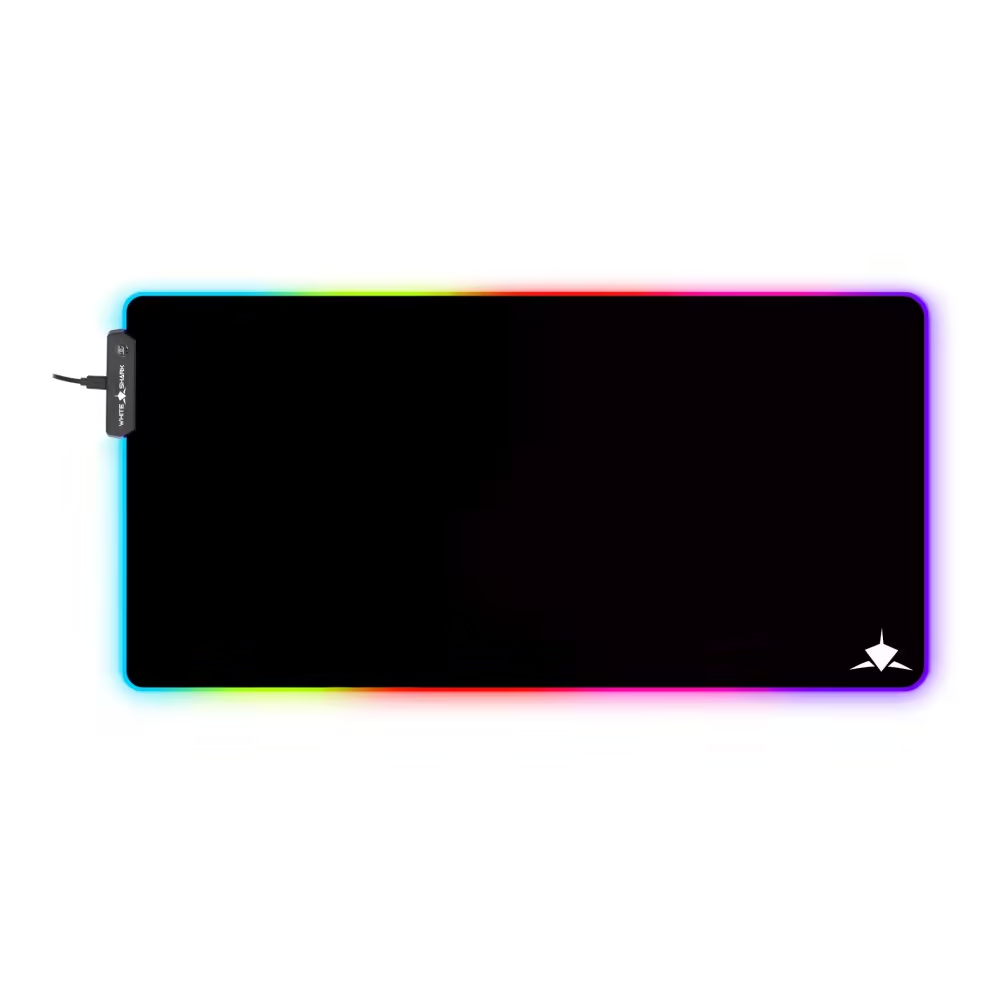
White Shark Luminous Gaming Mousepad LUMINOUS XL- Size XL, RGB
18.00 €
Earn 18 points
★★★★★
(0)
Available in external warehouse
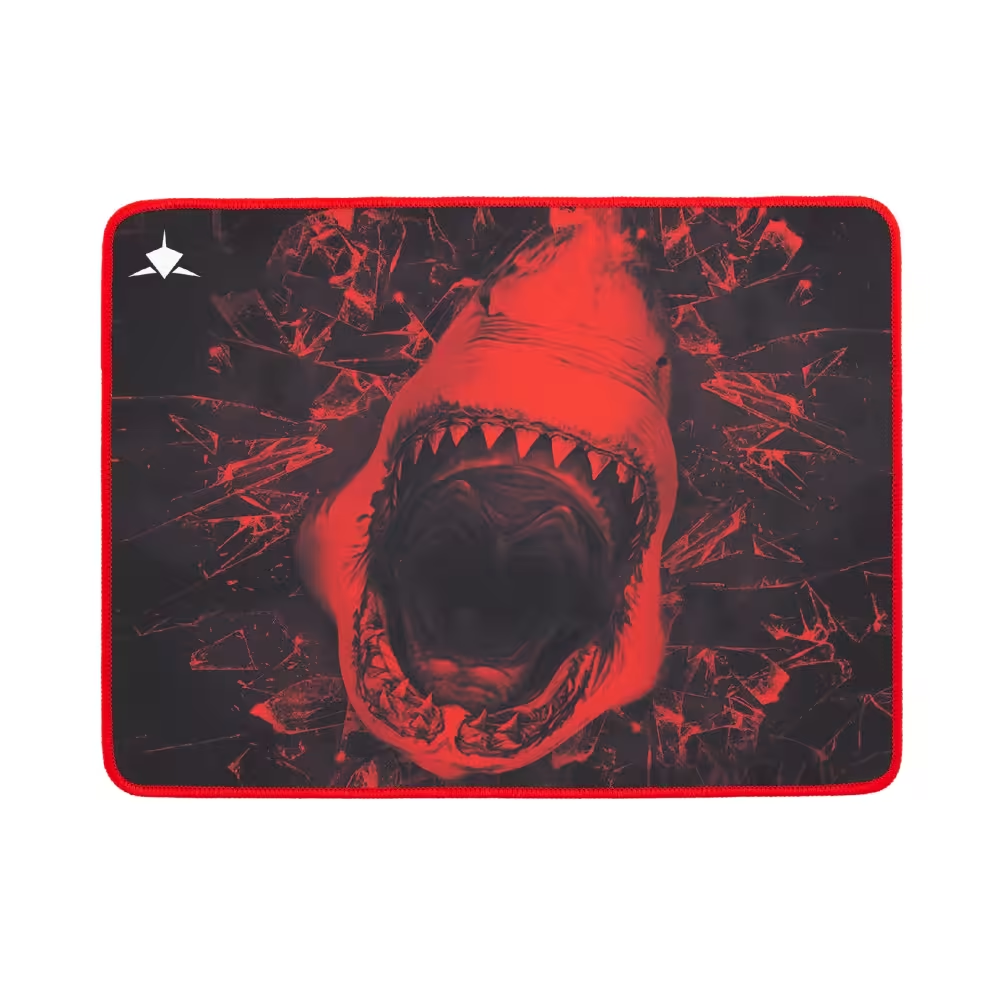
White Shark Gaming Mousepad SKY WALKER L
5.00 €
Earn 5 points
★★★★★
(0)
Available in external warehouse
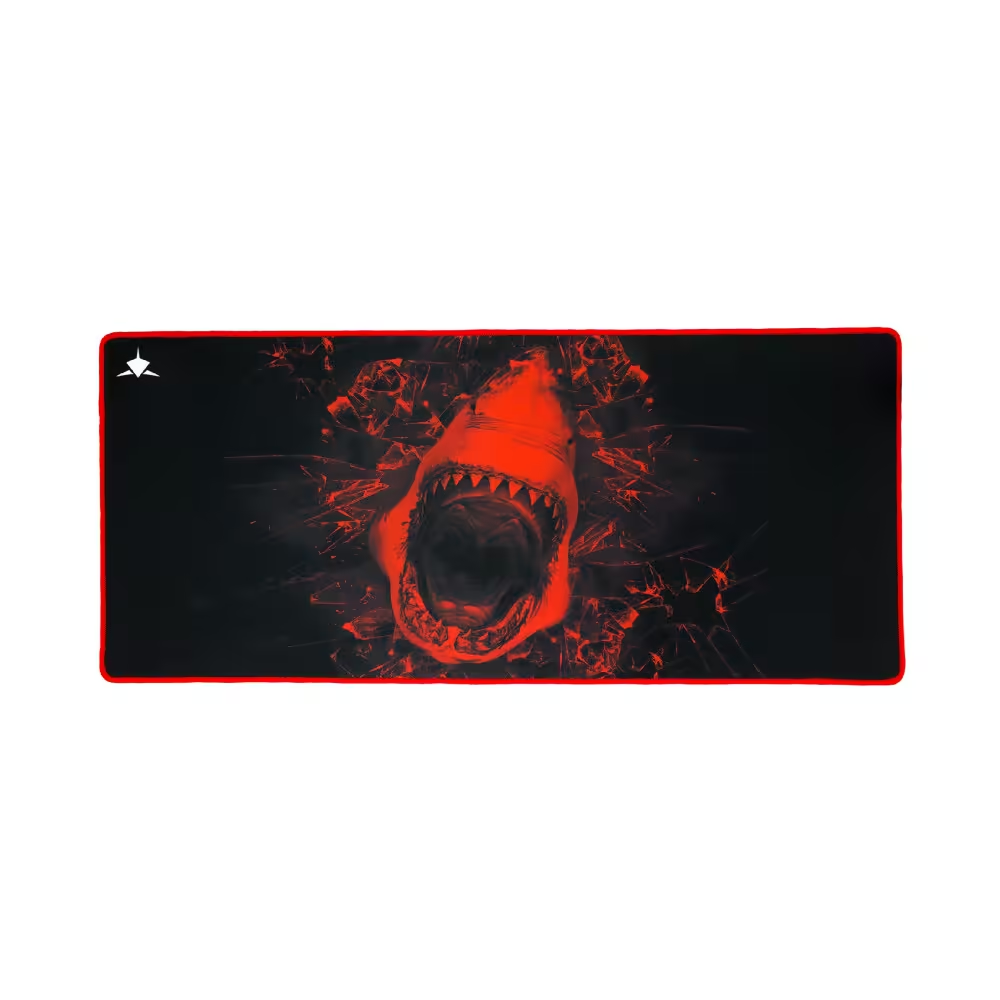
White Shark Gaming Mousepad SKY WALKER XL
9.00 €
Earn 9 points
★★★★★
(0)
Available in external warehouse
Useful when choosing
The mouse pad is the cheap upgrade that noticeably improves accuracy – the sensor tracks better, and the movement is smoother and more predictable. Here you will find small and medium mouse pads, large models for the entire desk, hard and soft surfaces, with lighting and designs from favorite games. There are also pads with themed designs for fans of specific games.
How to choose
- Size. If you play with low sensitivity and move your whole arm, you need a large pad. Extended (XL and larger) cover the desk and accommodate the mouse and keyboard.
- Surface. Fabric pads are for control – the mouse stops exactly where you want it. Hard and smooth surfaces are for speed and quick movements.
- Thickness. Thin pads (2–3 mm) are stable and sit low. Thicker ones (4–6 mm) are softer, absorb unevenness on the desk, and are more comfortable for the wrist.
- Base. The rubber base keeps the pad in place. Make sure it is dense so it doesn't slide during sudden movements.
- Lighting. RGB pads light up along the edge and synchronize with the rest of the peripherals via software. The lighting does not affect tracking, only the appearance of the desk.
What to watch out for
- The stitched edges protect the pad from fraying and extend its life.
- RGB pads take up one USB port and have a cable that you need to manage.
- Fabric pads are hand washable with lukewarm water – check the manufacturer's instructions.
- The new pad may be slightly rolled at first – let it rest on the desk.
- If your mouse has very high sensitivity, a faster surface will require more control.
Desk set
The pad and mouse work together – some mice glide better on a hard surface, others on fabric. If you are updating your gaming setup, check out gaming mice, keyboards, and accessories like cable holders and headphone stands. The extended pad also protects the desk from scratches, and the keyboard stays stable on it and does not slide during play.
Frequently Asked Questions
Платнен или твърд пад да избера?
Платненият пад дава повече контрол и тихо плъзгане и е най-универсалният избор. Твърдият е по-бърз, подходящ за резки движения и е по-лесен за почистване, но е по-шумен и износва крачетата на мишката по-бързо. За повечето играчи платът е по-добрият старт.
Колко голям пад ми трябва?
Зависи от чувствителността. Ако движиш мишката с цялата ръка, вземи голям или разширен пад, за да не излизаш от него. Ако играеш с висока чувствителност и движиш само китката, стига среден. Разширените падове покриват бюрото и под клавиатурата.
Как да почистя пада?
Повечето платнени падове се перат на ръка с хладка вода и малко мек сапун, след което се оставят да изсъхнат на равна повърхност. Не ги слагай в пералня и сушилня, ако производителят не го позволява. Твърдите падове се забърсват с влажна кърпа. RGB падовете не се мокрят около електрониката.
Има ли смисъл от RGB пад?
Подсветката е само за вид и не влияе на играта. Ако харесваш осветено бюро и вече имаш RGB клавиатура и мишка, падът допълва визията. Има нужда от USB порт, а понякога предлага и допълнителен USB вход. Ако не ти трябва светлина, обикновеният пад е същият за игра.
Защо мишката ми прескача върху пада?
Причината обикновено е замърсена или износена повърхност, лъскав или прекалено пъстър дизайн или прах по сензора. Почисти пада и сензора. Ако проблемът остане, пробвай пад с по-еднородна повърхност – той дава най-добро следене за оптичните сензори.

