
Search…

External hard drive enclosure

52 products

Promotions only
Case ASUS ProArt PA40SU External case USB Type C M.2 SSD - ASUS-SSD-CAGE-PA40SU

Case ASUS ProArt PA40SU External case USB Type C M.2 SSD - ASUS-SSD-CAGE-PA40SU

77.00 €
Earn 77 points+77 p.
★★★★★ (0)
Available in external warehouse
Case ASUS ROG Strix Aiolos External case USB Type C M.2 SSD - ASUS-SSD-CAGE-ROG-AIOLOS
Case ASUS ROG Strix Aiolos External case USB Type C M.2 SSD - ASUS-SSD-CAGE-ROG-AIOLOS

67.00 €
Earn 67 points+67 p.
★★★★★ (0)
Available in external warehouse
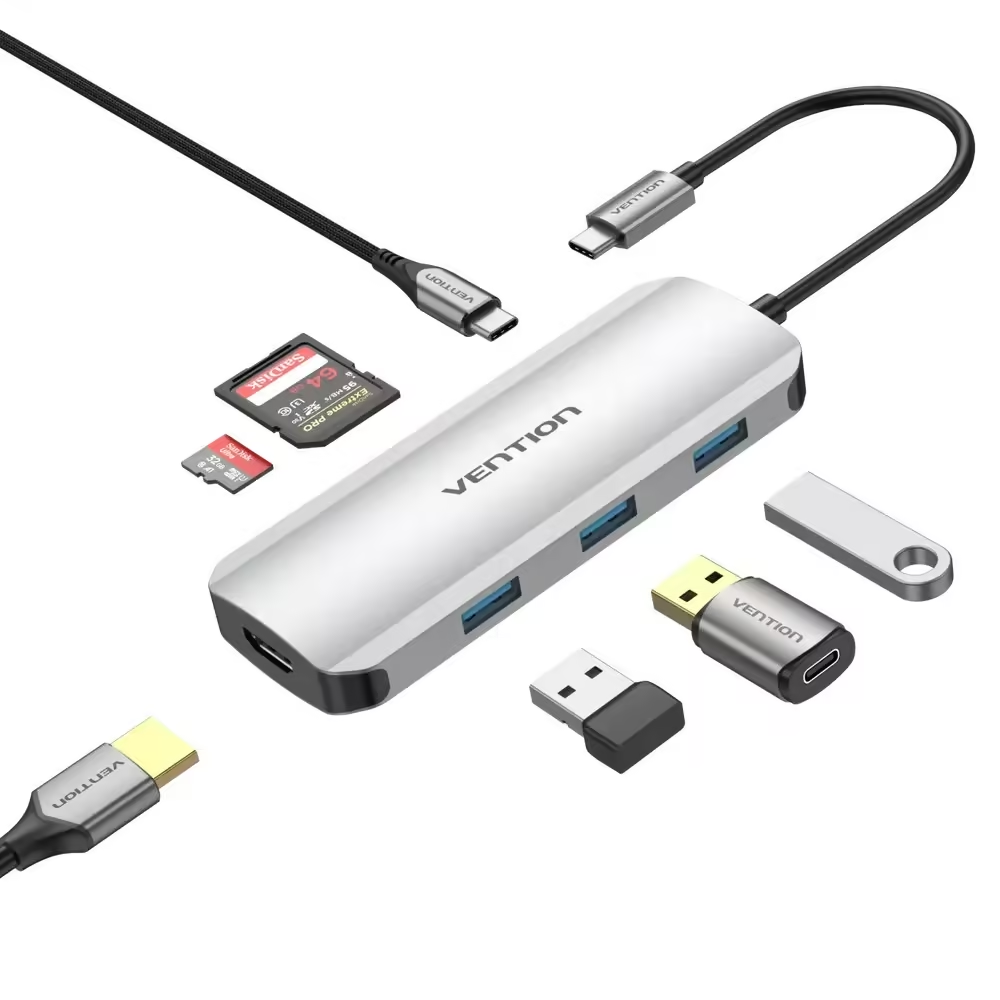
Vention docking station Docking Station Type-C - TOJHB - HDMI x 1, USB3.0 x 3, USB-C PD100W x 1, SD/TF

Vention docking station Docking Station Type-C - TOJHB - HDMI x 1, USB3.0 x 3, USB-C PD100W x 1, SD/TF

19.00 €
Earn 19 points+19 p.
★★★★★ (0)
Available in external warehouse
3.5’’ Hard Drive Enclosure Natec Rhino Go, USB 3.0

3.5’’ Hard Drive Enclosure Natec Rhino Go, USB 3.0

22.00 €
Earn 22 points+22 p.
★★★★★ (0)
Available in external warehouse
M.2 NVME Hard Drive Enclosure, Natec Rhino

M.2 NVME Hard Drive Enclosure, Natec Rhino

18.00 €
Earn 18 points+18 p.
★★★★★ (0)
Available in external warehouse
2.5’’, Natec Rhino Go Hard Drive Enclosure, USB 3.0, Gray

2.5’’, Natec Rhino Go Hard Drive Enclosure, USB 3.0, Gray

10.00 €
Earn 10 points+10 p.
★★★★★ (0)
Available in external warehouse
2.5’’, Natec Rhino Go Hard Drive Enclosure, USB 3.0, Red

2.5’’, Natec Rhino Go Hard Drive Enclosure, USB 3.0, Red

8.00 €
Earn 8 points+8 p.
★★★★★ (0)
Available in external warehouse
2.5’’, Natec Rhino Go Hard Drive Enclosure, USB 3.0, Blue
2.5’’, Natec Rhino Go Hard Drive Enclosure, USB 3.0, Blue

8.00 €
Earn 8 points+8 p.
★★★★★ (0)
Available in external warehouse
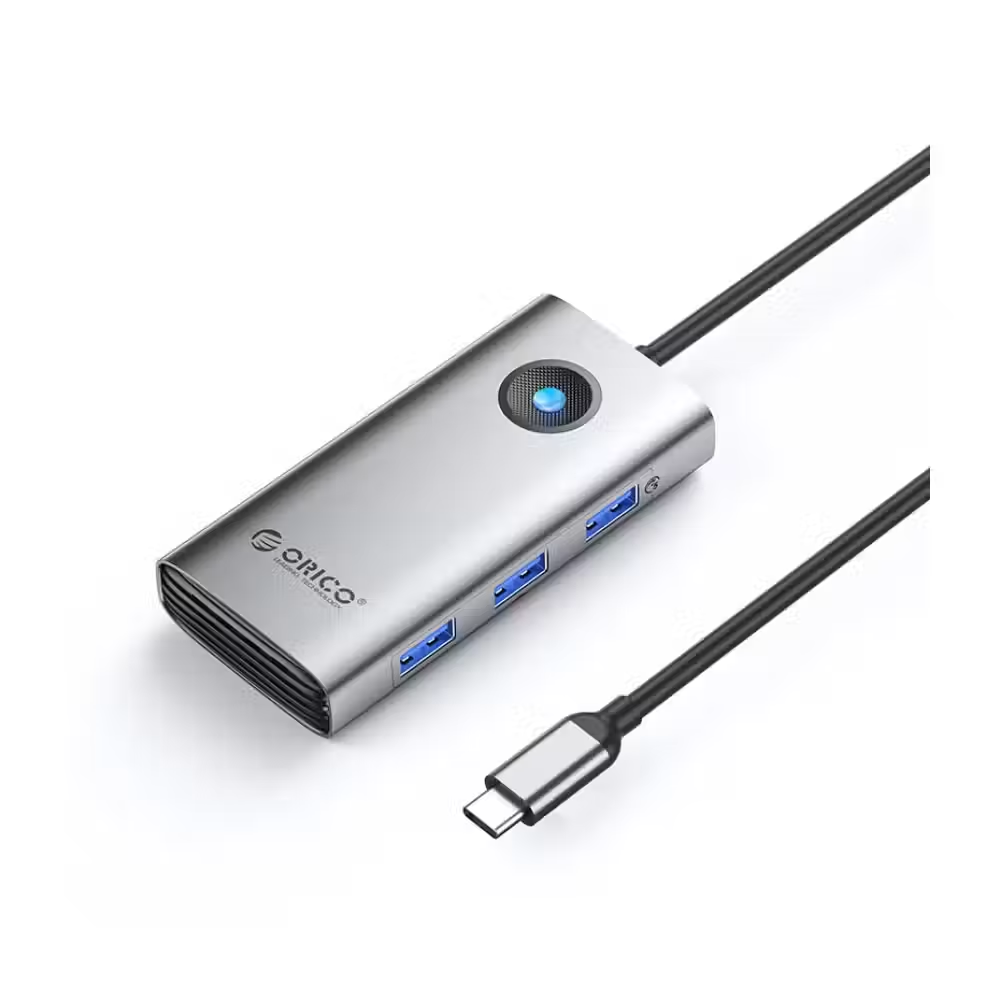
Orico docking station Docking Station Type-C - PW11-6P25R-GY-BP - HDMI, USB-A x 3, PD100W x 1, LAN (2.5Gbps)

Orico docking station Docking Station Type-C - PW11-6P25R-GY-BP - HDMI, USB-A x 3, PD100W x 1, LAN (2.5Gbps)

22.00 €
Earn 22 points+22 p.
★★★★★ (0)
Available in external warehouse
Vention Docking Station Type-C - TOOHB - HDMI x 1, USB3.0 x 3, SD/TF

Vention Docking Station Type-C - TOOHB - HDMI x 1, USB3.0 x 3, SD/TF

16.00 €
Earn 16 points+16 p.
★★★★★ (0)
Available in external warehouse
Orico Docking Station Type-C - PW11-6P-GY-EP - HDMI x 1, USB-C x 1, USB3.0 x 3, USB-C PD100W x 1

Orico Docking Station Type-C - PW11-6P-GY-EP - HDMI x 1, USB-C x 1, USB3.0 x 3, USB-C PD100W x 1

24.00 €
Earn 24 points+24 p.
★★★★★ (0)
Available in external warehouse
Orico Docking Station Type-C - PW11-6PR-GY-EP - HDMI x 1, USB-C x 1, USB3.0 x 3, USB-C PD100W x 1, LAN x 1 (1Gbps)

Orico Docking Station Type-C - PW11-6PR-GY-EP - HDMI x 1, USB-C x 1, USB3.0 x 3, USB-C PD100W x 1, LAN x 1 (1Gbps)

27.00 €
Earn 27 points+27 p.
★★★★★ (0)
Available in external warehouse
Orico Docking Station Type-C - PW11-9P-GY-EP - HDMI x 1, VGA x 1, USB3.0 x 3, USB-C PD100W x 1, LAN x 1 (1Gbps), SD/TF

Orico Docking Station Type-C - PW11-9P-GY-EP - HDMI x 1, VGA x 1, USB3.0 x 3, USB-C PD100W x 1, LAN x 1 (1Gbps), SD/TF

35.00 €
Earn 35 points+35 p.
★★★★★ (0)
Available in external warehouse
ACT Docking Station AC1504, USB 3.1 Gen1 for 3.5"/2.5" HDD/SSD black

ACT Docking Station AC1504, USB 3.1 Gen1 for 3.5"/2.5" HDD/SSD black

39.00 €
Earn 39 points+39 p.
★★★★★ (0)
Available in external warehouse
AXAGON EE25-XA6C USB-C 5Gbps External Enclosure

AXAGON EE25-XA6C USB-C 5Gbps External Enclosure

17.00 €
Earn 17 points+17 p.
★★★★★ (0)
Limited quantity
VCom Docking Station USB-C 4-in-1 - CU450S - HDMI x 2, USB2.0, USB-C PD3.0 100W, MST

VCom Docking Station USB-C 4-in-1 - CU450S - HDMI x 2, USB2.0, USB-C PD3.0 100W, MST

17.00 €
Earn 17 points+17 p.
★★★★★ (0)
Available in external warehouse
VCom Docking Station USB-C 13-in-1 - CU4706 - HDMI x 2, DP, USB3.0 x 3, USB-C, USB2.0, RJ45, SD/TF, PD100W, Audio, L-Shape USB-C

VCom Docking Station USB-C 13-in-1 - CU4706 - HDMI x 2, DP, USB3.0 x 3, USB-C, USB2.0, RJ45, SD/TF, PD100W, Audio, L-Shape USB-C

71.00 €
Earn 71 points+71 p.
★★★★★ (0)
Available in external warehouse
Unitek docking station Type-C 4-in-1 - uHUB Q4+ Lite D1049A - USB-C PD100W x 1, HDMI x 1, VGA, USB2.0 x 1

Unitek docking station Type-C 4-in-1 - uHUB Q4+ Lite D1049A - USB-C PD100W x 1, HDMI x 1, VGA, USB2.0 x 1

12.00 €
Earn 12 points+12 p.
★★★★★ (0)
Available in external warehouse
AXAGON EEM2-GTS2 M.2 NVMe/SATA NGFF to USB Type-C External Enclosure

AXAGON EEM2-GTS2 M.2 NVMe/SATA NGFF to USB Type-C External Enclosure

43.00 €
Earn 43 points+43 p.
★★★★★ (0)
Available in external warehouse
Hard drive drawer ACT AC1200, SATA, 2.5", USB-C 3.2 Gen1, Black

Hard drive drawer ACT AC1200, SATA, 2.5", USB-C 3.2 Gen1, Black

16.00 €
Earn 16 points+16 p.
★★★★★ (0)
Available in external warehouse
Drawer for disk ACT AC1615, USB-C M.2 NVMe / PCIe SSD

Drawer for disk ACT AC1615, USB-C M.2 NVMe / PCIe SSD

25.00 €
Earn 25 points+25 p.
★★★★★ (0)
Available in external warehouse
Station Delock USB-C, For 2 x 2.5″ SATA HDD / SSD, Cloning

Station Delock USB-C, For 2 x 2.5″ SATA HDD / SSD, Cloning

75.00 €
Earn 75 points+75 p.
★★★★★ (0)
Limited quantity
External docking station Delock 62661, for 2.5"/3.5" HDD/SSD, USB 3.0, Cloning function, Black

External docking station Delock 62661, for 2.5"/3.5" HDD/SSD, USB 3.0, Cloning function, Black

69.00 €
Earn 69 points+69 p.
★★★★★ (0)
Limited quantity
Hard drive drawer HAMA, 2.5", SSD, HDD, USB 3.2 Gen 1, SATA III, Black

Hard drive drawer HAMA, 2.5", SSD, HDD, USB 3.2 Gen 1, SATA III, Black

11.00 €
Earn 11 points+11 p.
★★★★★ (0)
Available in external warehouse

Useful when choosing

The external enclosure turns an internal drive into a portable USB drive. This way, you can use the drive from an old laptop for backups, transfer data between computers, or create a very fast portable drive from an M.2 SSD. Here you can find enclosures and docking stations for 2.5-inch and 3.5-inch drives, as well as for M.2 SSD.

How to choose

  • The size of the drive. 2.5-inch enclosures are for laptop drives and SATA SSDs and are usually powered directly from USB. 3.5-inch ones are for desktop hard drives and require separate power.
  • The type of M.2 drive. M.2 drives are SATA or NVMe and have different connector keys. Check if the enclosure supports your type – some enclosures support both.
  • The speed of USB. For SATA drives, USB 3.0 or 3.2 Gen 1 is sufficient. For NVMe drives, choose an enclosure with 10 Gbps or more to avoid losing speed.
  • The material. Aluminum enclosures dissipate heat better, which is important for fast NVMe drives. Plastic ones are lighter and cheaper.
  • Docking station. If you frequently change drives, the station allows you to insert them from above without a screwdriver, and some models can even clone a drive without a computer.

What to watch out for

  • For full speed, connect the enclosure to a port with the same or higher version of USB.
  • Before unplugging the cable, use the safe removal option in the system.
  • The new drive in the enclosure must first be formatted to be recognized by the system.
  • Do not leave a hot NVMe drive in a closed plastic enclosure during long copying – it throttles speed to cool down.
  • Check if the enclosure fits drives with a height of 9.5 mm if your drive is thicker.

Compatibility

Enclosures work with Windows, macOS, and Linux without drivers, and many models with USB-C also work with tablets and phones. If you will use the drive on different systems, format it in exFAT to be readable everywhere. If you need a new drive for the enclosure, check accessories and the categories with drives, and if the computer does not have enough USB ports, add a powered USB hub. To read cards from a camera, use a card reader.

Frequently Asked Questions

Как да избера кутия за M.2 SSD?
Първо провери дали дискът ти е NVMe или SATA – това пише в характеристиките му. После избери кутия, която поддържа този вид, или универсална кутия за двата. За NVMe дискове търси поне 10 Gbps по USB-C, а алуминиевият корпус помага за охлаждането при дълго копиране.
Трябва ли захранване на кутията?
Кутиите за 2,5-инчови дискове и за M.2 SSD се захранват от USB порта и нямат нужда от адаптер. Кутиите за 3,5-инчови твърди дискове изискват отделно захранване, защото тези дискове използват 12 V. Обикновено адаптерът е в комплекта на кутията.
Защо компютърът не вижда диска в кутията?
Най-честата причина е, че дискът е нов и не е форматиран. Отвори управлението на дисковете в Windows, инициализирай диска и създай дял. Ако и там не се вижда, провери кабела, друг USB порт и дали кутията поддържа вида на диска.
Мога ли да клонирам диск с докинг станция?
Някои докинг станции с два слота имат бутон за клониране, който копира единия диск върху другия без компютър. Целевият диск трябва да е със същия или по-голям капацитет. Всички данни на целевия диск се изтриват, затова провери внимателно кой е в кой слот.
Каква скорост да очаквам от външен SSD в кутия?
SATA SSD в кутия с USB 3.0 дава около 400–500 MB/s. NVMe диск в кутия с 10 Gbps достига около 900–1000 MB/s, а при кутии с 20 Gbps или Thunderbolt – значително повече. Реалната скорост зависи и от USB порта на компютъра.
Messenger