

M.2 SSD drives
173 products

SSD Drive Patriot P410 500GB PCIe NVMe 4.0 M.2 2280 - P410P500GM28H
- 500GB
- PCIe NVMe 4.0
- up to 5000MB/s
- up to 2300MB/s
121.00 €
Earn 121 points+121 p.
Delivery between 5-7 days

SSD drive Mushkin VESTA 2TB M.2 2280 NVMe PCIe 4.0 x4 - MKNSSDVE2TB-D8
- 2TB
- PCIe NVMe 4.0
- 5000 MB/s
- up to 4500MB/s
268.00 €
Earn 268 points+268 p.
Delivery between 5-7 days

SSD drive SanDisk Optimus GX PRO 850X 4TB M.2 2280 NVMe PCIe Gen4- SDSP81400TAN-000E0
- 4TB
- PCIe NVMe 4.0
- up to 7300MB/s
- 6600 MB/s
1 245.00 €
Earn 1245 points+1245 p.
Delivery between 5-7 days
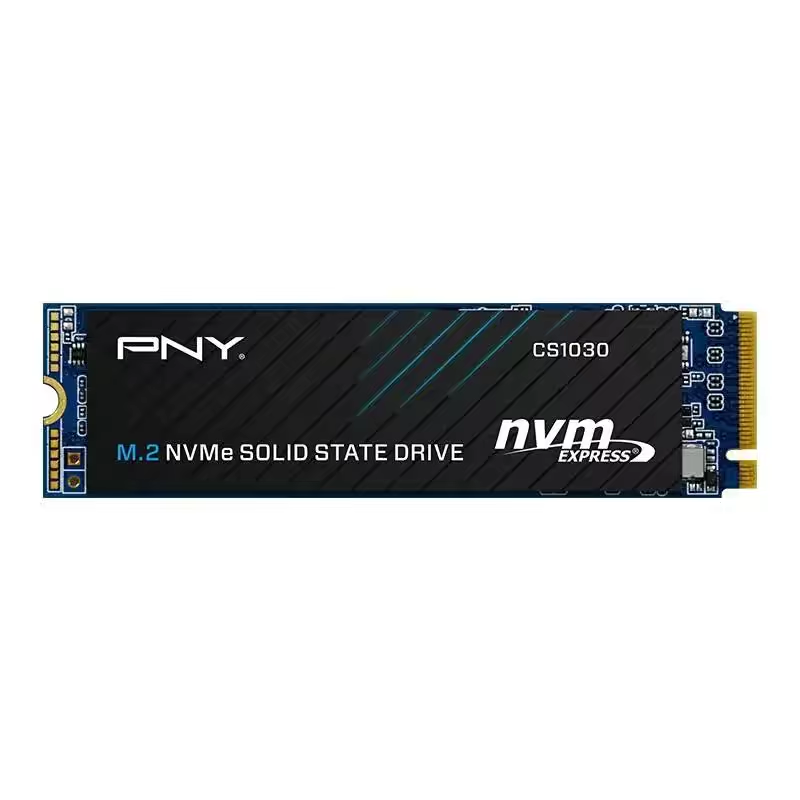
SSD Drive PNY CS1030 512GB M.2 2280 PCIe x4 Gen3 Bulk - M280CS1030-512-BLK
- 512GB
- PCIe NVMe 3.0
- up to 2000MB/s
- up to 1100MB/s
107.00 €
Earn 107 points+107 p.
Delivery between 5-7 days

SSD Disk SanDisk Optimus GX PRO 850X 2TB M.2 2280 NVMe PCIe Gen 4.0 TLC 3D NAND - SDSP81200TAN-000E0
- 2TB
- PCIe NVMe 4.0
- up to 7300MB/s
- 6600 MB/s
667.00 €
Earn 667 points+667 p.
Delivery between 5-7 days

Disk EMTEC SSD X250 512GB M.2 SATAIII 6Gb/s - ECSSD512GX250
- 512GB
- SATA 3
- up to 520MB/s
- up to 500MB/s
93.00 €
Earn 93 points+93 p.
Available in external warehouse

Disk EMTEC SSD X250 256GB M.2 SATAIII 6Gb/s - ECSSD256GX250
- 256GB
- SATA 3
- up to 520MB/s
- up to 500MB/s
49.00 €
Earn 49 points+49 p.
Available in external warehouse

Disk Verbatim Vi560 S3, 512GB M.2 2280 SATAIII 6Gb/s
- 512GB
- SATA 3
- up to 520MB/s
- up to 480MB/s
103.00 €
Earn 103 points+103 p.
Delivery up to 15 days

Disk SSD PNY CS1030 256GB M.2 2280 NVMe PCIe Gen3x4 Bulk
- 256GB
- PCIe NVMe 3.0
- up to 2500MB/s
- up to 1100MB/s
78.00 €
Earn 78 points+78 p.
Delivery up to 15 days

Disk SanDisk Optimus GX PRO 850X 1TB M.2 2280 PCIe 4.0 NVMe TLC 3D NAND - SDSP81100TAN-000E0
- 1TB
- PCIe NVMe 4.0
- up to 7300MB/s
- up to 6300MB/s
347.00 €
Earn 347 points+347 p.
Delivery between 5-7 days

SSD Drive KLEVV CRAS C715 256GB PCIe NVMe 3.0 M.2 - K256GM2SP0-C7T
- 256GB
- PCIe NVMe 3.0
- up to 3000MB/s
- up to 2000MB/s
63.00 €
Earn 63 points+63 p.
Delivery between 5-7 days
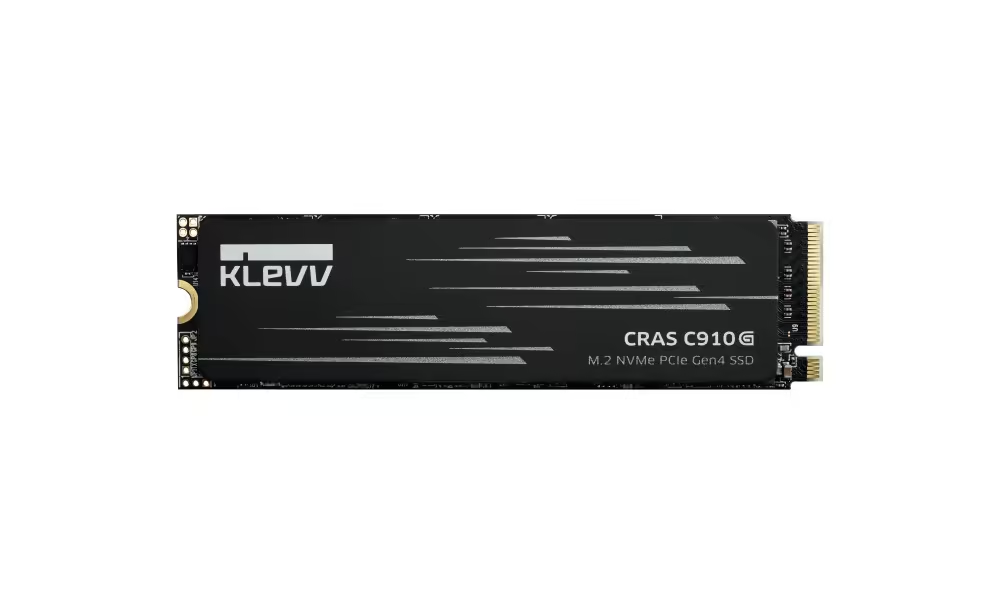
SSD Drive KLEVV CRAS C910 1TB PCIe NVMe 4.0 M.2 - K01TBM2SP0-10G
- 1TB
- PCIe NVMe 4.0
- up to 5000MB/s
- up to 4800 MB/s
173.00 €
Earn 173 points+173 p.
Delivery between 5-7 days
ИНТЕРЕСЕН ПРОДУКТ

Samsung SSD 990 1TB M.2 2280 PCIe 4.0 NVMe M.2 V-NAND - MZ-V9V1T0BW SSD
- 1TB
- PCIe NVMe 4.0
- up to 7150MB/s
- до 6450MB/s
194.00 €
Earn 194 points+194 p.
Available in external warehouse
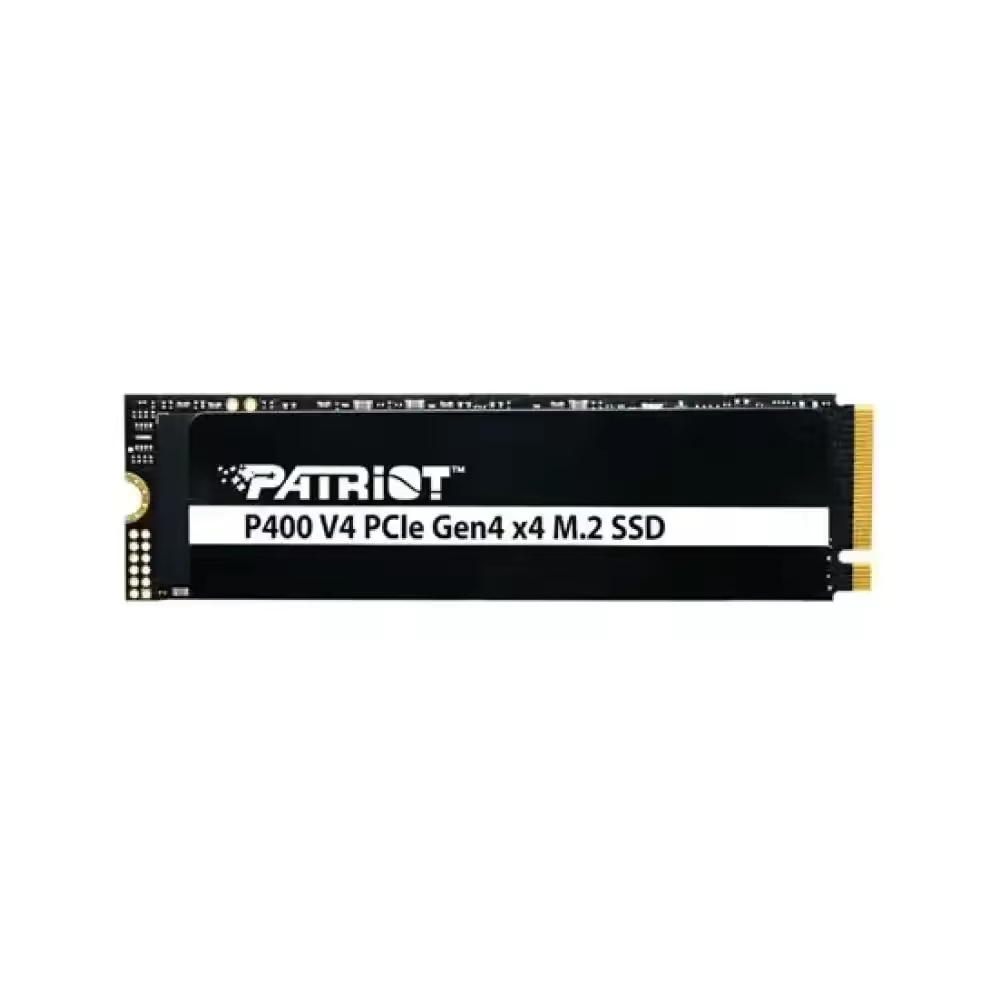
SSD Disk Patriot P400 V4 1TB PCIe 4.0 M.2 2280 NVMe - P400VP1TBM28H
- 1TB
- PCIe NVMe 4.0
- up to 6000MB/s
- up to 5000 MB/s
177.00 €
Earn 177 points+177 p.
Delivery between 5-7 days
СПЕЦИАЛНА ЦЕНА

SSD Crucial P310 1TB M.2 2280 PCIe 4.0 x4 NVMe Tray - CT1000P310SSD8-T
- 1TB
- PCIe NVMe 4.0
- up to 7100MB/s
- up to 6000 MB/s
189.00 €
Earn 189 points+189 p.
Available in store

SSD Disk Patriot P400 V4 500GB PCIe 4.0 M.2 2280 NVMe - P400VP500GM28H
- 500GB
- PCIe NVMe 4.0
- 5000 MB/s
- up to 3000MB/s
133.00 €
Earn 133 points+133 p.
Delivery between 5-7 days

SSD DISK SAMSUNG 990 2TB PCIe 4.0 NVMe M.2 SSD - MZ-V9V2T0BW
- 2TB
- PCIe NVMe 4.0
- up to 7250MB/s
- до 6450MB/s
402.00 €
Earn 402 points+402 p.
Available in external warehouse

Memory Lexar NM1090 Pro 2TB Gen5 14000/13000 SSD
- 2TB
- PCIe NVMe 5.0
- up to 13.600 MB/s
- up to 12.700 MB/s
518.00 €
Earn 518 points+518 p.
Delivery up to 15 days

Gigabyte AORUS 1TB 7000E, NVMe, PCIe 4.0 Gen4 SSD
- 1TB
- PCIe NVMe 4.0
- up to 7100MB/s
- up to 6100MB/s
221.00 €
Earn 221 points+221 p.
Available in external warehouse

ADATA 512GB Legend 900 ColorBox PCIe gen.4 SSD SSD
- 512GB
- up to 7000 MB/s
- 5400 MB/s
- M.2 2280
122.00 €
Earn 122 points+122 p.
Delivery between 5-7 days

Lexar 500GB NM610 Pro NVMe SSD SSD
- 500GB
- up to 3000MB/s
- up to 1700MB/s
- M.2 2280
110.00 €
Earn 110 points+110 p.
Delivery between 5-7 days

XPG 512GB SX8200 Pro M.2 NVMe SSD
- 512GB
- up to 3500MB/s
- up to 2300MB/s
- M.2 2280
167.00 €
Earn 167 points+167 p.
Delivery up to 15 days

Lexar NM990 1TB M.2 2280 NVMe PCIe 5.0 SSD - LNM990X001T-RNNNG
- 1TB
- PCIe NVMe 5.0
- up to 14000MB/s
- up to 7500MB/s
234.00 €
Earn 234 points+234 p.
Delivery up to 15 days

SSD Disk Patriot P400 V4 2TB PCIe 4.0 M.2 2280 NVMe - P400VP2TBM28H
- 2TB
- PCIe NVMe 4.0
- up to 6200MB/s
- up to 5200MB/s
307.00 €
Earn 307 points+307 p.
Available in store
Useful when choosing
M.2 SSDs are the fastest type of storage memory in the computer – the system boots in seconds, games load quickly, and large files copy in an instant. Here you will find NVMe drives with PCIe 3.0, 4.0, and 5.0, more economical SATA models in M.2 format, drives with coolers for consoles, and small 2230 models for portable devices.
How to choose
- PCIe generation. PCIe 3.0 drives reach around 3500 MB/s, 4.0 – around 7000 MB/s, and 5.0 – even more. For gaming and general use, 4.0 is the best balance, while 5.0 makes sense for processing very large files.
- Capacity. 500 GB is enough for the system and programs. 1 TB is the reasonable minimum for a gamer, while 2 and 4 TB are for large libraries of games, videos, and projects.
- Size. Almost all desktop computers and laptops use M.2 2280. Shorter 2230 and 2242 are for ultrabooks and portable consoles.
- NVMe or SATA. M.2 SATA drives look like NVMe but are as fast as a regular SATA SSD – around 550 MB/s. Check which type the slot supports.
- The cooler. Fast drives heat up during long writes. A cooler or heatsink on the motherboard keeps the speed stable.
What to watch out for
- A newer drive works in an older slot, but at the speed of the slot.
- On some motherboards, occupying an M.2 slot disables SATA ports or reduces the lanes of the graphics card.
- Drives without DRAM cache are cheaper but lose speed during prolonged writes.
- For PlayStation 5, you need a PCIe 4.0 drive with a cooler that fits in the compartment.
- Some fast models are sold with a cooler that is too tall for a laptop – there, choose a drive without a heatsink.
Compatibility
Check how many M.2 slots the motherboard has and which PCIe generations each supports. Most laptops from recent years also have an M.2 2280 slot. For older systems without M.2, 2.5-inch SATA SSDs are more suitable, while for large archives – hard drives.
Frequently Asked Questions
Каква е разликата между PCIe 3.0, 4.0 и 5.0?
Разликата е в максималната скорост – около 3500, 7000 и 10 000 MB/s и повече при четене. В ежедневна работа и игри разликата между 4.0 и 5.0 почти не се усеща, но при копиране на големи файлове и видео е ясна. Дискът работи и в по-стар слот, но със скоростта на слота.
Колко голям M.2 диск ми трябва?
За операционна система и програми стигат 500 GB. Ако играеш, вземи поне 1 TB, защото новите игри заемат десетки гигабайти. 2 TB и повече са удобни за големи библиотеки от игри, видео проекти и снимки. По-големите дискове обикновено са и по-бързи.
Трябва ли ми охладител за M.2 диска?
За дисковете PCIe 4.0 и особено 5.0 охладителят е полезен, защото при продължителен запис те загряват и намаляват скоростта. Много дънни платки имат собствен радиатор за M.2 слота. Ако твоята няма, избери диск с охладител или купи отделен.
Мога ли да сложа M.2 диск в PlayStation 5?
Да, PlayStation 5 поддържа M.2 NVMe PCIe 4.0 дискове с размер 2280. Препоръчва се дискът да има охладител, който се побира в отделението на конзолата. Дисковете с отбелязана съвместимост с PS5 са проверени за това.
Как да прехвърля системата на новия M.2 диск?
Свържи новия диск в свободен M.2 слот или в USB адаптер и клонирай стария диск с програма за клониране. Другият вариант е чиста инсталация на Windows, която често е по-добра за стари системи. Преди всичко направи резервно копие на важните файлове.