Search…

Network cards

20 products

Promotions only
51.00 €
Earn 51 points+51 p.
★★★★★ (0)
Delivery between 5-7 days
122.00 €
Earn 122 points+122 p.
★★★★★ (0)
Delivery up to 15 days
86.00 €
Earn 86 points+86 p.
★★★★★ (0)
Delivery up to 15 days
-7% Black Friday 2026
Network card Zyxel XGN100C v3 10G RJ45 PCIe network card
83.00 €
89.00 €
Earn 83 points+83 p.
★★★★★ (0)
Available in external warehouse
56.00 €
Earn 56 points+56 p.
★★★★★ (0)
Delivery between 5-7 days
54.00 €
Earn 54 points+54 p.
★★★★★ (0)
Delivery up to 15 days
-9% Black Friday 2026
ASUS XG-C100C V3 PCI-E Network Card - 10Gbps Port
77.00 €
85.00 €
Earn 77 points+77 p.
★★★★★ (0)
Available in external warehouse
36.00 €
Earn 36 points+36 p.
★★★★★ (0)
Delivery between 5-7 days
23.00 €
Earn 23 points+23 p.
★★★★★ (0)
Limited quantity
19.00 €
Earn 19 points+19 p.
★★★★★ (0)
Limited quantity
241.00 €
Earn 241 points+241 p.
★★★★★ (0)
Delivery up to 15 days
38.00 €
Earn 38 points+38 p.
★★★★★ (0)
Limited quantity
26.00 €
Earn 26 points+26 p.
★★★★★ (0)
Delivery between 5-7 days
32.00 €
Earn 32 points+32 p.
★★★★★ (0)
Available in external warehouse
65.00 €
Earn 65 points+65 p.
★★★★★ (0)
Limited quantity
26.00 €
Earn 26 points+26 p.
★★★★★ (0)
Delivery between 5-7 days
21.00 €
Earn 21 points+21 p.
★★★★★ (0)
Delivery between 5-7 days
43.00 €
Earn 43 points+43 p.
★★★★★ (0)
Delivery between 5-7 days
26.00 €
Earn 26 points+26 p.
★★★★★ (0)
Delivery between 5-7 days
49.00 €
Earn 49 points+49 p.
★★★★★ (0)
Limited quantity

Useful when choosing

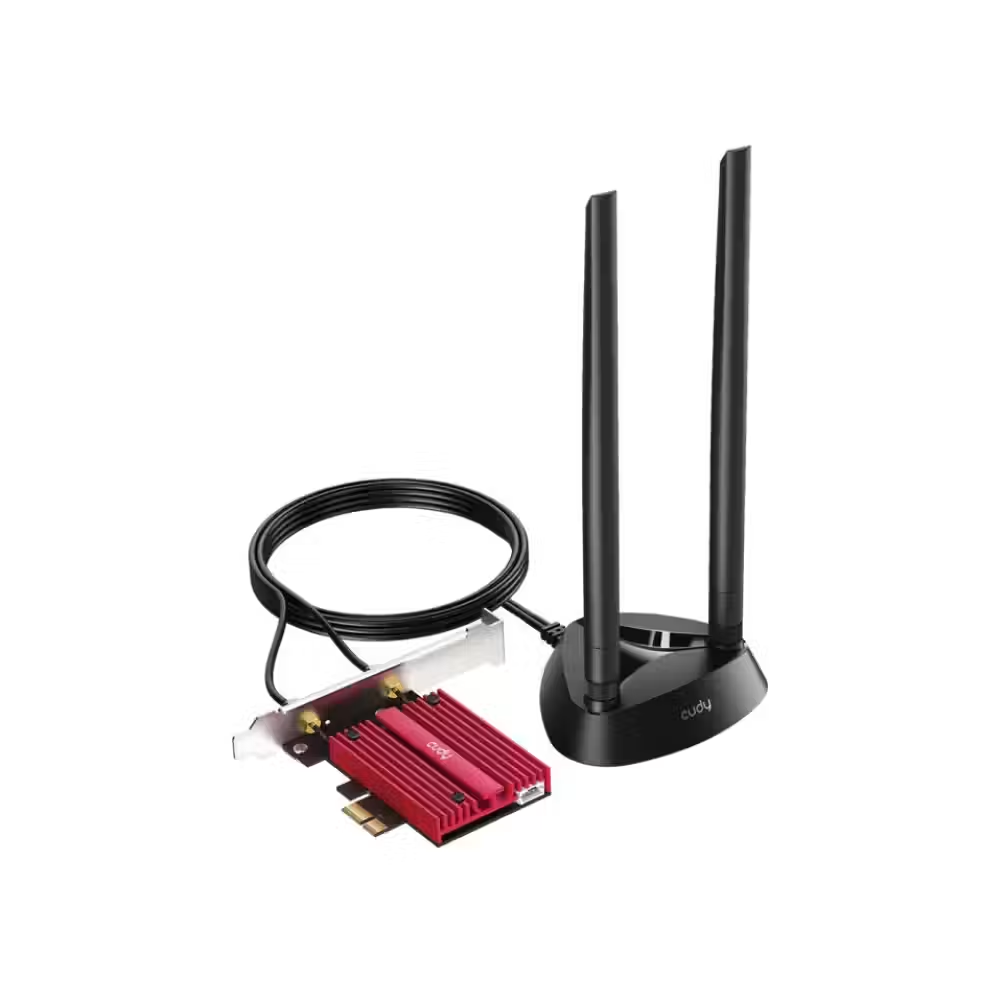
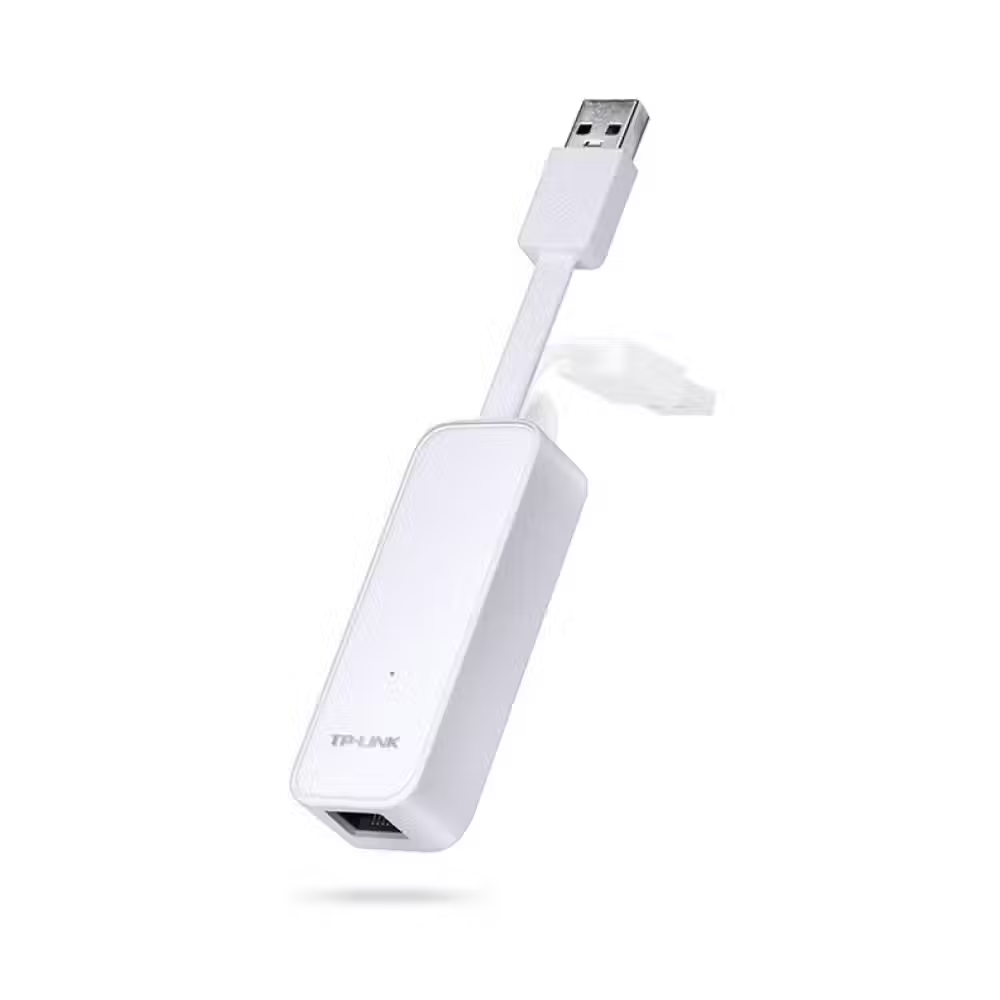
The network card provides a wired connection to the network – it adds a port to a computer without one, speeds up the connection to 2.5 or 10 Gbps, or replaces a damaged port on the motherboard. Here you can find internal PCIe cards, USB and USB-C adapters for laptops, cards with multiple ports, and SFP modules for optical connections.

How to choose

  • Speed. Gigabit cards are sufficient for most home and office connections. 2.5 Gbps is useful for fast internet and NAS. 10 Gbps and more are for servers, workstations, and video processing networks.
  • Connection to the computer. PCIe cards are installed inside the desktop computer and are the most stable. USB and USB-C adapters are for laptops and small computers without a network port.
  • Number of ports. Cards with two or four ports are for servers, firewalls, and virtualization.
  • Purpose. Besides classic network cards, there are adapters from USB-C to network port, cards with additional USB ports, and expansion cards for specific needs.
  • Optics. Cards and switches with SFP or SFP+ slots work with optical cable modules – for long distances and very high speed.

What to watch out for

  • For full speed, the router or switch must support the same speed.
  • Low-profile cards fit into small cases if the package includes a short bracket.
  • The USB adapter for 2.5 Gbps requires a USB 3.0 port or newer; otherwise, the speed will be limited by the port.
  • SFP modules must match the type of optical cable and distance – single-mode or multi-mode.
  • Some USB-C adapters also provide power to the laptop – convenient if you have few ports.

Compatibility

PCIe cards require a free PCIe slot on the motherboard – check if it is not occupied by the graphics card. Most gigabit cards work with Windows and Linux immediately, while faster ones may require a driver. For 10-gigabit cards, use category 6A cables or optics; otherwise, the connection may drop to a lower speed. Server cards sometimes need good ventilation in the case because they heat up. If you cannot use a cable, check out WiFi adapters, and for more ports in the network – switches.

Frequently Asked Questions

Защо ми трябва мрежова карта, ако дънната платка има порт?
Отделна карта е нужна, когато искаш по-висока скорост от вградения порт, когато портът на платката е повреден или когато ти трябват повече портове. Сървърите и защитните стени често ползват карти с няколко порта, а работните станции – 10-гигабитови карти за бърз достъп до NAS.
Има ли смисъл от 2,5 Gbps мрежова карта?
Има смисъл, ако интернетът ти е по-бърз от един гигабит или ако работиш с NAS и местиш големи файлове в домашната мрежа. Рутерът или суичът също трябва да поддържат 2,5 Gbps. При обикновен интернет и без NAS гигабитовият порт е напълно достатъчен.
Какво е SFP модул?
SFP е малък сменяем модул, който се поставя в съответния слот на суич или мрежова карта и позволява връзка по оптичен или медно-жичен кабел. Различните модули са за различни разстояния и видове кабел. Използват се основно в офиси, сървърни помещения и между сгради.
USB мрежов адаптер подходящ ли е за лаптоп?
Да, USB и USB-C мрежовите адаптери са удобен начин да свържеш лаптоп без мрежов порт към кабелна мрежа. Те работят веднага с повечето системи. За скорост над гигабит избирай модел с USB 3.0 или USB-C и провери поддръжката за твоята система.
Ще влезе ли картата в малката ми кутия?
Ако кутията е с нисък профил, търси карта с къса планка в комплекта. Много мрежови карти идват с двете планки – стандартна и ниска. Провери също дали на дънната платка има свободен PCIe слот, който не е закрит от видео картата.
Messenger