Search…

CD, DVD, Blu-Ray media

18 products

Promotions only
7.00 €
Earn 7 points+7 p.
★★★★★ (0)
Available in external warehouse
2.00 €
Earn 2 points+2 p.
★★★★★ (0)
Available in external warehouse
14.00 €
Earn 14 points+14 p.
★★★★★ (0)
Limited quantity
15.00 €
Earn 15 points+15 p.
★★★★★ (0)
Available in external warehouse
6.00 €
Earn 6 points+6 p.
★★★★★ (0)
Available in external warehouse
31.00 €
Earn 31 points+31 p.
★★★★★ (0)
Limited quantity
10.00 €
Earn 10 points+10 p.
★★★★★ (0)
Available in external warehouse
1.00 €
Earn 1 points+1 p.
★★★★★ (0)
Available in external warehouse
14.00 €
Earn 14 points+14 p.
★★★★★ (0)
Available in external warehouse
19.00 €
Earn 19 points+19 p.
★★★★★ (0)
Available in external warehouse
10.00 €
Earn 10 points+10 p.
★★★★★ (0)
Available in external warehouse
10.00 €
Earn 10 points+10 p.
★★★★★ (0)
Available in external warehouse
6.00 €
Earn 6 points+6 p.
★★★★★ (0)
Available in external warehouse
19.00 €
Earn 19 points+19 p.
★★★★★ (0)
Available in external warehouse
9.00 €
Earn 9 points+9 p.
★★★★★ (0)
Available in external warehouse
18.00 €
Earn 18 points+18 p.
★★★★★ (0)
Limited quantity
6.00 €
Earn 6 points+6 p.
★★★★★ (0)
Available in external warehouse
10.00 €
Earn 10 points+10 p.
★★★★★ (0)
Available in external warehouse

Useful when choosing

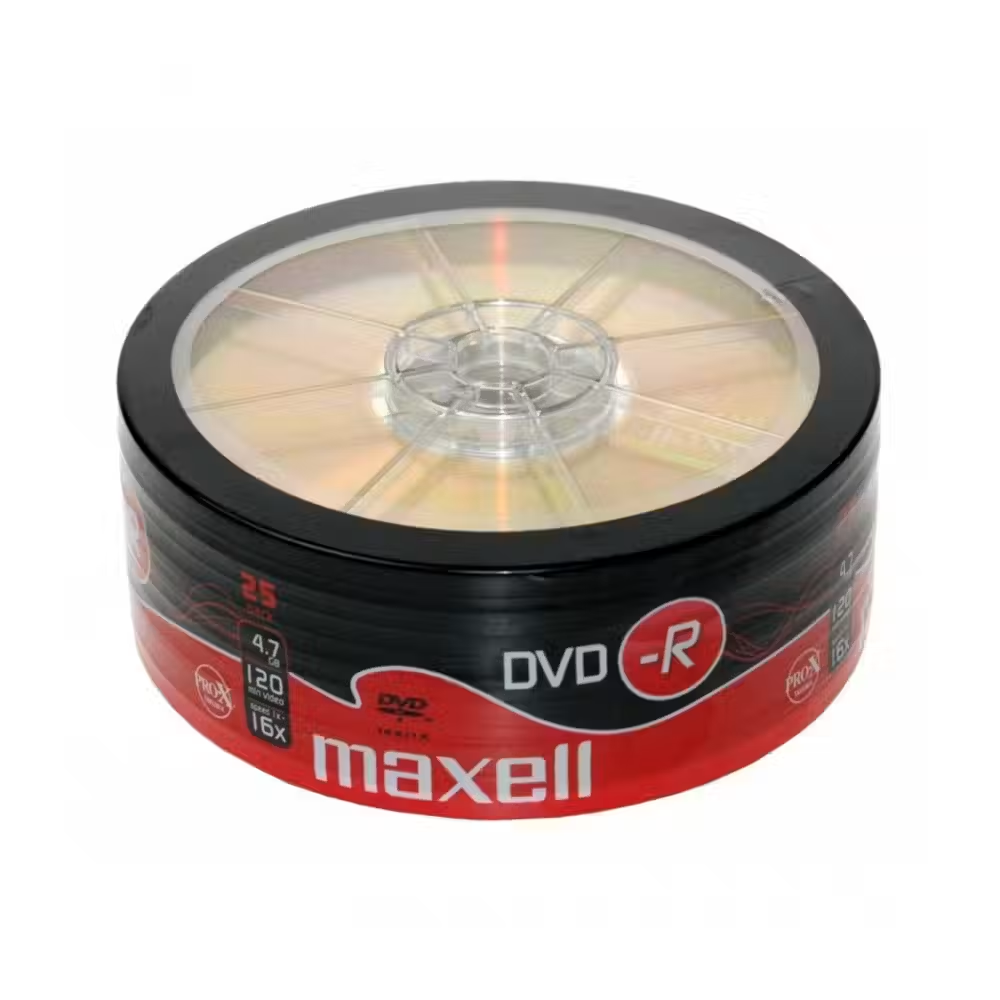
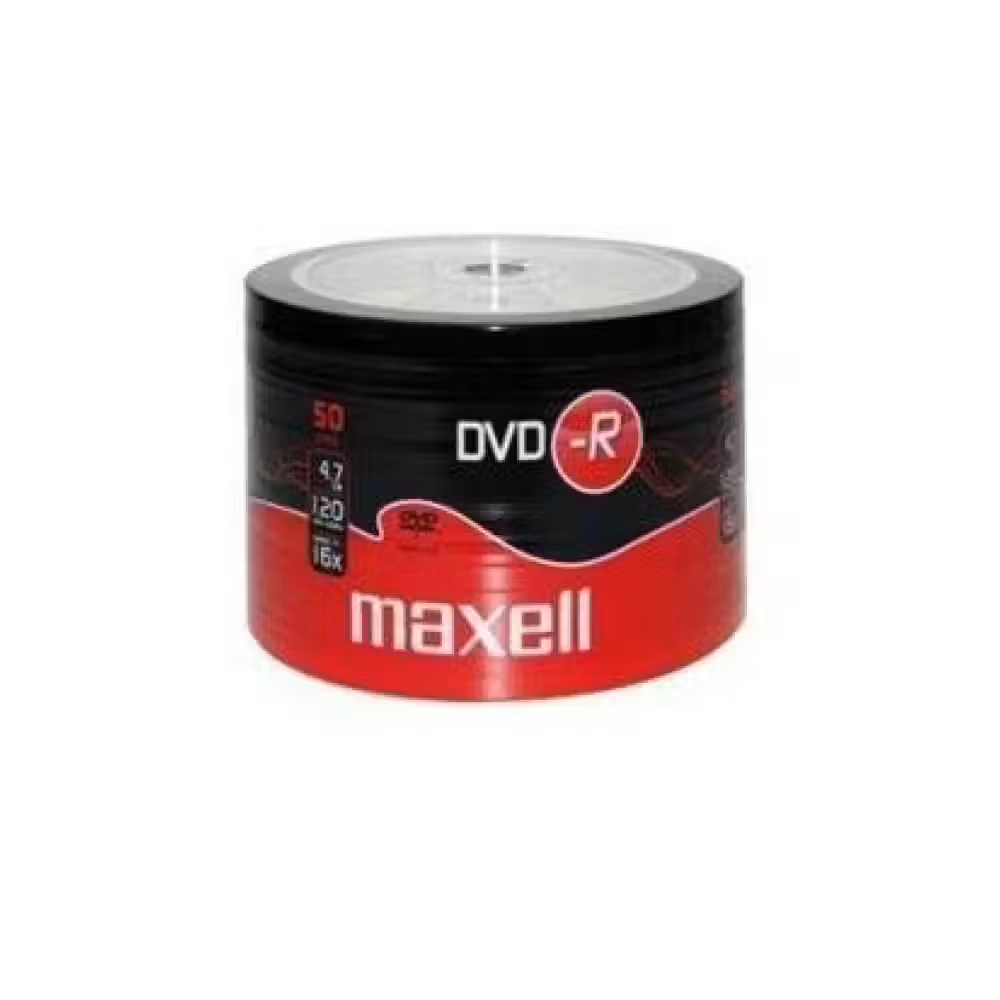
Optical discs are still used for archiving photos and documents, for recording music for cars, for medical research, and for data distribution without the internet. The recorded disc cannot be accidentally changed and is not affected by viruses, making it convenient for archiving. Here you can find blank CD-R, DVD-R, and DVD+R discs from Maxell and other brands, including discs with a white surface for printing, as well as LTO backup tapes for servers.

How to choose

  • Capacity. CD-R holds 700 MB – suitable for music and small files. DVD holds 4.7 GB for video and archives. Blu-ray discs hold 25 GB and more.
  • DVD-R or DVD+R. Both formats are read by almost all modern devices. Older DVD players sometimes read DVD-R better, so for home recordings, it is the more reliable choice.
  • Packaging. Discs are sold on a spindle (cake box), in a sleeve, or in individual cases. The spindle is the most economical for many recordings, while the cases better protect individual discs.
  • Printable surface. Discs with a white printable surface are for printers that support printing on discs – convenient for gifts and corporate archives.
  • LTO tapes. They are for tape devices in server systems and serve as a long-term archive for very large volumes of data.

What to watch out for

  • For recording, you need a recording device that supports the respective format.
  • Keep the discs away from sunlight and moisture and hold them by the edge, avoiding touching the recording side.
  • For important archives, make at least two copies on different media.
  • Record at a lower speed if the disc will be read in an old player – this often makes the recording more reliable.
  • LTO tapes must match the generation supported by the tape device.

Compatibility

If your computer or laptop does not have an optical drive, you can add an external recording device with USB from the category of computer accessories. For faster copying and larger volume, also look at external disk enclosures, which turn a regular disk into a portable archive.

Frequently Asked Questions

CD или DVD – кой диск да избера?
За музика за автомобил или стар плейър избери CD-R – той се чете от почти всяко аудио устройство. За видео, снимки и архив на файлове DVD е по-подходящ, защото побира около шест пъти повече данни. Провери дали записващото ти устройство поддържа DVD.
Каква е разликата между DVD-R и DVD+R?
Това са два конкуриращи се формата с еднакъв капацитет от 4,7 GB. Днешните устройства записват и четат и двата без проблем. При много стари DVD плейъри DVD-R понякога е по-съвместим, затова за видео за домашния плейър той е по-сигурен избор.
Колко години издържа записаният диск?
При правилно съхранение – на тъмно, сухо и хладно място – качествените дискове издържат дълги години. Слънцето, влагата и драскотините по записващата страна съкращават живота им. За много важни данни пази копие и на друг носител.
Мога ли да запиша диск без DVD устройство?
Не, нужно е записващо оптично устройство. Ако компютърът ти няма такова, външното USB записващо устройство е удобно решение и се свързва за секунди. Windows и macOS имат вградени функции за запис на дискове, така че не е нужна допълнителна програма.
За какво служат касетите LTO?
Касетите LTO се използват в сървъри и фирмени системи за архивиране на големи обеми данни на магнитна лента. Те са надеждни за дългосрочно съхранение и се пазят извън компютъра. За тях ти трябва лентово устройство, което поддържа съответното поколение LTO.
Messenger