
Laptop cooling pads
48 products

Laptop cooler Cooler Master ERGOSTAND Lite
35.00 €
Earn 35 points+35 p.
★★★★★
(0)
Available in external warehouse
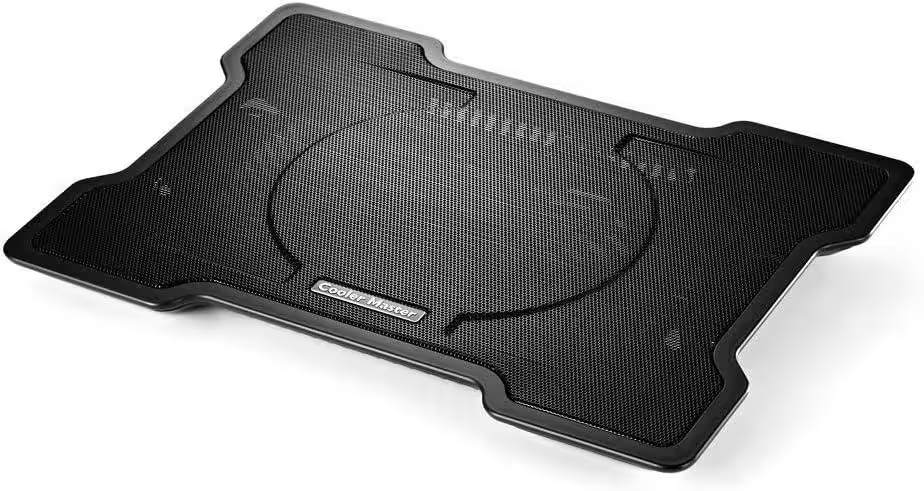
Laptop cooler Cooler Master NotePal X-Slim
25.00 €
Earn 25 points+25 p.
★★★★★
(0)
Available in external warehouse

Fury Gunbai G3 Laptop Cooling Pad 14.1-17.3" 2 fans, RGB LED Light, 2 USB
22.00 €
Earn 22 points+22 p.
★★★★★
(0)
Available in external warehouse

ACT Ergonomic adjustable footrest with massage rollers
26.00 €
Earn 26 points+26 p.
★★★★★
(0)
Available in external warehouse

Genesis Laptop Cooling Pad Oxid 260 15.6-17.3 4 Fans, Led Light, 2 Usb
24.00 €
Earn 24 points+24 p.
★★★★★
(0)
Available in external warehouse

Genesis Laptop Cooling Pad Oxid 550 15.6-17.3 5 Fans, Led Light, 1 Usb
32.00 €
Earn 32 points+32 p.
★★★★★
(0)
Available in external warehouse

HAMA Laptop Stand "Metal", 4-step tilt, foldable, up to 40 cm (15.6"), gray
25.00 €
Earn 25 points+25 p.
★★★★★
(0)
Available in external warehouse
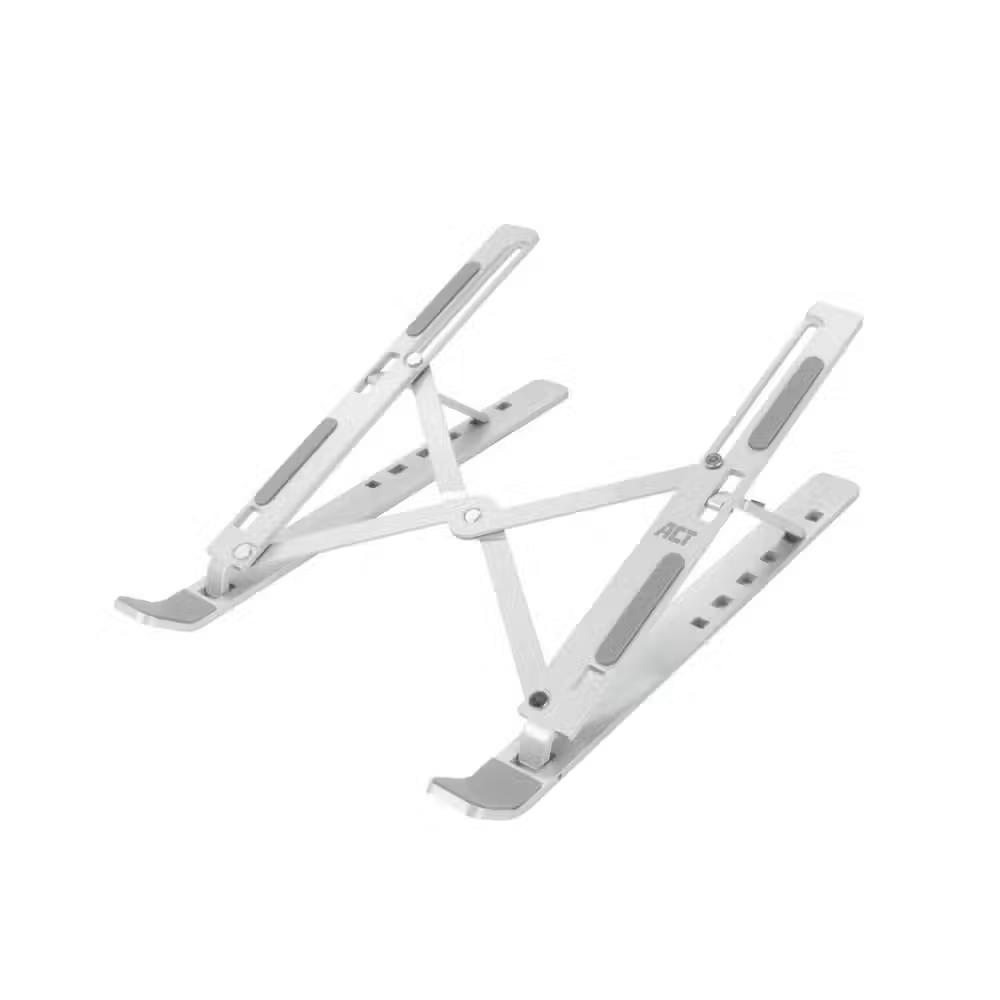
ACT AC8120 Foldable Aluminum Laptop Stand, 6 Positions
16.00 €
Earn 16 points+16 p.
★★★★★
(0)
Available in external warehouse

Foldable laptop stand ACT AC8145, 5 positions, Black
16.00 €
Earn 16 points+16 p.
★★★★★
(0)
Limited quantity

ACT AC8150 Foldable Lightweight Laptop Stand, 7 Positions, Black
17.00 €
Earn 17 points+17 p.
★★★★★
(0)
Available in external warehouse
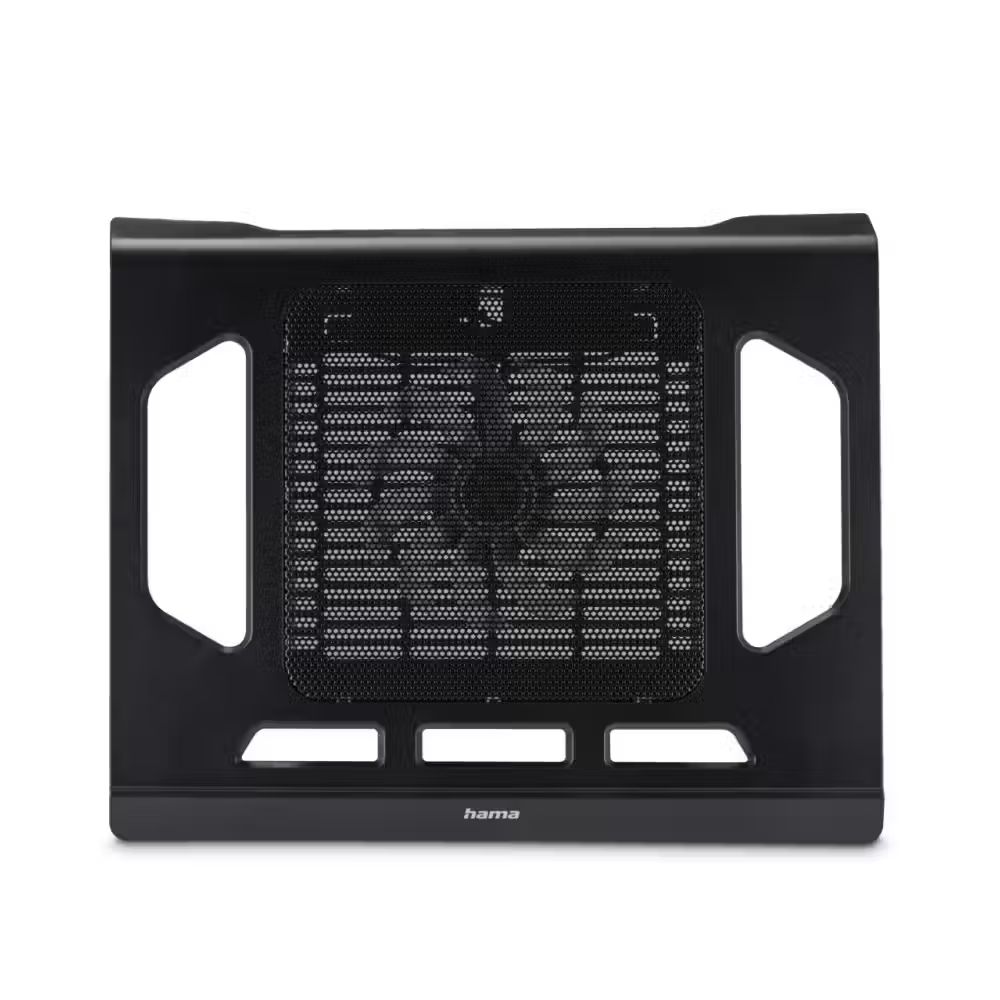
Hama laptop cooling stand Black Edition with fan, USB
15.00 €
Earn 15 points+15 p.
★★★★★
(0)
Available in external warehouse

Laptop Stand Rain Design mBar, Astro Gray
31.00 €
Earn 31 points+31 p.
★★★★★
(0)
Available in external warehouse

Stand for iMac Rain Design mBase 24" for iMAC PC
62.00 €
Earn 62 points+62 p.
★★★★★
(0)
Available in external warehouse

Laptop stand Rain Design mStand360 with Swivel Base - Starlight
53.00 €
Earn 53 points+53 p.
★★★★★
(0)
Available in external warehouse

Laptop Stand Rain Design mStand, Midnight
54.00 €
Earn 54 points+54 p.
★★★★★
(0)
Available in external warehouse
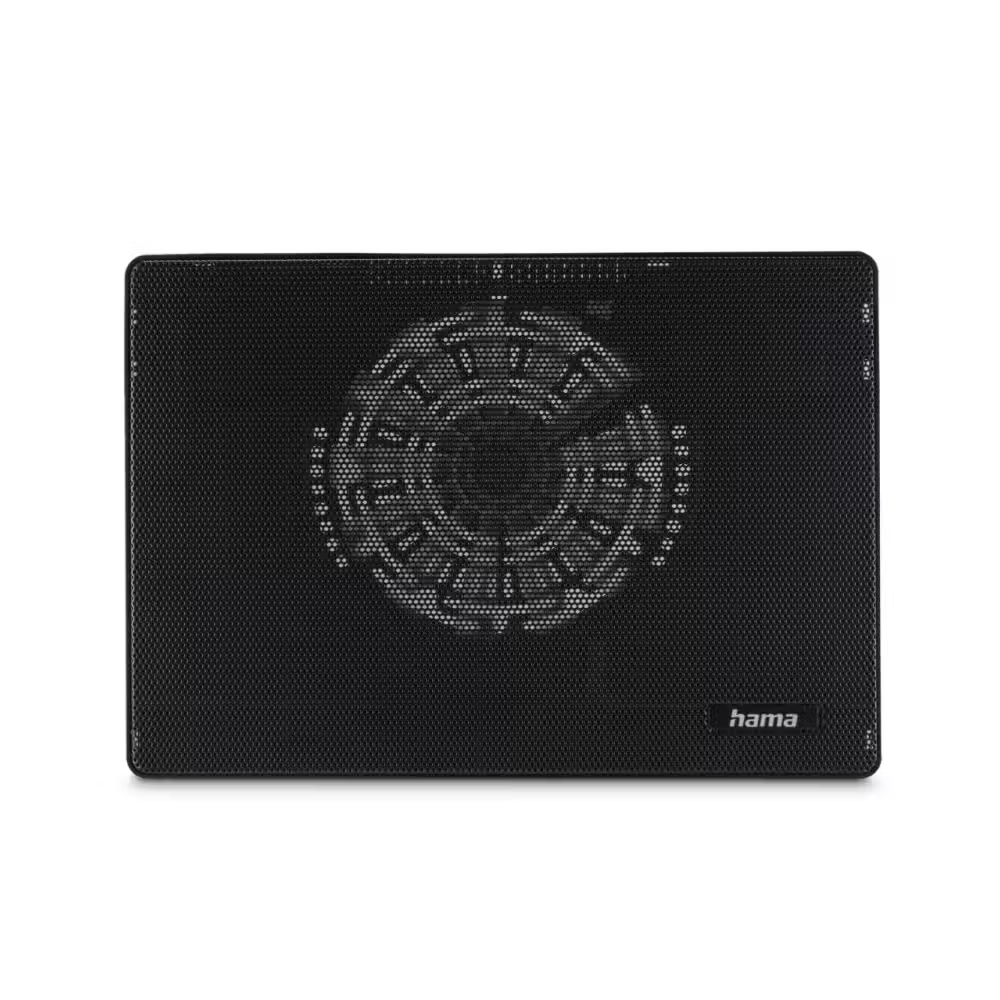
HAMA Cooling Pad for Laptop "Slim", ultra-slim, quiet, lightweight, up to 40 cm (15.6"), black
16.00 €
Earn 16 points+16 p.
★★★★★
(0)
Limited quantity
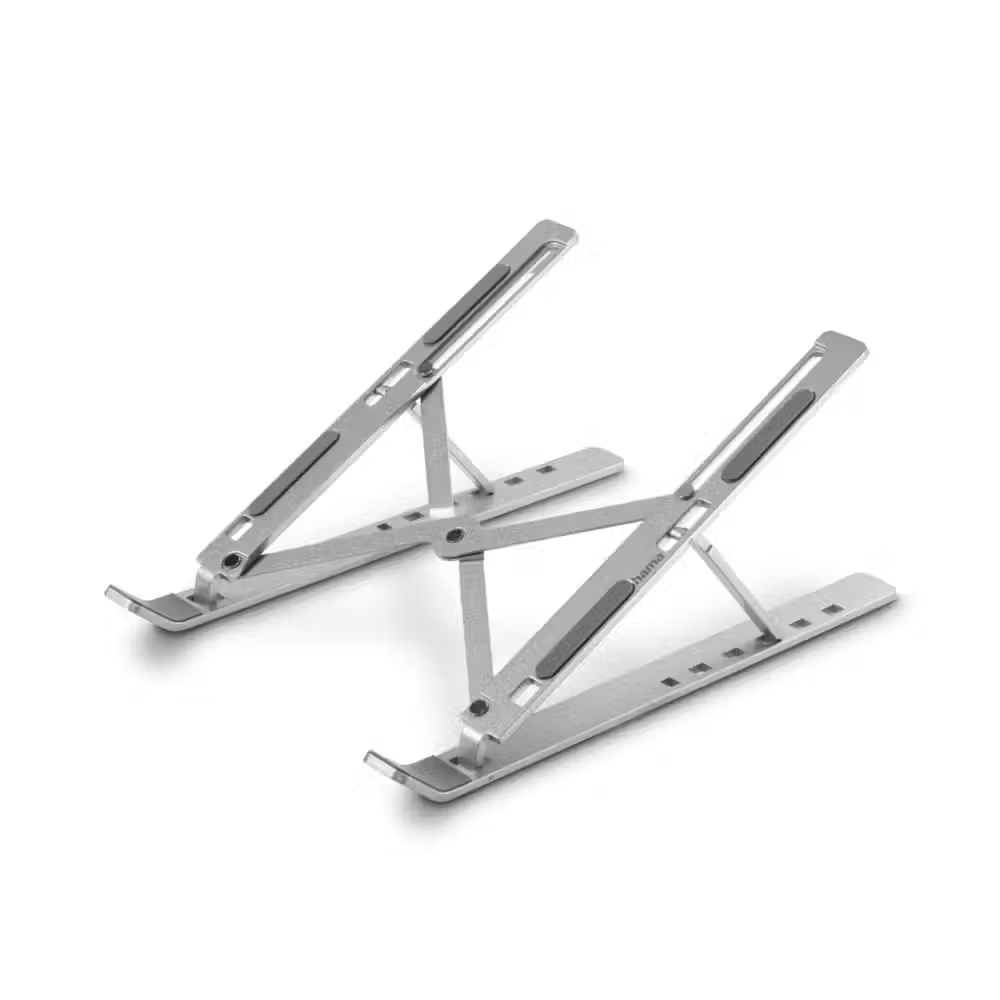
HAMA "Aluminium" Laptop Stand - 126813
17.00 €
Earn 17 points+17 p.
★★★★★
(0)
Available in external warehouse

Laptop stand HAMA "Aluminium" - 126811
20.00 €
Earn 20 points+20 p.
★★★★★
(0)
Available in external warehouse

HAMA cooling stand Wave" for laptop with fan, 126810
12.00 €
Earn 12 points+12 p.
★★★★★
(0)
Available in external warehouse

HAMA Cooling stand for laptop "Aluminium", 126807
23.00 €
Earn 23 points+23 p.
★★★★★
(0)
Available in external warehouse

Hama Cooling stand for laptop "Black Metal", 40 cm (15.6"), 126806
22.00 €
Earn 22 points+22 p.
★★★★★
(0)
Available in external warehouse

j5create JTS223 Laptop Stand, 4-Port USB-A Hub, Aluminum
58.00 €
Earn 58 points+58 p.
★★★★★
(0)
Available in external warehouse

Laptop stand with docking station j5create JTS327, up to 16", USB-C, 4K
90.00 €
Earn 90 points+90 p.
★★★★★
(0)
Available in external warehouse

Orico Laptop Stand - White - PFB-A23-WH
6.00 €
Earn 6 points+6 p.
★★★★★
(0)
Available in external warehouse
Useful when choosing
Laptops pack powerful hardware into a thin case and heat up under load, becoming noisy and sometimes slowing down. A cooling stand provides additional airflow from below and raises the laptop at a comfortable angle. Here you can find stands with fans from DeepCool, Cooler Master, Zalman, Orico, and others, as well as aluminum stands without fans from Rain Design, ACT, and HAMA.
How to choose
- The size. The stand should be for the diagonal of the laptop or larger – for example, 15.6 or 17 inches. If it is smaller, some of the laptop's vents will be without airflow.
- With or without fans. Stands with fans actively cool and are suitable for gaming and heavy work. Aluminum stands without fans are silent, dissipate heat passively, and improve your posture while working.
- The size of the fan. A single large fan of 140 or 180 mm is quieter at the same airflow. Several smaller fans cool specific areas more precisely.
- Height adjustment. Several tilt positions allow you to raise the screen closer to eye level and type more comfortably.
- Power supply. Most stands are powered by the USB port of the laptop. Models with an additional USB port do not occupy a port, as they pass it through.
What to watch out for
- Check where the laptop's air vents are – on the bottom, back, or sides – and choose a stand that does not block them.
- The cooling stand helps, but does not replace cleaning the dust from the laptop's own fans.
- When working for long periods at a high angle, use an external keyboard to avoid straining your wrists.
- Do not use the laptop on a bed or pillow – the soft surface blocks airflow.
- Foldable stands are convenient for carrying and fit into the laptop bag.
Compatibility
The stands work with all laptops in the specified size, regardless of the brand. If the laptop sits higher with the stand, add an external keyboard and mouse from the peripherals category. For carrying the stand and laptop, check the laptop bags, and for connecting to a monitor with a single cable – docking stations.
Frequently Asked Questions
Наистина ли охлаждащата поставка помага?
Да, особено при геймърски и тънки лаптопи с отвори отдолу. Допълнителният въздух понижава температурата с няколко градуса, вентилаторите на лаптопа се въртят по-бавно и шумът намалява. Ефектът е най-голям, ако лаптопът преди това е стоял директно на бюро или маса.
Поставка с вентилатори или алуминиева стойка?
Ако играеш или работиш с тежки програми, поставката с вентилатори дава по-голям ефект. Ако лаптопът ти е за офис и искаш тишина и по-добра стойка на гърба, алуминиевата стойка без вентилатори е напълно достатъчна и отвежда топлината пасивно.
Шумни ли са вентилаторите на поставката?
Поставките с един голям вентилатор обикновено са по-тихи от тези с няколко малки. Много модели имат регулатор на оборотите, така че можеш да ги намалиш при лека работа. При високи обороти шумът се чува, но често е по-приятен от бръмченето на малките вентилатори в лаптопа.
Мога ли да ползвам поставката с MacBook?
Да, стига размерът да е подходящ. При MacBook и други алуминиеви лаптопи стойката без вентилатори е популярен избор, защото вдига екрана и помага на корпуса да отдава топлина. Поставките с вентилатори също работят, но ефектът зависи от това къде лаптопът всмуква въздух.
Колко висока трябва да е поставката?
За най-добра стойка горният ръб на екрана трябва да е приблизително на нивото на очите. Повечето поставки имат няколко позиции. Ако вдигнеш лаптопа много високо, ще ти трябва външна клавиатура и мишка, за да пишеш удобно.
