
Braided cables
14 products


Jonsbo PC Light Cable RGB Extension Cable - 12+4-Pin to 12VHPWR
- Jonsbo
- Extension power cable; Cable
- Addressable RGB

JONSBO PC Light Cable Graphics Card Extension Cable - 3x 8-Pin
- Jonsbo
- Extension power cable
- Addressable RGB

1stPlayer modular cable Custom Sleeved Modding Cable Black - PCIe 5.0 12VHPWR M/M - FM2-B-BK
- 1stPlayer
- Power cable
- No

1stPlayer Custom Modding Cable Kit Black/Green - ATX24P, EPS, PCI-e - BGE-001
- 1stPlayer
- Extension power cable
- No

1stPlayer Custom Modding Cable Kit Black/White - ATX24P, EPS, PCI-e - BKW-001
- 1stPlayer
- Extension power cable
- No

1stPlayer Custom Modding Cable Kit Black/Orange - ATX24P, EPS, PCI-e - BOR-001
- 1stPlayer
- Extension power cable
- No

1stPlayer modular cable Custom Sleeved Modding Cable Black/Red - PCIe 5.0 12VHPWR M/M - FM2-B-BR
- 1stPlayer
- Extension power cable
- No

Cable extension kit 1stPlayer BBL-001 Cable Kit Black/Blue - ATX24P, EPS, PCI-e
- 1stPlayer
- Extension power cable
- No
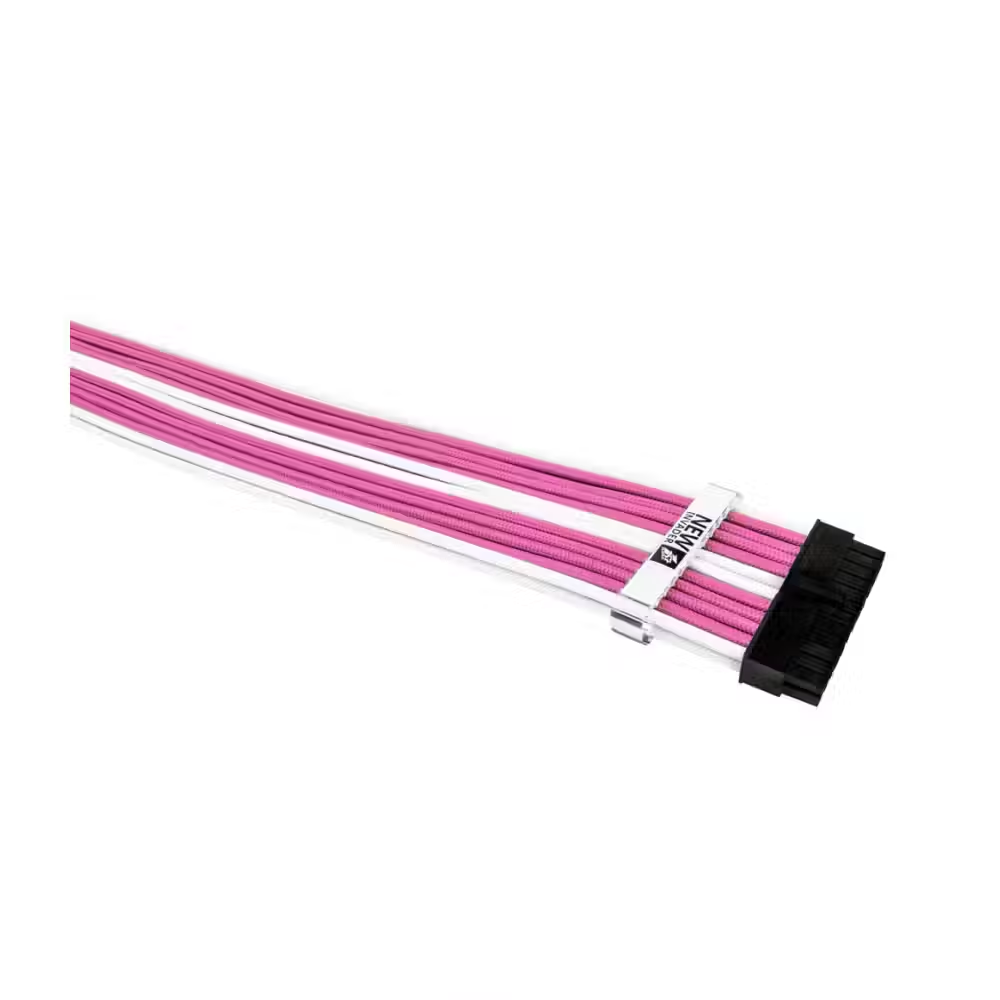
Cable extension kit 1stPlayer PKW-001 Cable Kit Pink/White - ATX24P, EPS, PCI-e
- 1stPlayer
- Extension power cable
- No

Kolink Core Braided Cable Set, Jet Black/Titan Purple
- Kolink
- PCI-Express
- No

Kolink Core Braided Cable Set White
- Kolink
- PCI-Express
- No

Kolink Core Black/Red Braided Cable Set
- Kolink
- Extension power cable
- No

Kolink Core Black/Grey Braided Cable Set
- Kolink
- Extension power cable
- No

Kolink Core Red Braided Cable Set
- Kolink
- Extension power cable
- No
Useful when choosing
Braided cables make the assembly neat and beautiful, especially in a case with a glass panel. They do not make the computer faster, but they complete the look and make cable management easier. Here you will find extension kits for the motherboard, processor, and graphics card, cables and adapters for the 16-pin 12VHPWR connector, combs for organization, cables with built-in lighting, and cables for vertical mounting of the graphics card.
How to choose
- Extensions or direct cables. Extensions connect to the original power supply cables and work with any power supply. Direct cables replace the originals but are only compatible with specific power supply models.
- The connectors. The complete kit includes a 24-pin cable for the motherboard, an 8-pin (4+4) for the processor, and several PCIe cables for the graphics card. Check how many PCIe connectors your graphics card uses.
- The 16-pin connector. For new graphics cards with 12VHPWR or 12V-2x6, choose a quality cable or an angled adapter that reduces cable bending to the card.
- Color and appearance. There are single-color kits, combinations of two colors, and cables with addressable lighting. Combs keep the wires organized and parallel.
- The length. Extensions are usually between 30 and 45 cm – enough for most Middle Tower cases.
What to watch out for
- Never use direct modular cables that are not for your power supply model.
- The 16-pin connector should fit all the way in, with no visible gap.
- Do not bend the cable sharply immediately after the graphics card connector.
- Cables with lighting require separate power and an ARGB connector.
- Extensions add another connection – connect each connector tightly and check after installation.
- Organize the cables before closing the case – overly tight cables put stress on the connectors.
Compatibility
Extensions work with any ATX power supply because they plug into its standard connectors. Check the list of compatible power supply models for direct cables. For graphics cards with a 16-pin connector, look at the supported power of the cable. If you want the card to be vertical, see case accessories. Before purchasing, count how many connectors you actually use to avoid having excess cables or missing some.
