
Server memory (RAM ECC)
8 products


Memory Samsung M321RYGA0PB2-CCP 96GB DDR5 6400MHz ECC RDIMM
- Server
- DDR5
- 96GB
- 6400 MHz
- 1 x 96GB

Memory Samsung Server M321R8GA0EB2-CCP, 64GB DDR5 6400 CL52
- Server
- DDR5
- 64GB
- 6400 MHz
- 1 x 64GB

Memory Kingston Server Premier 32GB DDR4 3200MHz RDIMM CL22 - KSM32RD8/32HD
- Server
- DDR4
- 32GB
- 3200 MHz
- 1 x 32GB
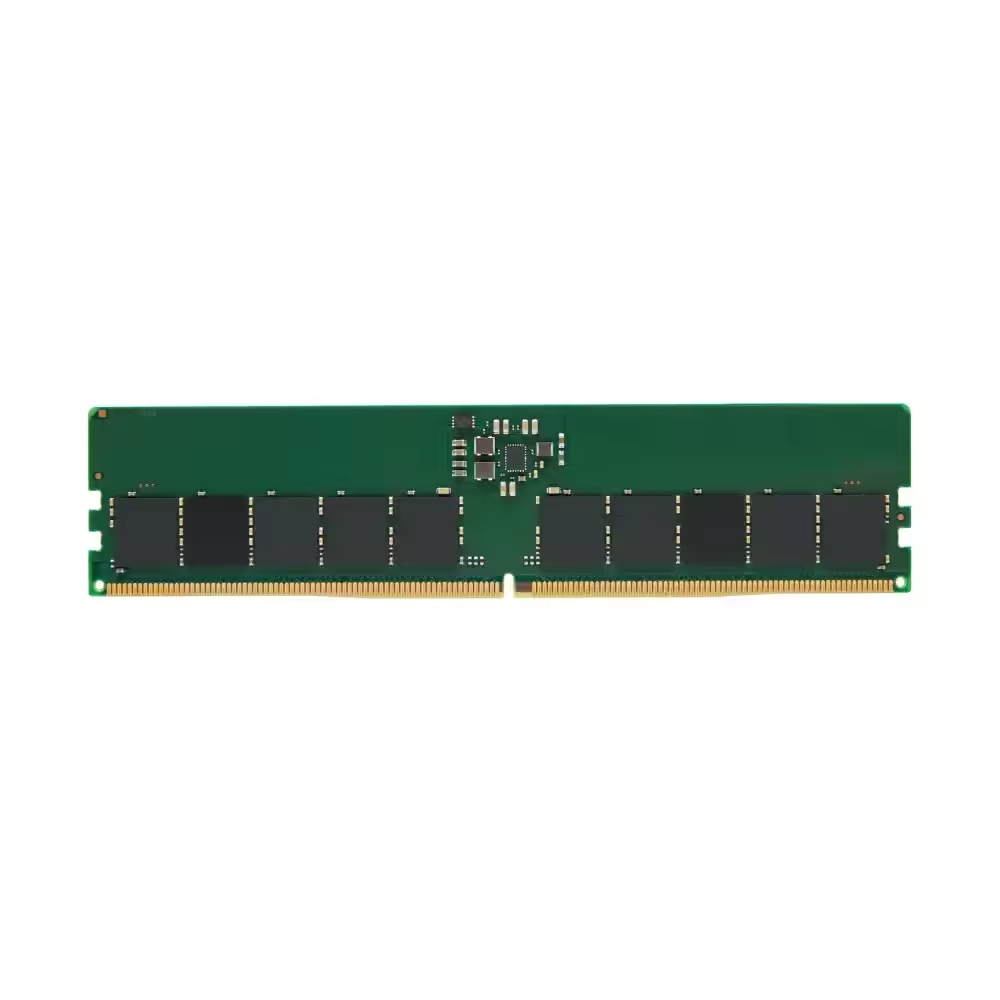
Memory Kingston RAM Server Premier 16GB DDR5 5600 UDIMM CL46 - KSM56E46BS8-16MH
- Server
- DDR5
- 16GB
- 5600 MHz
- 1 x 16GB

Memory Kingston Server Premier DDR5 16GB (1x16GB) CL46 - KSM56R46BS8-16MH
- Server
- DDR5
- 16GB
- 5600 MHz
- 1 x 16GB

Memory Samsung Memory 16GB (1x16GB) D4 2666MHz ECC R 1.2V - M393A2K43CB2-CTD
- Server
- DDR4
- 16GB
- 2666 MHz
- 1 x 16GB
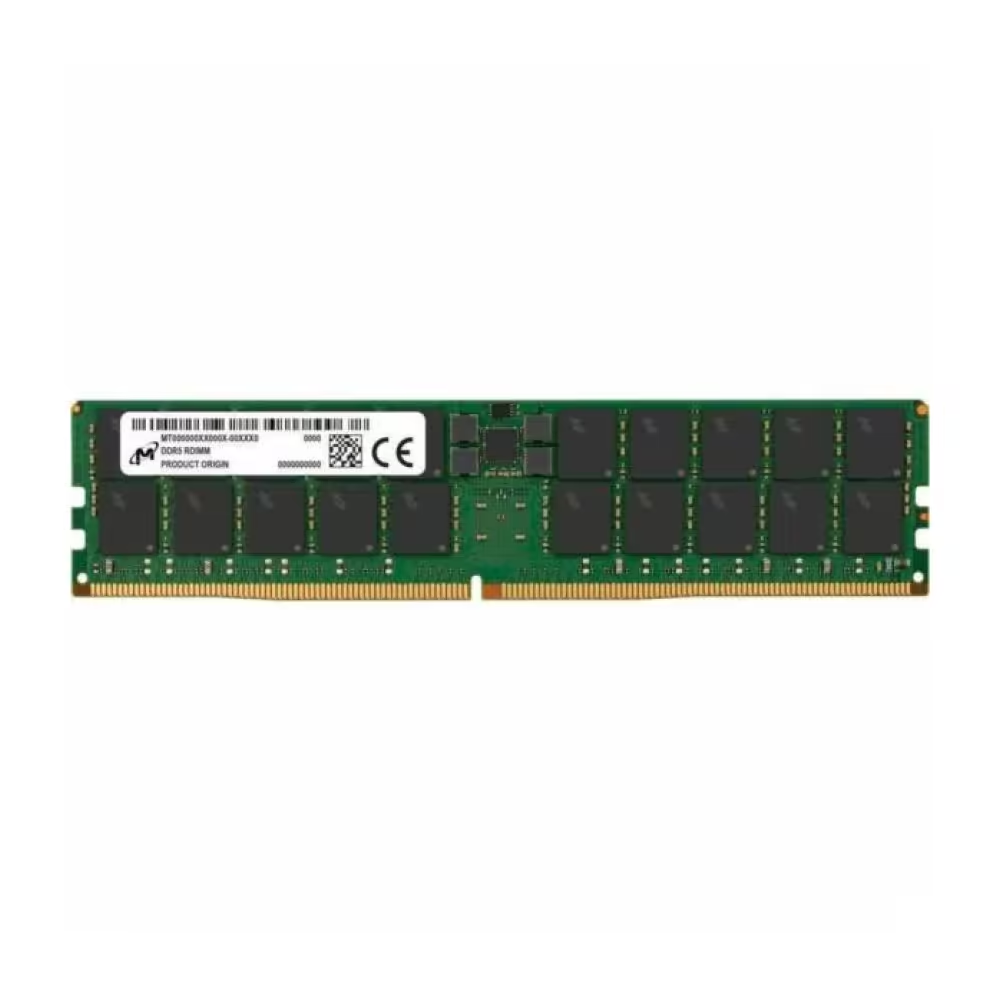
Micron RDIMM 64GB DDR5 2Rx4 5600MHz PC5-44800 ECC REGISTERED MTC40F2046S1RC56BD1T Tray
- Server
- DDR5
- 64GB
- 5600 MHz
- 1 x 64GB


SAMSUNG Server Memory 32GB DDR5 6400 Mhz RDIMM 1.1V - M321R4GA3EB2-CCP
- Server
- DDR5
- 32GB
- 6400 MHz
- 1 x 32GB
Useful when choosing
Server memory with error correction (ECC) detects and corrects random errors in data before they corrupt a file or crash the system. With large memory volumes and round-the-clock operation, such errors occur more frequently than it seems, so the protection has real value. Therefore, it is standard for servers that operate continuously. Here are registered modules DDR5 RDIMM ECC from Micron and other manufacturers, designed for server platforms.
How to choose
- The type of memory. Server motherboards typically require registered memory (RDIMM) with ECC. Regular desktop memory and unbuffered ECC memory (UDIMM) often do not work in them.
- The generation. The memory must be from the generation supported by the motherboard – DDR4 or DDR5. The two generations have different slots and are not interchangeable.
- The module capacity. For more memory with fewer slots, choose larger modules, such as 64 GB. This way, you leave free slots for future expansion.
- The frequency. The motherboard and processor determine the maximum frequency. Faster memory will operate at the speed supported by the platform.
- The rank. Modules are single-, dual-, or quad-ranked. The number of ranks affects the maximum capacity and frequency that the motherboard allows.
What to watch out for
- Check the list of supported modules from the motherboard manufacturer.
- Fill the slots symmetrically according to the manual to ensure all channels of the processor work.
- Do not mix modules with different capacities, ranks, or manufacturers unless explicitly allowed.
- More memory channels mean higher bandwidth – fill at least one module per channel.
- Install and remove modules only with the server powered off and with anti-static protection.
- After installation, check in BIOS and in the system whether the entire capacity is recognized.
Compatibility and consultation
The memory works with server processors and server motherboards of the corresponding generation. If you need a different capacity, frequency, or generation, contact us with the model of the server or motherboard – we will check compatible modules and availability. This way, you will avoid returning modules that the motherboard does not accept.
