
Switches
118 products

Switch Ubiquiti UniFi USW-48 network switch Managed L2 Gigabit Ethernet (10/100/1000) Silver
- Ubiquiti
- No
- 24 months

Switch ASUS QG-U1080 8-Port 8 x 2.5Gbps ports
- ASUS
- 8 x RJ-45
- 36 months
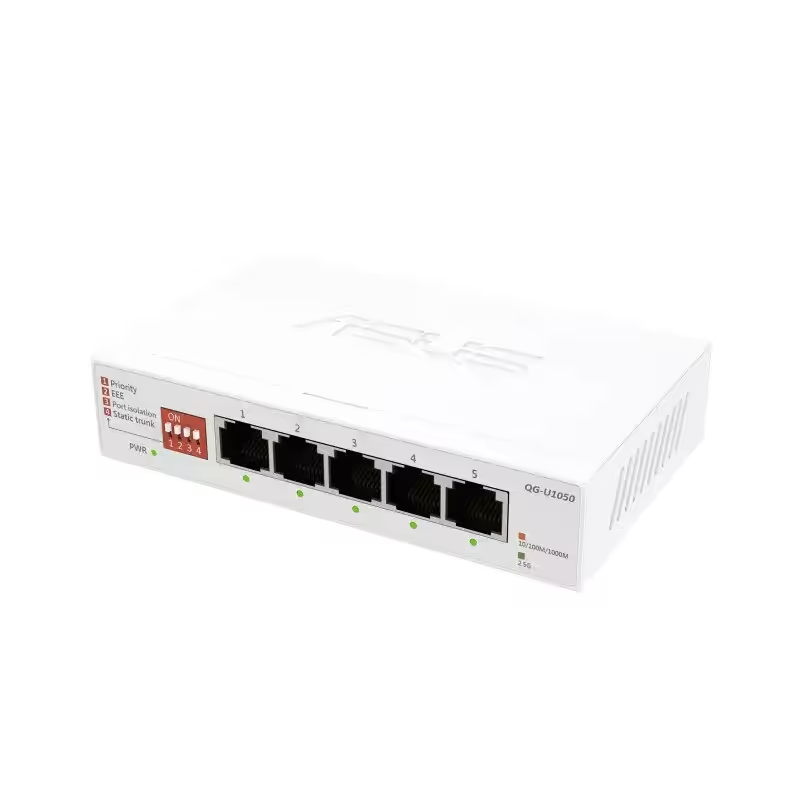
Switch ASUS QG-U1050 5-Port 5 x 2.5Gbps ports
- ASUS
- 5 x RJ-45
- 36 months

Cudy GS1016E Switch, 16x managed Gigabit PoE+ ports, 2x Gigabit SFP slots
- Cudy
- Yes
- 16
- 24 months


ZyXEL GS-1200-8HPV3 Switch, 8 Ports, Gigabit, webmanaged
- ZYXEL
- 60 months


ZyXEL POE12-90W PoE injector, Gigabit, 90W
- ZYXEL
- Yes
- 2 x RJ-45
- 60 months

NETGEAR AV Line M4250-26G4F-PoE+ 24x1G PoE+ 300W 2x1G and 4xSFP Managed Switch - GSM4230P-100EUS
- NETGEAR
- Yes
- 24 x 10/100/1000BASE-T (RJ45) PoE+
- 999 months

ZyXEL GS-2220-50 Switch, 48-port Layer2+, 44x Gb+ 4x Gbcombo (RJ45/SFP) + 2x Gb SFP, managed
- ZYXEL
- 60 months
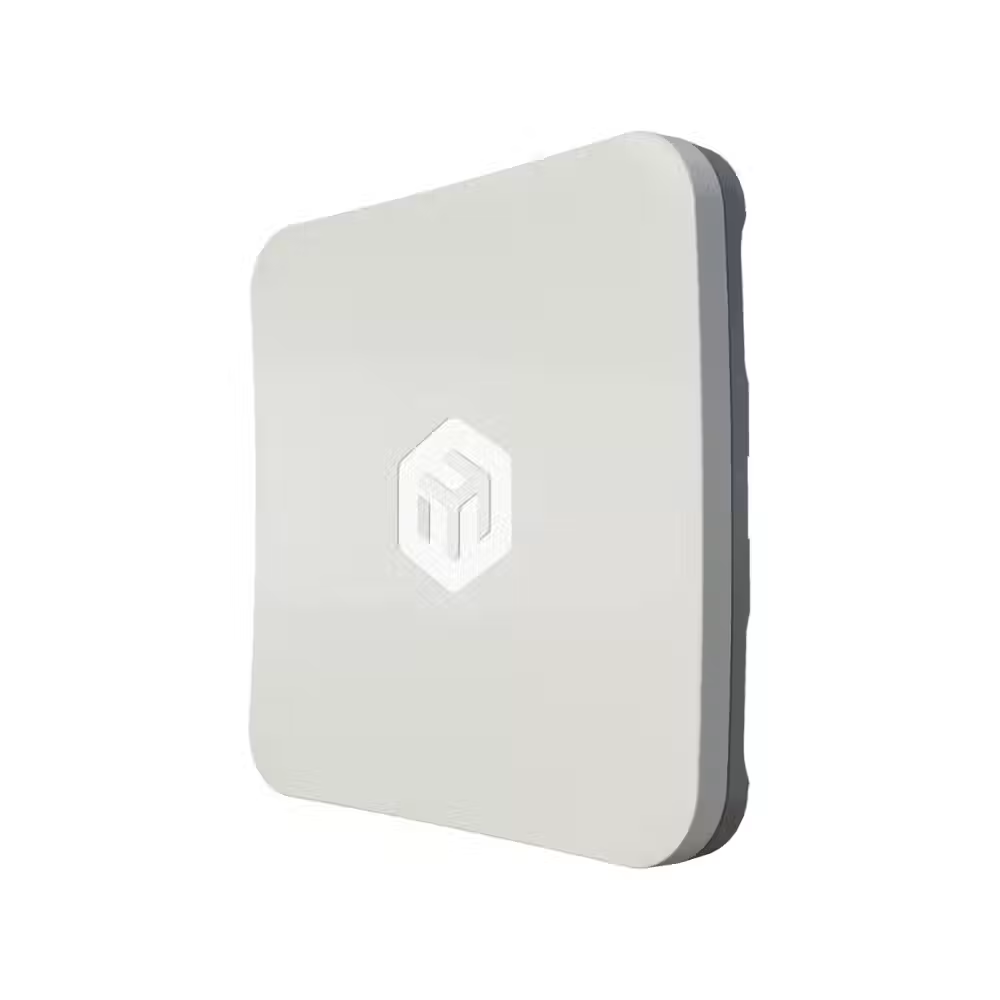
Mikrotik Wireless Access Point, Outdoor, SXTsq-5axD SXTsq 5 ax RouterOS14
- MikroTik
- 12 months

PoE adapter Cudy POE48-18W, Gigabit PoE+/PoE, 18W, 2 x 10/100/1000Mbps
- Cudy
- Yes
- 24 months


Mikrotik PoE Network Extender GPER14i, GPeRx4 with SwOS, outdoor
- MikroTik
- 12 months


D-Link DGS-1008MP Switch, 8 port PoE 10/100/1000 Gigabit, unmanaged desktop switch
- D-Link
- Yes
- 8 x RJ-45
- 24 months

Switch D-Link DMS-105/E, 5 port 2.5G Multi-Gigabit
- D-Link
- 5 x RJ-45
- 60 months
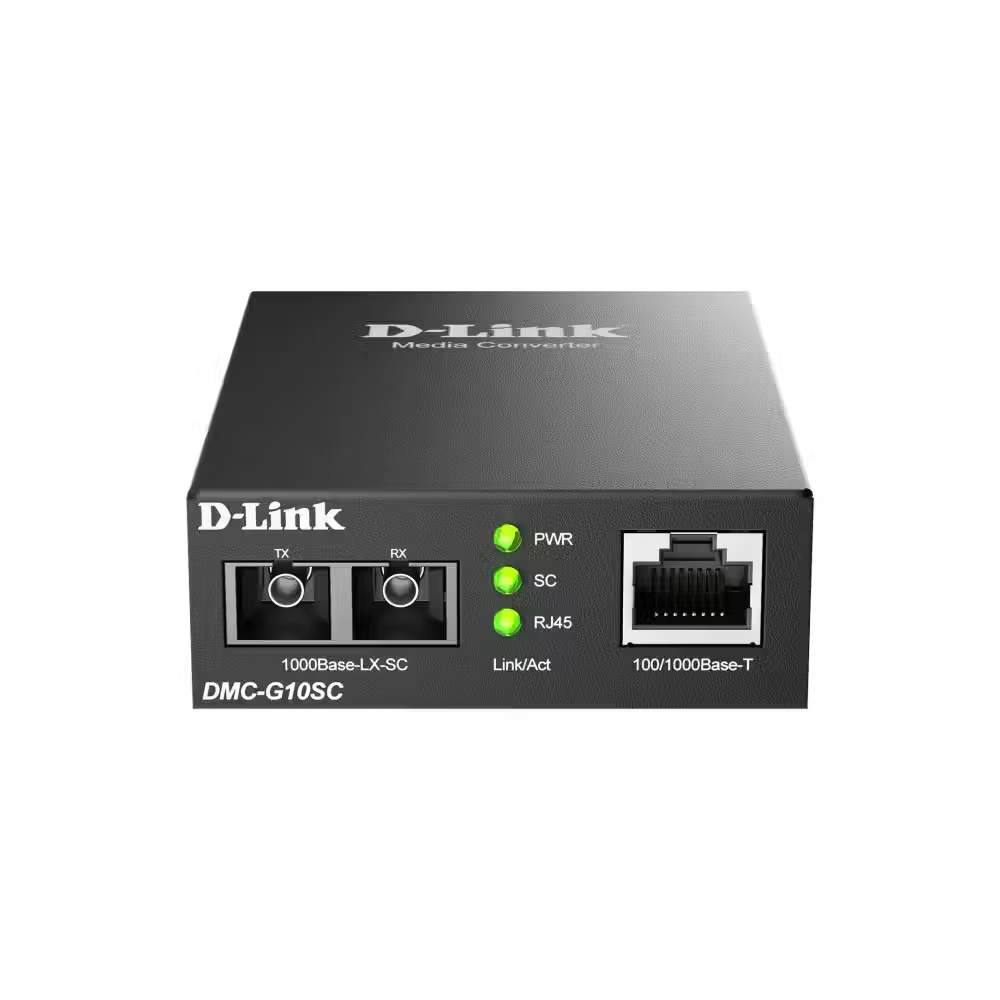
Media converter D-link DMC-G10SC/E, 100/1000Base-T to 1000Base-LX SC Single-Mode (10 km)
- D-Link
- 1 x RJ-45
- 24 months

Switch ZyXEL GS-1200-5HPV3, 5-port, Gigabit, PoE, Web Managed
- ZYXEL
- 36 months

TP-LINK Managed Switch SG2428LP, 16Gb PoE+ports, 8Gb ports+4xSFP
- TP LINK
- 24 months


Useful when choosing
The switch adds more wired ports to the network when the router does not suffice for all computers, TVs, consoles, and cameras. Here you will find small switches for desk and home, models for office rack mounting, PoE switches for cameras and access points, and managed switches for more complex networks.
How to choose
- The number of ports. 5 or 8 ports are sufficient for desk and home. 16, 24, and more are for offices and server racks. Leave some reserve for devices you will add later.
- Speed. Gigabit switches are the standard today. 10/100 Mbps switches are suitable only for simple devices like cameras and printers. For NAS and fast internet, there are models with 2.5 and 10 Gbps ports.
- PoE. PoE switches power IP cameras, access points, and phones over the network cable – no separate outlet is needed for each device. Check the total power budget.
- Managed or unmanaged. An unmanaged switch works immediately upon power-up. A managed switch allows VLAN, traffic prioritization, and monitoring – it is needed in offices and larger networks.
- SFP ports. They allow connection via optical cable between buildings, floors, or to servers over greater distances.
What to watch out for
- Rack switches are 19 inches wide and are mounted with ears – check if they are included in the package.
- Fanless models are silent and suitable for office and home.
- The metal case dissipates heat better and lasts longer than plastic.
- If there are cameras or guests in the network, the managed switch allows you to separate them from the main computers.
- For PoE switches, check if the standard is PoE (802.3af) or PoE+ (802.3at) – some cameras and access points require more power.
Connection
The switch connects with a cable to the router, and the other devices plug into its free ports. The ports are automatically recognized and no configuration is needed for unmanaged models. The indicators on each port show whether there is a connection and at what speed it operates – convenient for a quick check in case of problems. For full gigabit speed, use category 5e cables or newer. If you power IP cameras or access points, the PoE switch saves a lot of cables and adapters.
