
Search…

USB hub

71 products

Promotions only
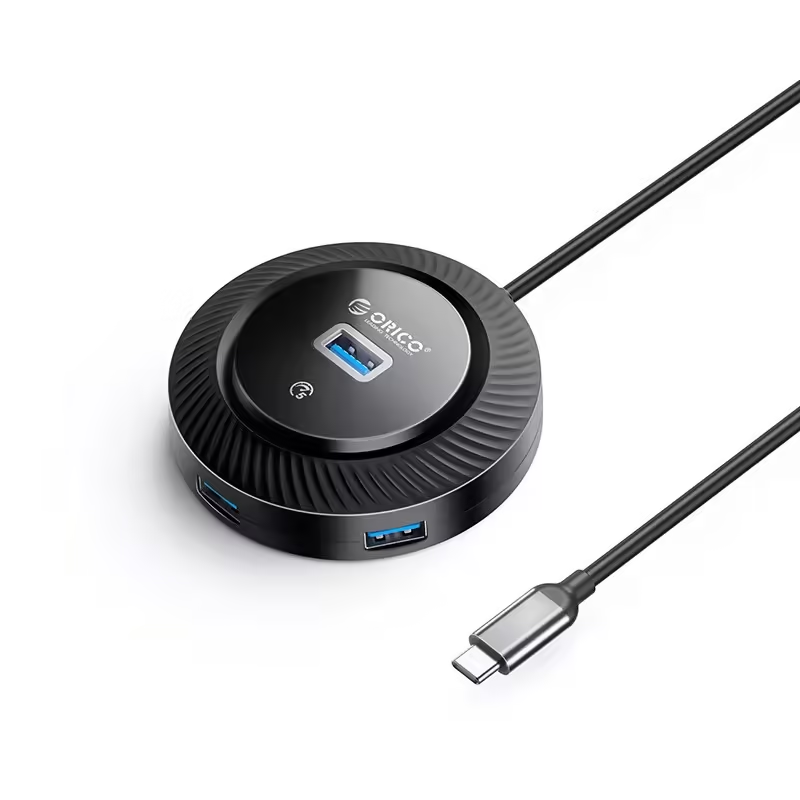
Orico USB3.0 HUB Type-C hub - 4 x USB3.0 - YK2-C3-03-BK
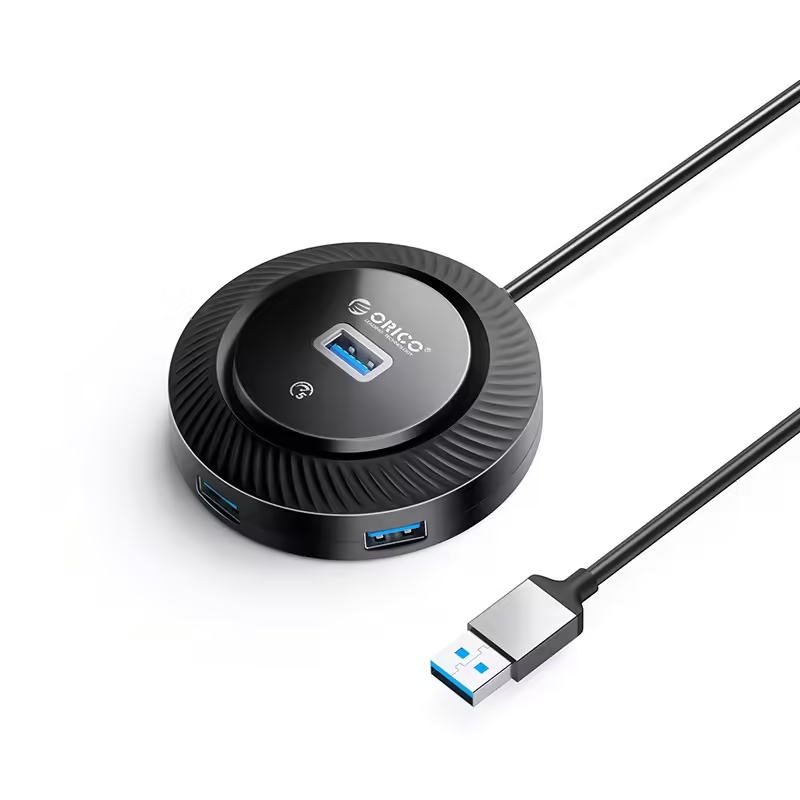
Orico USB3.0 HUB Type-C hub - 4 x USB3.0 - YK2-C3-03-BK

4.00 €
Earn 4 points+4 p.
★★★★★ (0)
Available in external warehouse
Orico USB3.0 HUB - 4 x USB3.0 - YK2-U3-18-BK

Orico USB3.0 HUB - 4 x USB3.0 - YK2-U3-18-BK

8.00 €
Earn 8 points+8 p.
★★★★★ (0)
Available in external warehouse
HAMA USB Hub, 4 ports, USB 3.2 Gen 1, 5 Gbit/s, ultra-thin, includes USB-C adapter

HAMA USB Hub, 4 ports, USB 3.2 Gen 1, 5 Gbit/s, ultra-thin, includes USB-C adapter

12.00 €
Earn 12 points+12 p.
★★★★★ (0)
Available in external warehouse
Orico hub USB3.1 HUB Type-C - 4 x USB3.0 - PAPW4A-C3-015-WH

Orico hub USB3.1 HUB Type-C - 4 x USB3.0 - PAPW4A-C3-015-WH

8.00 €
Earn 8 points+8 p.
★★★★★ (0)
Available in external warehouse
Orico hub USB3.0 HUB 7 port with Power Adapter, On/Off buttons, Aluminium - AT2U3-7AB-EU-GY

Orico hub USB3.0 HUB 7 port with Power Adapter, On/Off buttons, Aluminium - AT2U3-7AB-EU-GY

34.00 €
Earn 34 points+34 p.
★★★★★ (0)
Available in external warehouse
Orico hub HUB USB3.1 Type-C 4 port - 4 x USB3.0 White, Audio/Mic x 1 - YS4-C3-03-WH-BP

Orico hub HUB USB3.1 Type-C 4 port - 4 x USB3.0 White, Audio/Mic x 1 - YS4-C3-03-WH-BP

7.00 €
Earn 7 points+7 p.
★★★★★ (0)
Available in external warehouse
Vention USB3.0 HUB 4 port Aluminium - CKOHB

Vention USB3.0 HUB 4 port Aluminium - CKOHB

6.00 €
Earn 6 points+6 p.
★★★★★ (0)
Available in external warehouse
Delock USB Hub, 4 ports, 5 Gbps, 2 x USB-A, 2 x USB-C

Delock USB Hub, 4 ports, 5 Gbps, 2 x USB-A, 2 x USB-C

31.00 €
Earn 31 points+31 p.
★★★★★ (0)
Available in external warehouse
Orico hub HUB USB3.0 4 port, Aluminium, Grey - PDD4U-U3-015-GY

Orico hub HUB USB3.0 4 port, Aluminium, Grey - PDD4U-U3-015-GY

10.00 €
Earn 10 points+10 p.
★★★★★ (0)
Available in external warehouse
Orico hub HUB USB-C 5 port - USB3.0 x 1, USB2.0 x 2, USB-C x 2, Aluminium - YSA4-U2-GY

Orico hub HUB USB-C 5 port - USB3.0 x 1, USB2.0 x 2, USB-C x 2, Aluminium - YSA4-U2-GY

9.00 €
Earn 9 points+9 p.
★★★★★ (0)
Available in external warehouse
Delock USB-C Hub, 4 ports, 1 x USB-A 10 Gbps, 2 x USB-A, 1 x USB-C, USB-C PD 95 W
Delock USB-C Hub, 4 ports, 1 x USB-A 10 Gbps, 2 x USB-A, 1 x USB-C, USB-C PD 95 W

23.00 €
Earn 23 points+23 p.
★★★★★ (0)
Available in external warehouse
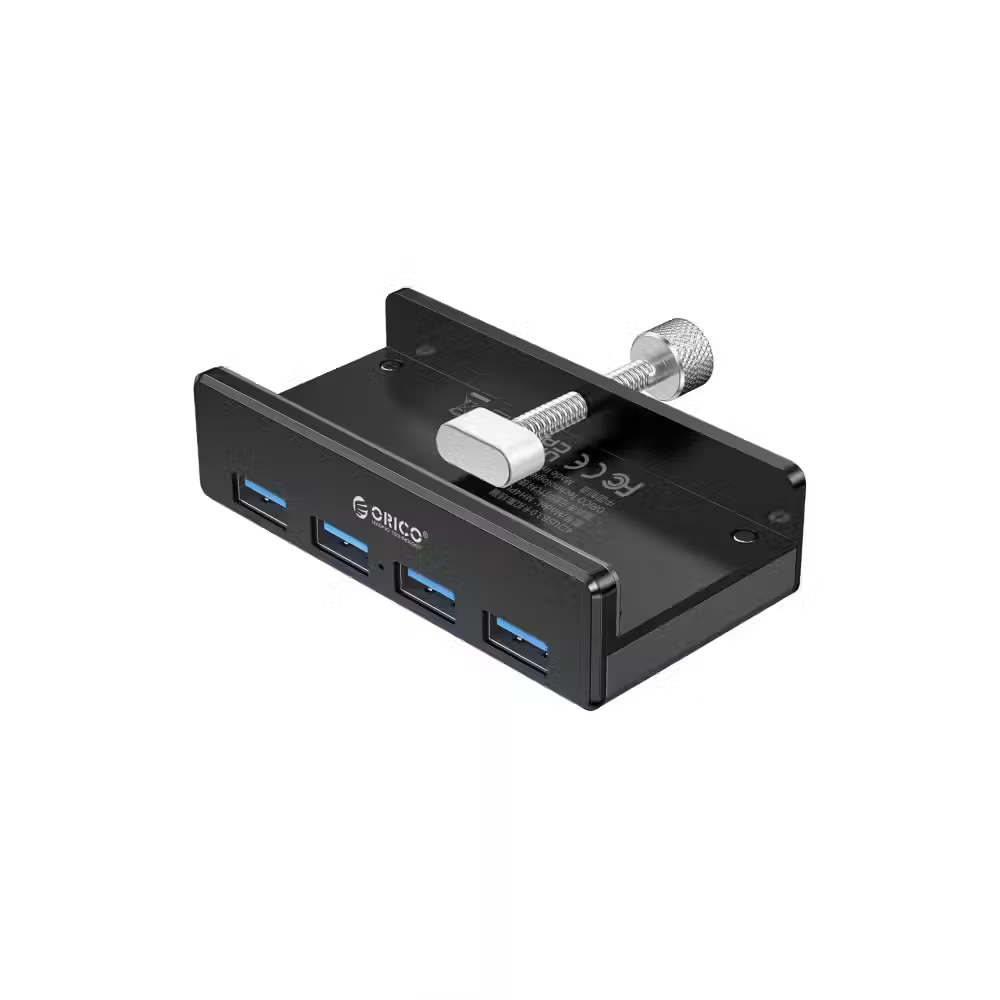
Orico USB 3.0 HUB Clip Type 4 port, Black - MH4PU-BK

Orico USB 3.0 HUB Clip Type 4 port, Black - MH4PU-BK

15.00 €
Earn 15 points+15 p.
★★★★★ (0)
Available in external warehouse
Orico hub USB 3.0 HUB Clip Type 4 port - aux Micro-USB power input, Black - MH4PU-P-BK

Orico hub USB 3.0 HUB Clip Type 4 port - aux Micro-USB power input, Black - MH4PU-P-BK

17.00 €
Earn 17 points+17 p.
★★★★★ (0)
Available in external warehouse
Orico USB2.0 HUB 4 port - USB/Micro USB input, Black - W5P-U2-030-BK-EP

Orico USB2.0 HUB 4 port - USB/Micro USB input, Black - W5P-U2-030-BK-EP

6.00 €
Earn 6 points+6 p.
★★★★★ (0)
Available in external warehouse
Orico USB2.0 HUB 4 port - USB/Micro USB input, Black - W5P-U2-100-BK-EP

Orico USB2.0 HUB 4 port - USB/Micro USB input, Black - W5P-U2-100-BK-EP

6.00 €
Earn 6 points+6 p.
★★★★★ (0)
Available in external warehouse
VCom docking station Docking Station Type-C 7-in-1 - CUE18 - PD3.0 100W, HDMI, USB3.0 x 1, USB2.0 x 2, SD, TF

VCom docking station Docking Station Type-C 7-in-1 - CUE18 - PD3.0 100W, HDMI, USB3.0 x 1, USB2.0 x 2, SD, TF

13.00 €
Earn 13 points+13 p.
★★★★★ (0)
Available in external warehouse
VCom docking station Docking Station Type-C 7-in-1 - CUE39 - PD3.0 100W, HDMI x 2, USB3.0 x 2, SD, TF

VCom docking station Docking Station Type-C 7-in-1 - CUE39 - PD3.0 100W, HDMI x 2, USB3.0 x 2, SD, TF

27.00 €
Earn 27 points+27 p.
★★★★★ (0)
Available in external warehouse
VCom docking station Docking Station Type-C 6-in-1 - CUE55 - PD3.0 100W, LAN 1000Mbps, HDMI, USB3.0 x 3, SD, TF

VCom docking station Docking Station Type-C 6-in-1 - CUE55 - PD3.0 100W, LAN 1000Mbps, HDMI, USB3.0 x 3, SD, TF

22.00 €
Earn 22 points+22 p.
★★★★★ (0)
Available in external warehouse
HAMA USB-C hub, multiport, 6 ports, 3 x USB-A, USB-C, HDMI™, LAN/Ethernet

HAMA USB-C hub, multiport, 6 ports, 3 x USB-A, USB-C, HDMI™, LAN/Ethernet

24.00 €
Earn 24 points+24 p.
★★★★★ (0)
Available in external warehouse
HAMA USB hub/card reader, 5 ports, 3x USB-A, SD, microSD, including USB-C adapter

HAMA USB hub/card reader, 5 ports, 3x USB-A, SD, microSD, including USB-C adapter

18.00 €
Earn 18 points+18 p.
★★★★★ (0)
Available in external warehouse
USB hub Delock, USB-C / USB-A - 3 x USB-A 2.0 + 1 x USB-A 5 Gbps

USB hub Delock, USB-C / USB-A - 3 x USB-A 2.0 + 1 x USB-A 5 Gbps

17.00 €
Earn 17 points+17 p.
★★★★★ (0)
Available in external warehouse
Silicon Power Boost SU20, 7 in 1, USB-C

Silicon Power Boost SU20, 7 in 1, USB-C

37.00 €
Earn 37 points+37 p.
★★★★★ (0)
Available in external warehouse
3-Port Hub J5create JCH471, USB-C 3.1, USB-A 3.0, Gigabit Ethernet

3-Port Hub J5create JCH471, USB-C 3.1, USB-A 3.0, Gigabit Ethernet

27.00 €
Earn 27 points+27 p.
★★★★★ (0)
Available in external warehouse
5-Port Hub j5create Mini Dock JCD401 USB4, USB-C, 4K HDMI

5-Port Hub j5create Mini Dock JCD401 USB4, USB-C, 4K HDMI

81.00 €
Earn 81 points+81 p.
★★★★★ (0)
Available in external warehouse

Useful when choosing

The USB hub adds ports when the computer or laptop does not have enough. Here you will find regular hubs with several USB-A ports, hubs with USB-C input for modern laptops, and multifunctional models with HDMI, network port, and card reader that work almost like a docking station.

How to choose

  • The input. Choose a hub with the same connector as the free port on the device – USB-A for most desktop computers or USB-C for new laptops, tablets, and phones.
  • The speed. USB 2.0 is sufficient for a keyboard, mouse, and printer. For external drives and flash drives, choose a USB 3.0 or faster hub.
  • The number and type of ports. Consider how many devices you will connect at the same time. Hubs with HDMI, network port, and card reader save several separate adapters.
  • The power supply. Hubs without power supply use power from the computer's port. If you will connect external drives or charge devices, choose a hub with a separate adapter.
  • Charging through the hub. With USB-C hubs with Power Delivery, you can plug the laptop charger into the hub, and it will continue to charge.

What to watch out for

  • All ports on the hub share the speed of one input – two fast drives connected simultaneously will work slower.
  • If you have many USB devices, a hub with a separate button for each port allows you to turn them off without unplugging the cables.
  • For HDMI output through a USB-C hub, the laptop must support video over USB-C.
  • Check the maximum resolution and refresh rate of the HDMI output if you will use a 4K monitor.
  • The hub with a network port is useful for laptops without LAN – the wired connection is more stable than Wi-Fi during video calls and large files.
  • Hubs with a clip or clamp are convenient for attaching to the desk or monitor.

Compatibility

The hub with a long cable is convenient on the desk, while compact models without a cable fit next to the laptop in the bag. USB hubs work with Windows, macOS, and Linux without drivers, and many models also support phones and tablets via OTG. If you need a more complete station for a laptop with multiple monitors, check out docking stations. For photos from a camera, a separate card reader may be more convenient, and for an external drive – drive enclosure.

Frequently Asked Questions

USB хъб със захранване или без?
Хъбът без захранване е достатъчен за клавиатура, мишка, флашки и слушалки. Ако включваш външни твърди дискове, няколко устройства с по-голяма консумация или искаш да зареждаш телефон, избери хъб с отделен адаптер. Така устройствата няма да се изключват заради недостиг на ток.
Мога ли да свържа монитор през USB-C хъб?
Да, ако хъбът има HDMI или DisplayPort изход и USB-C портът на лаптопа поддържа пренос на картина. Провери максималната резолюция на хъба – някои дават 4K само при 30 Hz. За два и повече монитора по-подходяща е докинг станция.
Ще зарежда ли лаптопът през хъба?
Ако хъбът има USB-C порт с Power Delivery, включваш зарядното на лаптопа в него и лаптопът продължава да се зарежда. Хъбът задържа малка част от мощността за себе си, затова зарядното трябва да е малко по-мощно от необходимото за лаптопа.
Защо външният диск работи бавно през хъба?
Причината обикновено е, че хъбът е USB 2.0 или че портовете делят една връзка с няколко други устройства. Включи диска в хъб с USB 3.0 или по-бърз стандарт и провери дали самият хъб е свързан към бърз порт на компютъра.
Работи ли хъбът с телефон или таблет?
Много хъбове с USB-C работят и с телефони и таблети чрез OTG, така можеш да включиш флашка, клавиатура или мишка. Поддръжката зависи от телефона, а за по-мощни устройства може да ти трябва хъб с допълнително захранване.
Messenger