
WiFi adapters
42 products

Adapter TP-Link wifi Access Point Omada EAP683 UR - 2.4 - 6 GHz - EAP683 UR
- 1*10/100/1000M
- 5.2
- 2.4 GHz; 5GHz

Adapter D-Link 4G LTE AX300 Wi-Fi 6 USB Adapter - DWM-222W/R
- Wi-Fi 6
- USB 2.0
- 2.4 GHz

Wireless adapter Cudy WU900 WiFi 6, 900 Mbps, USB 2.0
- USB 2.0
- No
- 2.4 GHz; 5GHz

GIGABYTE GC-WIFI6E Wireless Card MediaTek MT7902 WIFI 6E 2x2 802.11ax, Bluetooth 5.2
- PCIe
- 5.2
- 2.4 GHz; 5GHz; 6GHz

D-Link AN3U Wireless Adapter, WiFi 5, N300, USB 2.0
- Wi-Fi 4
- USB 2.0
- No
- 2.4 GHz

D-Link AC13U Wireless Adapter, dual band, WiFi 5, AC1300, USB 2.0
- Wi-Fi 4
- USB 2.0
- No
- 2.4 GHz; 5GHz

Amplifier Asus Range Extender RP-BE58, BE3600, Dual Band, White - 90IG09J0-MO0C00
- Wi-Fi 7
- 1*10/100/1000M
- 2.4 GHz; 5GHz

Adapter Asus PCI-E Adapter, PCE-BE92BT, BE9400, Tri-Band, Bluetooth 5.4, magnetized base, WPA3, OFDMA, MLO, only compatible with Intel motherboards, Black - 90IG08U0-MO0B00
- Wi-Fi 7
- PCIe
- 5.4
- 2.4 GHz; 5GHz; 6GHz

TP-LINK Archer TX20E Wireless Adapter, PCIe, 1800Mbps, Wireless AX, 2.4GHz /5GHz, BT 5.2, 2x external antennas
- PCIe
- 5.2
- 2.4 GHz; 5GHz

Network card Cudy WU6500, BE6500 Tri-band WiFi7 USB 3.0
- USB 3.0
- No
- 2.4 GHz

Network card Cudy WU5400, AX5400, Tri-band router WiFi6/6E, USB 3.0
- USB 3.0
- No
- 2.4 GHz; 5GHz; 6GHz

TP-Link TL-WN781ND PCIe 150Mb 802.11n/g/b Wireless Adapter
- PCIe
- No
- 2.4 GHz

Network Card Cudy WE9300, PCIe, 3-band, 5.7 Gbps, 2.8 Gbps, 688 Mbps, WiFi, Bluetooth 5.4
- Wi-Fi 7
- PCIe
- 5.4
- 2.4 GHz; 5GHz; 6GHz

Wireless adapter ASUS PCE-BE6500 WiFi 7 PCI-e two external antennas and Bluetooth 5.4
- PCIe
- 5.4
- 2.4 GHz; 5GHz; 6GHz

Vention WiFi USB adapter, 200Mbps, 802.11n, Black - KDRB0
- Wi-Fi 4
- USB 2.0
- No
- 2.4 GHz

Wireless adapter Vention WiFi USB adapter Dual Band, 650Mbps, Black - KDSB0
- Wi-Fi 5
- USB 2.0
- No
- 2.4 GHz; 5GHz

Vention WiFi USB adapter Dual Band, 650Mbps, Black - KDTB0
- Wi-Fi 5
- USB 2.0
- No
- 2.4 GHz; 5GHz

Wireless adapter TP-LINK TL-WN823N, 300 Mbps, USB, Built-in antenna
- Wi-Fi 4
- USB 2.0
- No
- 2.4 GHz

Wireless adapter ASUS PCE-AX1800 WiFi 6 PCI-e two external antennas and Bluetooth 5.2
- Wi-Fi 6
- PCIe
- 5.2
- 2.4 GHz; 5GHz

EDIMAX EW-7822UAD Wireless Adapter, USB, Realtek, 2.4Ghz/5GHz, AC1200, with External Antenna
- Wi-Fi 5
- USB 3.0
- No
- 2.4 GHz; 5GHz

TP-LINK Archer T2U Nano Wireless Adapter, Dual band, USB
- Wi-Fi 5
- USB 2.0
- No
- 2.4 GHz

GIGABYTE AORUS WIFI 7 5800Mbps Wireless Card, Bluetooth 5.3
- Wi-Fi 7
- PCIe
- 5.3
- 2.4 GHz

Cudy WE3000S PCIe AX5400 Network Card
- Wi-Fi 6
- PCIe
- 5.3
- 2.4 GHz; 5GHz; 6GHz
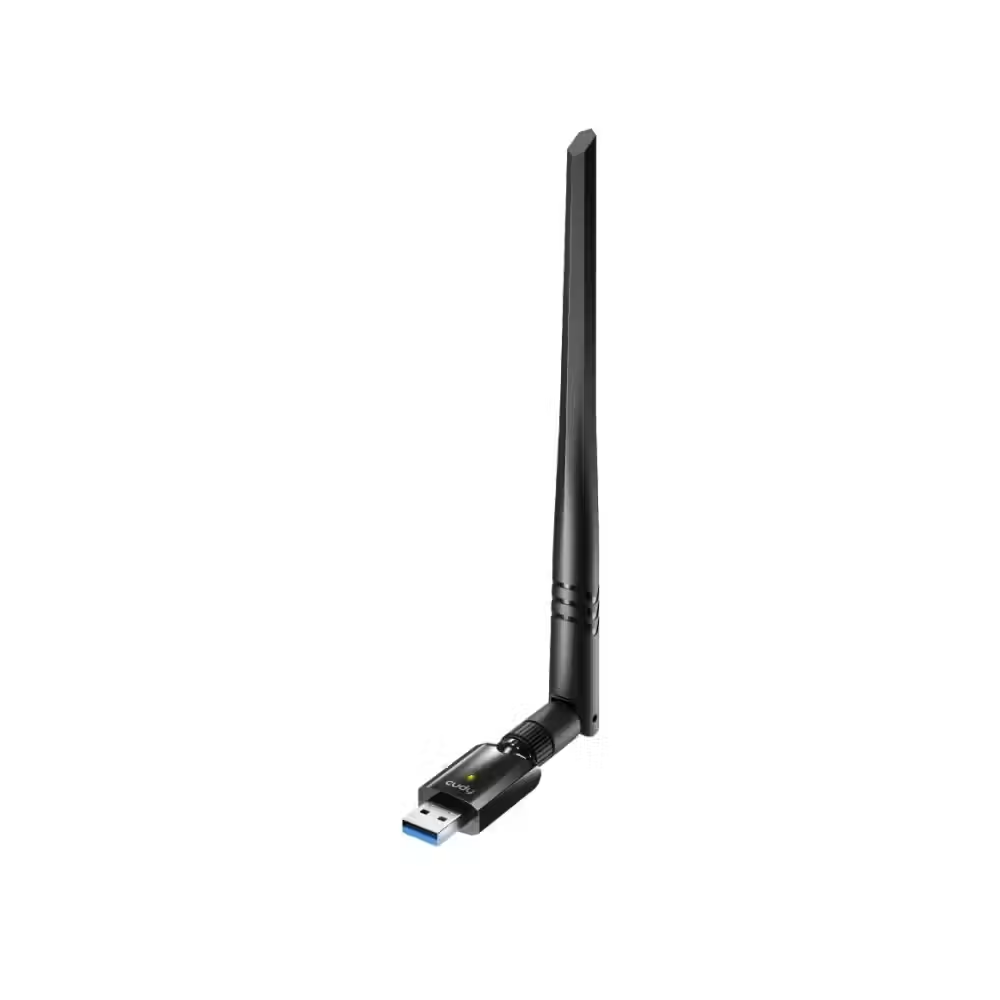
Cudy WU1400 USB 3.0 AC1300 Wireless Adapter
- Wi-Fi 5
- USB 3.0
- No
- 2.4 GHz
Useful when choosing
The WiFi adapter adds wireless connectivity to a desktop computer or upgrades the outdated network card of a laptop. Here you can find small USB adapters that plug in within seconds, internal PCIe cards with external antennas for a stronger signal, and M.2 modules, many of which also add Bluetooth.
How to choose
- The Wi-Fi standard. Wi-Fi 5 is sufficient for most home connections. Wi-Fi 6 performs better with many devices on the network, Wi-Fi 6E adds the 6 GHz frequency with less interference, and Wi-Fi 7 is for the latest routers and gigabit internet.
- The connection method. USB adapters are the easiest to install and can be moved between computers. PCIe cards are installed inside the computer, have larger antennas, and a more stable signal. M.2 modules are for motherboards and laptops with the appropriate slot.
- The frequencies. Dual-band adapters operate on 2.4 and 5 GHz. 2.4 GHz reaches further through walls, while 5 GHz provides higher speed close to the router. Tri-band models also add 6 GHz.
- Bluetooth. Many PCIe and M.2 cards also add Bluetooth for headsets, controllers, and keyboards – convenient if the motherboard does not have one.
What to watch out for
- The speed of the adapter cannot exceed that of the router – check what standard your router supports.
- For high-speed USB adapters, use a USB 3.0 port; otherwise, USB 2.0 will limit the connection.
- Small nano adapters are convenient for laptops but have a weaker range than models with external antennas.
- Wi-Fi 6E and Wi-Fi 7 require Windows 10 or 11 with the appropriate drivers – check the requirements in the description.
- If the computer is behind a desk or in a cabinet, an extension stand for the antennas improves the signal.
Compatibility
USB adapters work with almost any computer, although some may require you to install a driver from the manufacturer. PCIe cards need a free PCIe slot on the motherboard, while M.2 modules require a slot with key E. If the signal in the room is weak despite a good adapter, the problem is usually with the coverage – then a new router or access point helps. If you have the option for a cable, a gigabit network card is always the most stable option.

