
Monitors
540 products

Monitor BenQ GW2791P - 27", IPS, FullHD(1920x1080), 120Hz, 99% sRGB, HDMI, DisplayPort
- IPS
- 27"
- 1920 x 1080
- 120 Hz
- 5 ms
110.00 €
Earn 110 points+110 p.
Available in external warehouse

Monitor BenQ GW2491P - 23.8", IPS, FullHD(1920x1080), 120Hz, 99% sRGB, HDMI, DisplayPort
- IPS
- 24"
- 1920 x 1080
- 120 Hz
- 5 ms
95.00 €
Earn 95 points+95 p.
Available in external warehouse
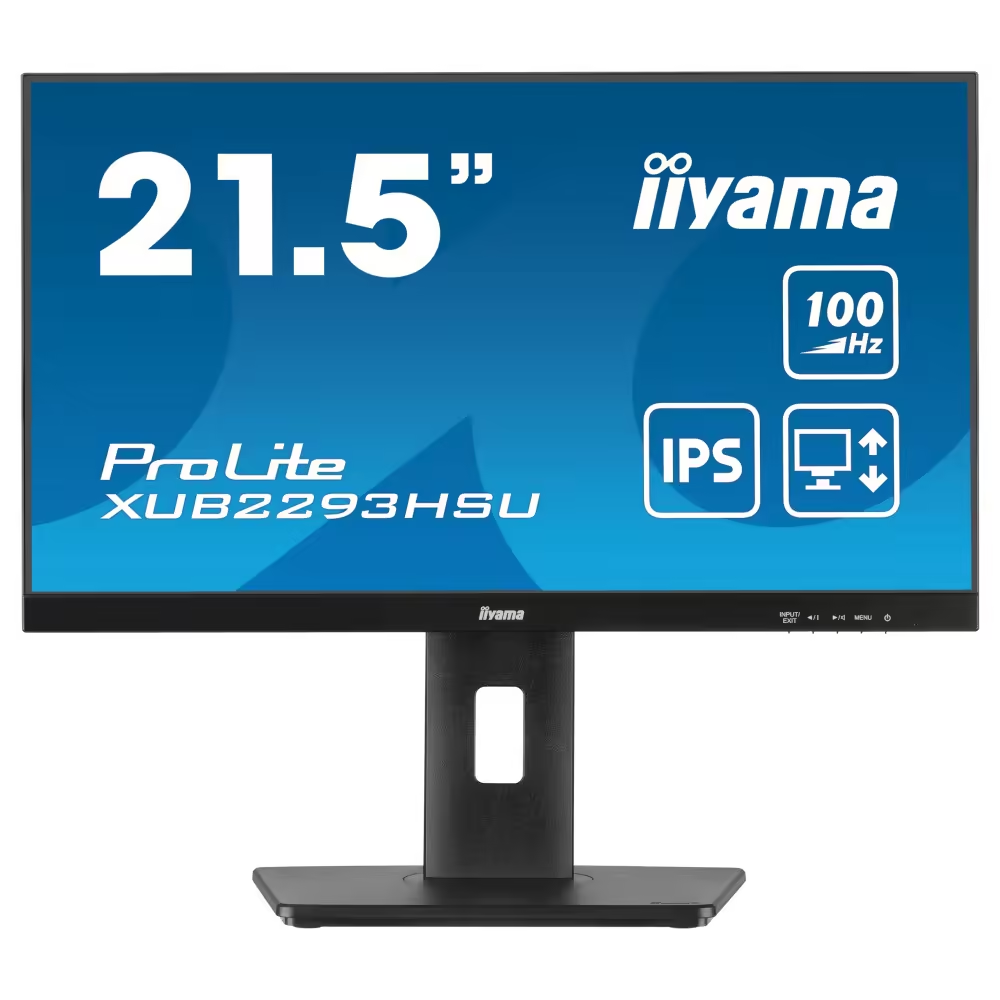
Monitor IIYAMA XUB2293HSU-B7
- IPS
- 22"
- 1920 x 1080
- 100 Hz
- 1 ms
137.00 €
Earn 137 points+137 p.
Available in external warehouse

Monitor EIZO FlexScan EV2485, IPS, 24 inch, Wide, UXGA, DisplayPort, HDMI, USB-C, USB Hub, White
- IPS
- 24"
- 1920 x 1200
- 60 Hz
- 5 ms
566.00 €
Earn 566 points+566 p.
Limited quantity

Monitor PHILIPS 27E3C2500, 27" VA 2560x1440, 144Hz, Curved - 27E3C2500/00
- VA
- 27"
- 2560 x 1440
- 144 Hz
- 4 ms
156.00 €
Earn 156 points+156 p.
Available in external warehouse

Monitor Philips 24M2N3201P, 23.8" Fast IPS, 1920x1080@260Hz (OC, Native 240Hz), 1ms GtG, 0.3ms MPRT, Adaptive Sync, Low Blue Mode, FlickerFree, HDMI, DP - 24M2N3201P/00
- IPS
- 24"
- 1920 x 1080
- 240 Hz
- 1 ms
121.00 €
Earn 121 points+121 p.
Available in external warehouse

Monitor Philips 27B2U4601, 27" IPS WLED, 2560x1440@120Hz, 4ms GtG, Adaptive Sync, FlickerFree, 2Wx2, HDMI, DP, USB hub, RJ45 - 27B2U4601/00
- IPS
- 27"
- 2560 x 1440
- 120 Hz
- 4 ms
271.00 €
Earn 271 points+271 p.
Available in external warehouse

Monitor Philips Evnia 27M2N8500, 26.5" QD-OLED, 2560x1440@360Hz, 0.03ms GtG, Adaptive Sync, FlickerFree, LowBlue Mode, 5Wx2, 2xHDMI, DP, USB hub - 27M2N8500/00
- OLED
- 27"
- 2560 x 1440
- 360Hz
- 0.03 ms
885.00 €
Earn 885 points+885 p.
Delivery up to 15 days

Gaming Monitor ASRock CL25FFAE - 24.5" IPS FHD (1920x1080), 99% sRGB, 120Hz, 1ms, FreeSync
- IPS
- 24.5"
- 1920 x 1080
- 120 Hz
- 1 ms
84.00 €
Earn 84 points+84 p.
Available in external warehouse

Monitor ASUS TUF GAMING VG259QL5A 24.5" Fast IPS 200 Hz - ASUS-MON-VG259QL5A
- Fast IPS
- 24.5"
- 1920 x 1080
- 200 Hz
- 1 ms
135.00 €
Earn 135 points+135 p.
Available in external warehouse

Monitor ASUS ProArt PA278QGV 27" IPS 120 Hz - ASUS-MON-PA278QGV
- IPS
- 27"
- 2560 x 1440
- 120 Hz
- 5 ms
277.00 €
Earn 277 points+277 p.
Available in external warehouse
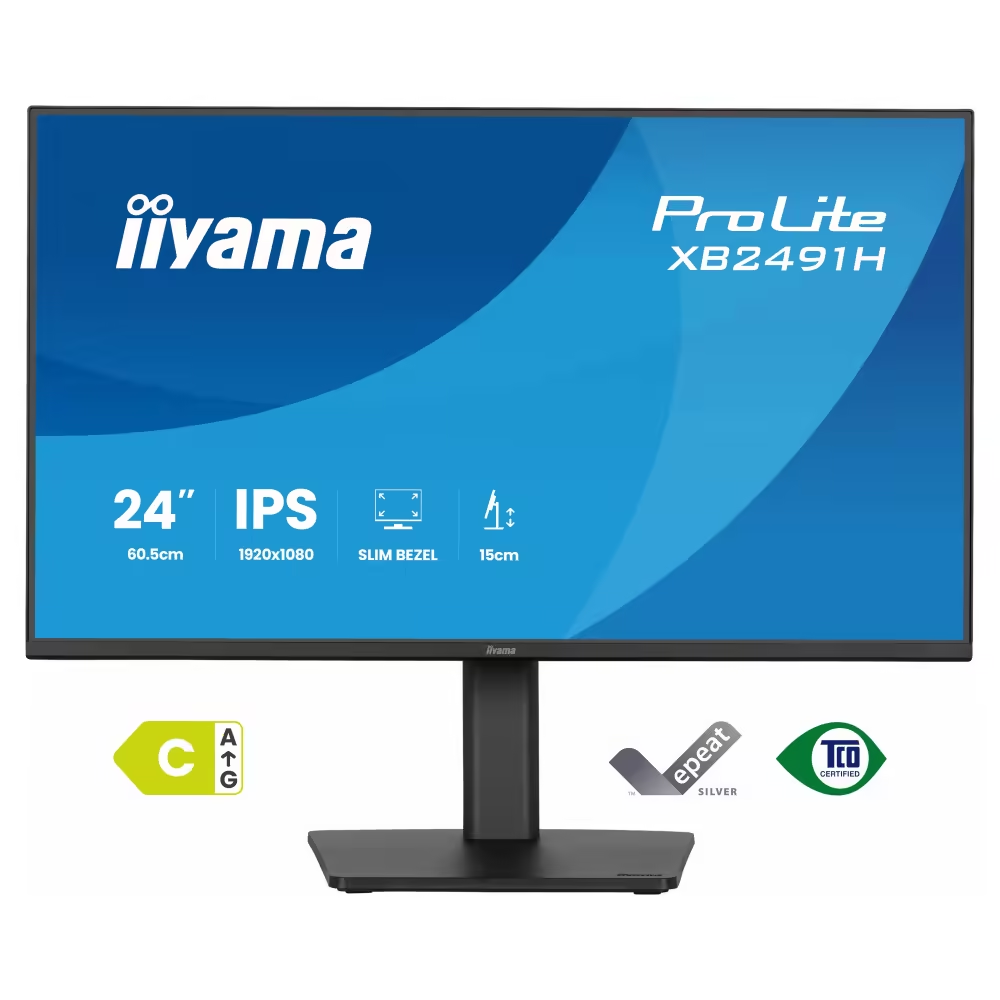
Monitor IIYAMA XB2491H-B1
- IPS
- 24"
- 1920 x 1080
- 1 ms
124.00 €
Earn 124 points+124 p.
Available in external warehouse
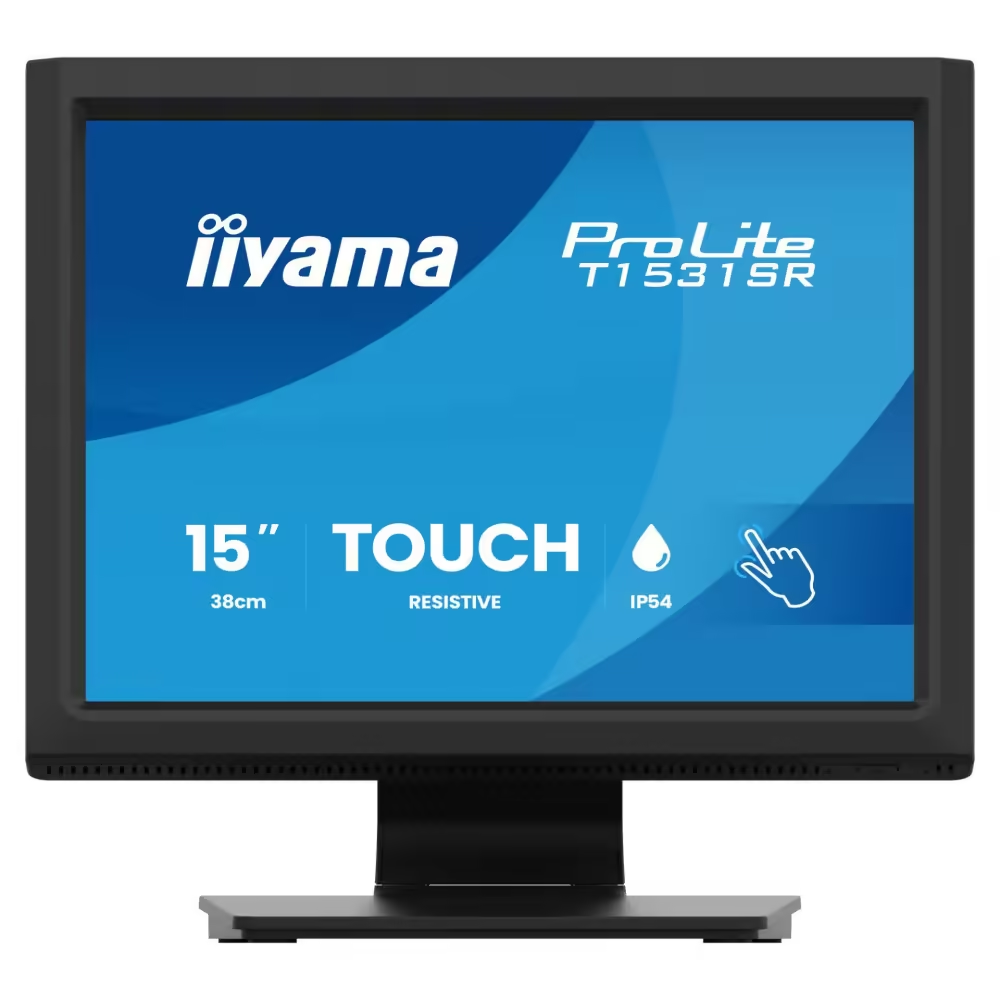
Touch Monitor IIYAMA T1531SR-B2S
- VA
- 15"
- 1024 x 768
- 75 Hz
- 18 ms
397.00 €
Earn 397 points+397 p.
Available in external warehouse


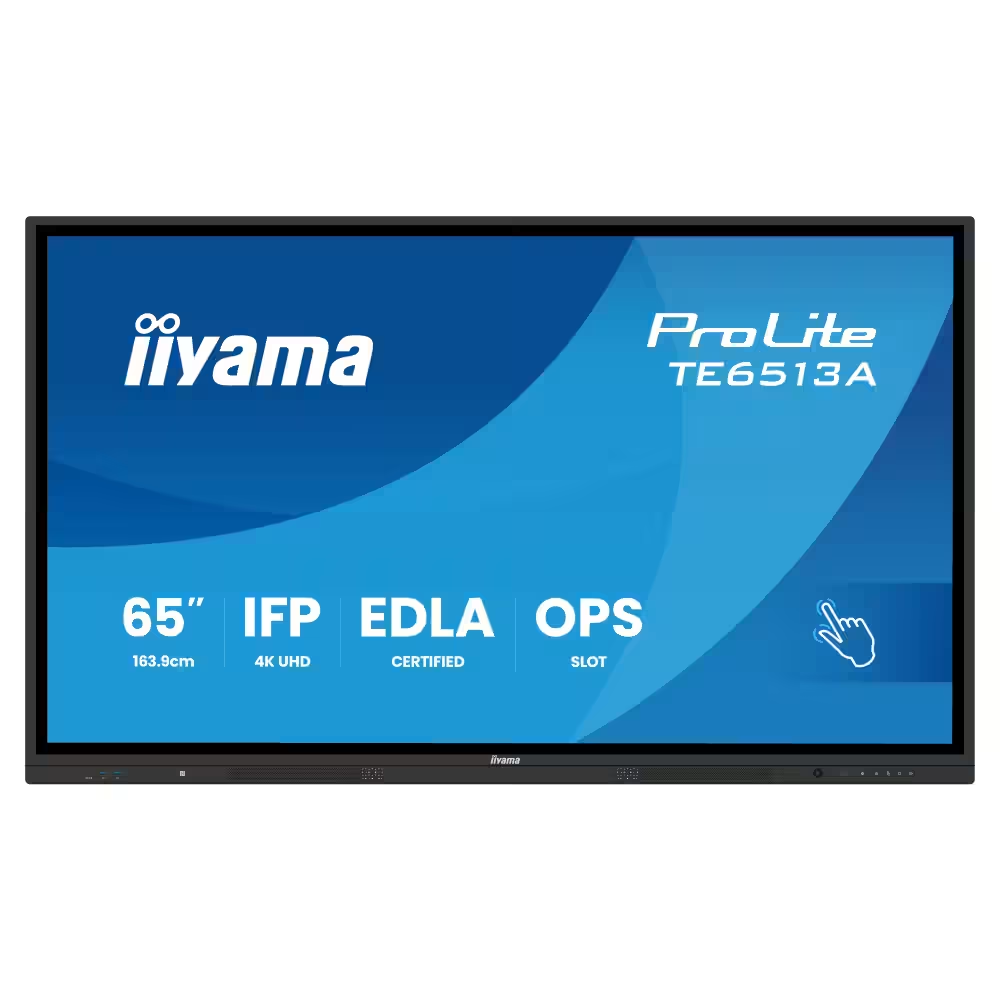
Touch Display IIYAMA TE6513A-B3AG
- IPS
- 65"
- 3840 x 2160
- 60 Hz
- 8 ms
1 625.00 €
Earn 1625 points+1625 p.
Available in external warehouse
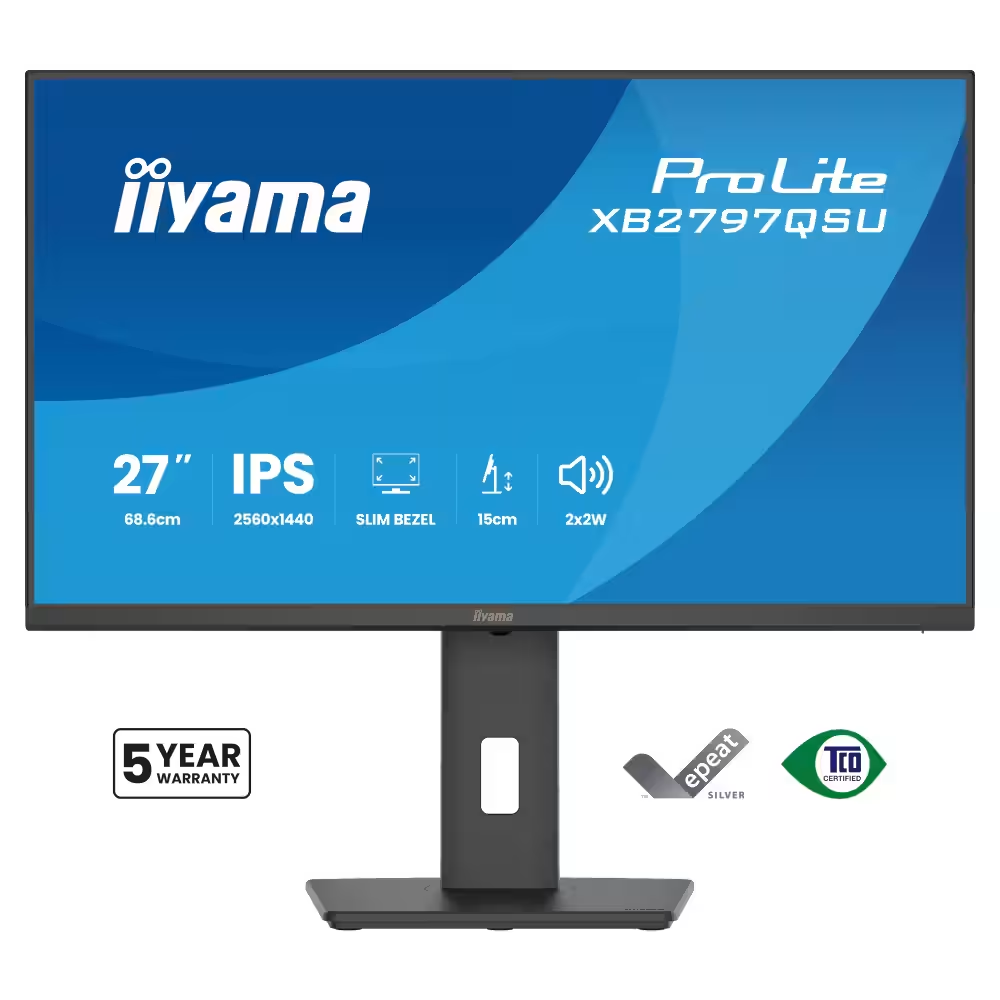
Monitor IIYAMA XB2797QSU-B1
- IPS
- 27"
- 2560 x 1440
- 75 Hz
- 1 ms
191.00 €
Earn 191 points+191 p.
Available in external warehouse
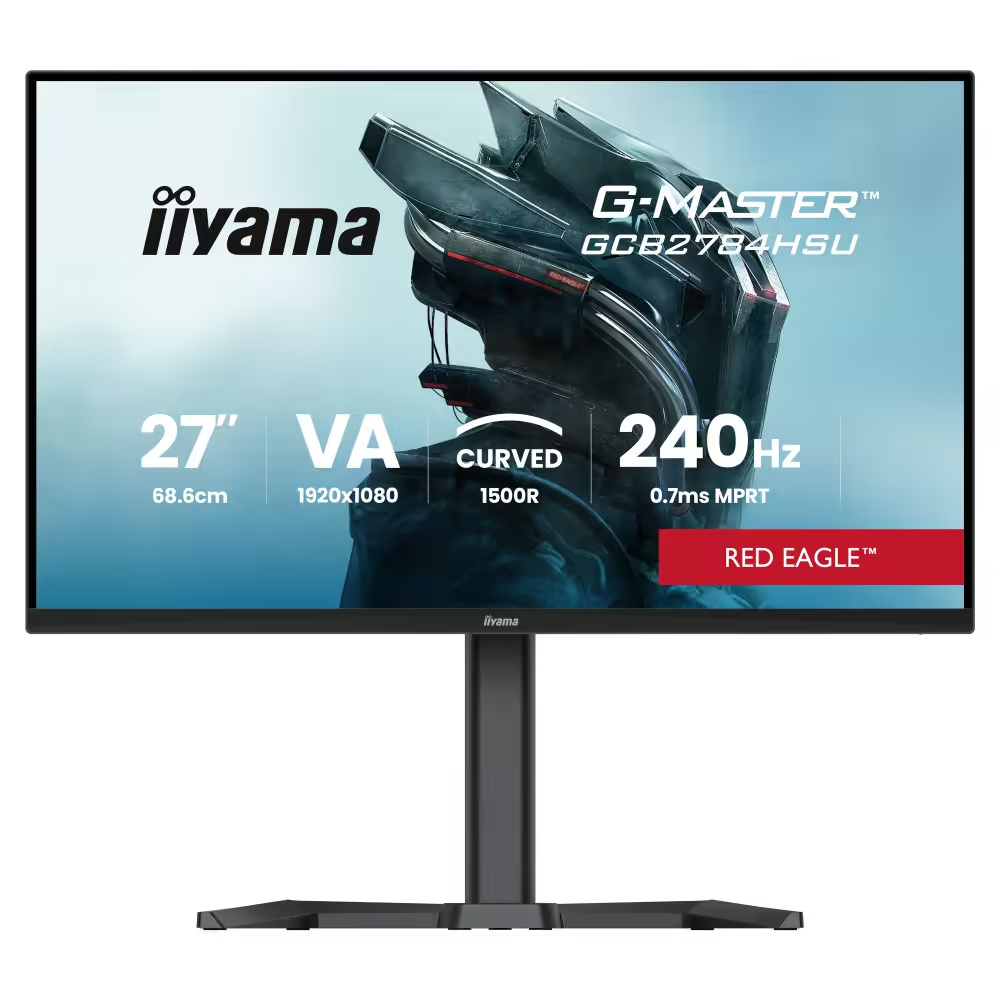
IIYAMA GCB2784HSU-B1 Monitor
- VA
- 27"
- 1920 x 1080
- 240 Hz
156.00 €
Earn 156 points+156 p.
Available in external warehouse
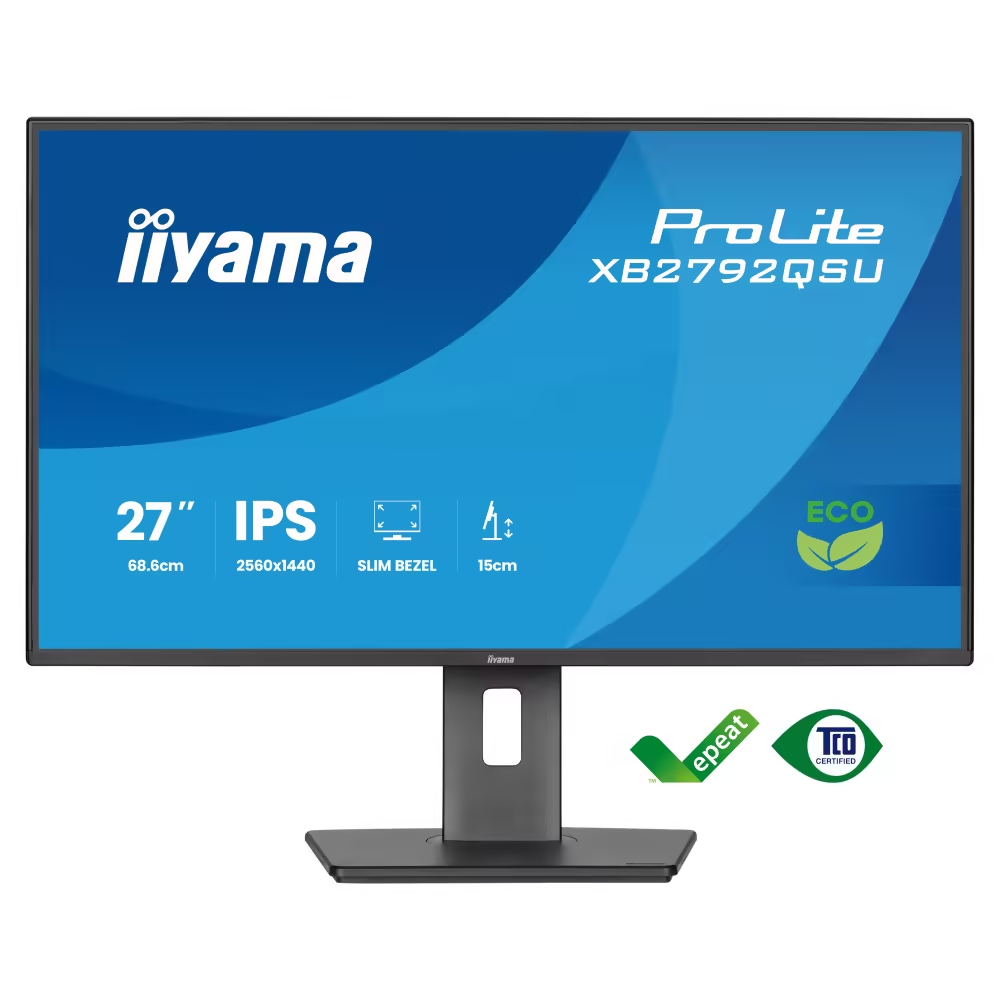
IIYAMA XB2792QSU-B1 Monitor
- IPS
- 27"
- 2560 x 1440
- 120 Hz
- 3 ms
195.00 €
Earn 195 points+195 p.
Available in external warehouse
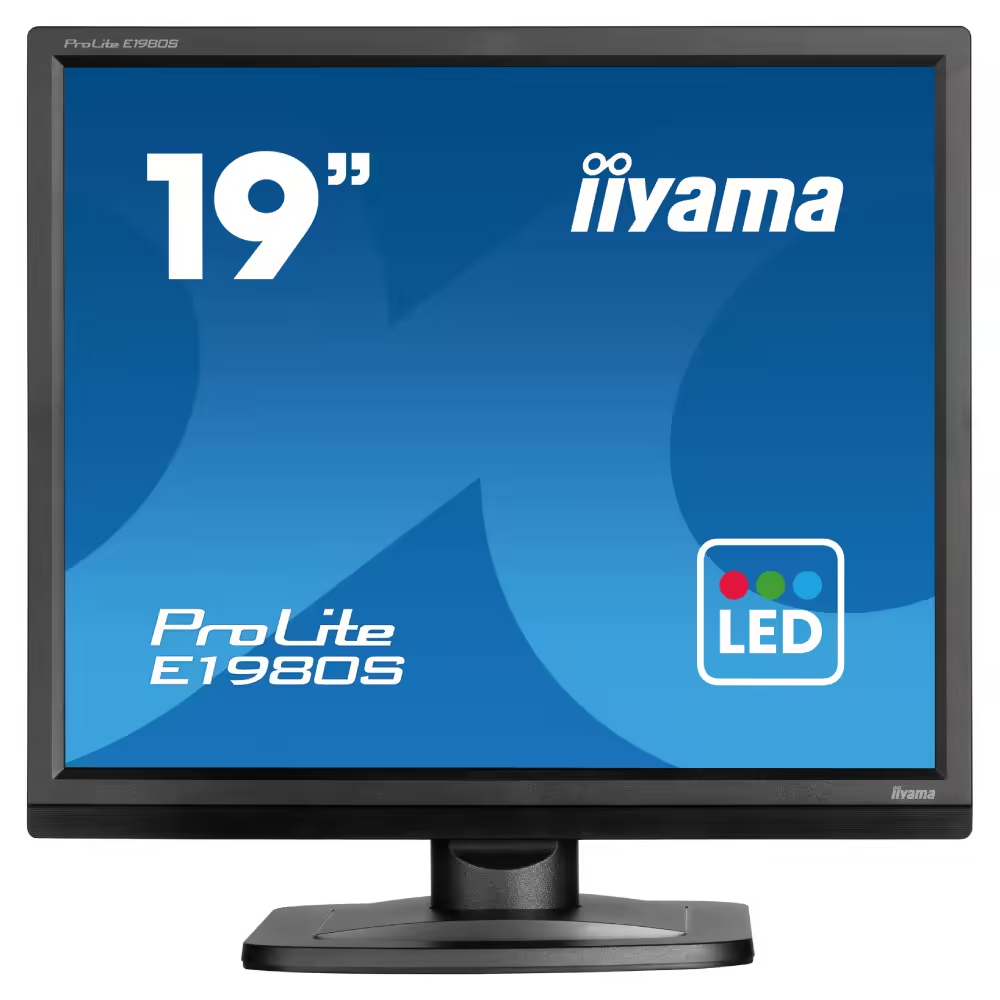
IIYAMA E1980S-B1 Monitor
- TN
- 19"
- 1280 x 1024
- 75 Hz
- 3 ms
169.00 €
Earn 169 points+169 p.
Available in external warehouse
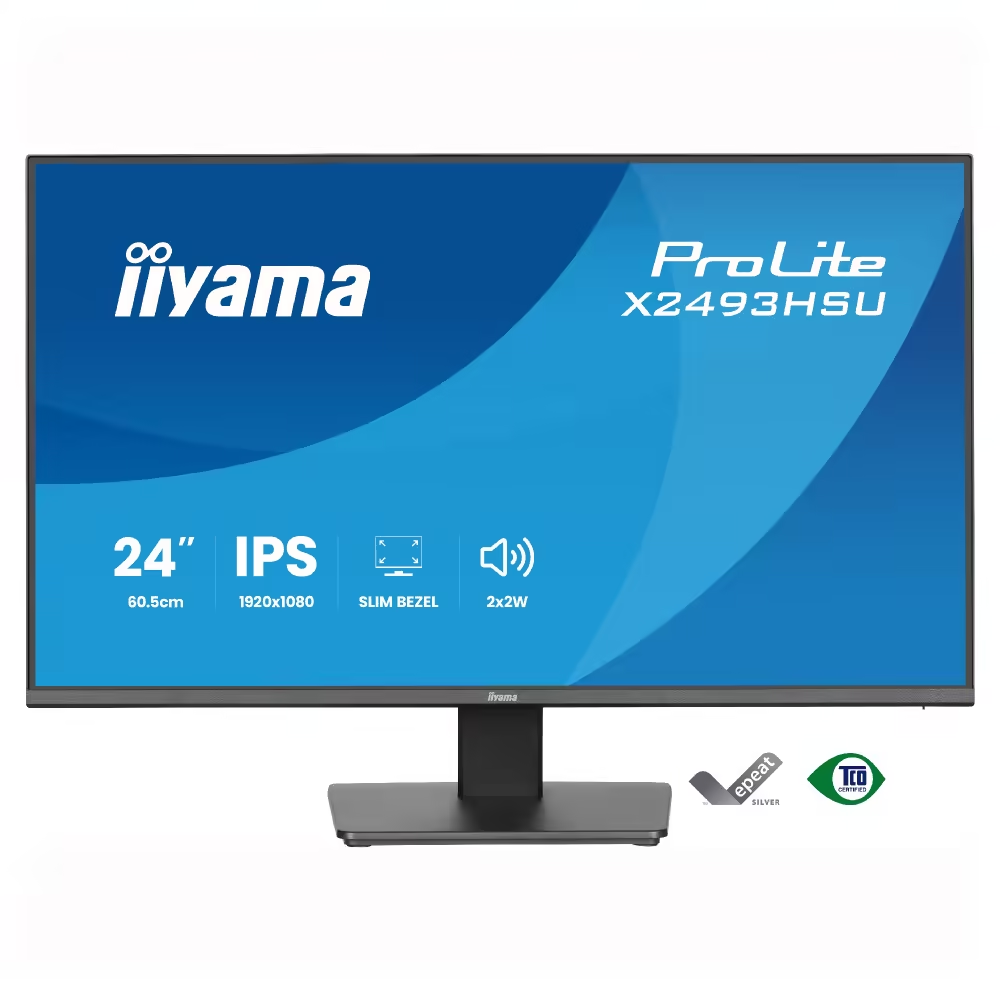
Monitor IIYAMA X2493HSU-B1
- IPS; LCD
- 24"
- 1920 x 1080
- 120 Hz
- 1 ms
124.00 €
Earn 124 points+124 p.
Available in external warehouse
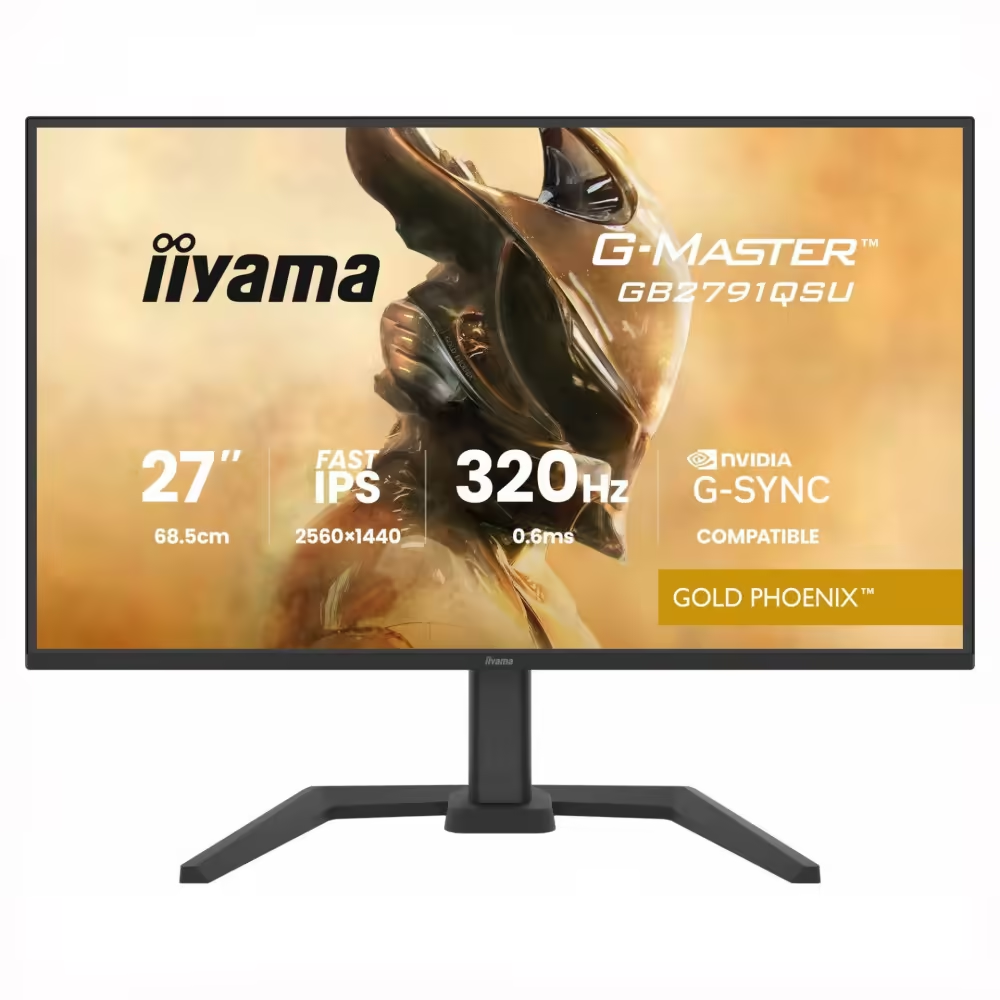
IIYAMA GB2791QSU-B1 Monitor
- Fast IPS
- 27"
- 2560 x 1440
- 320 Hz
259.00 €
Earn 259 points+259 p.
Available in external warehouse
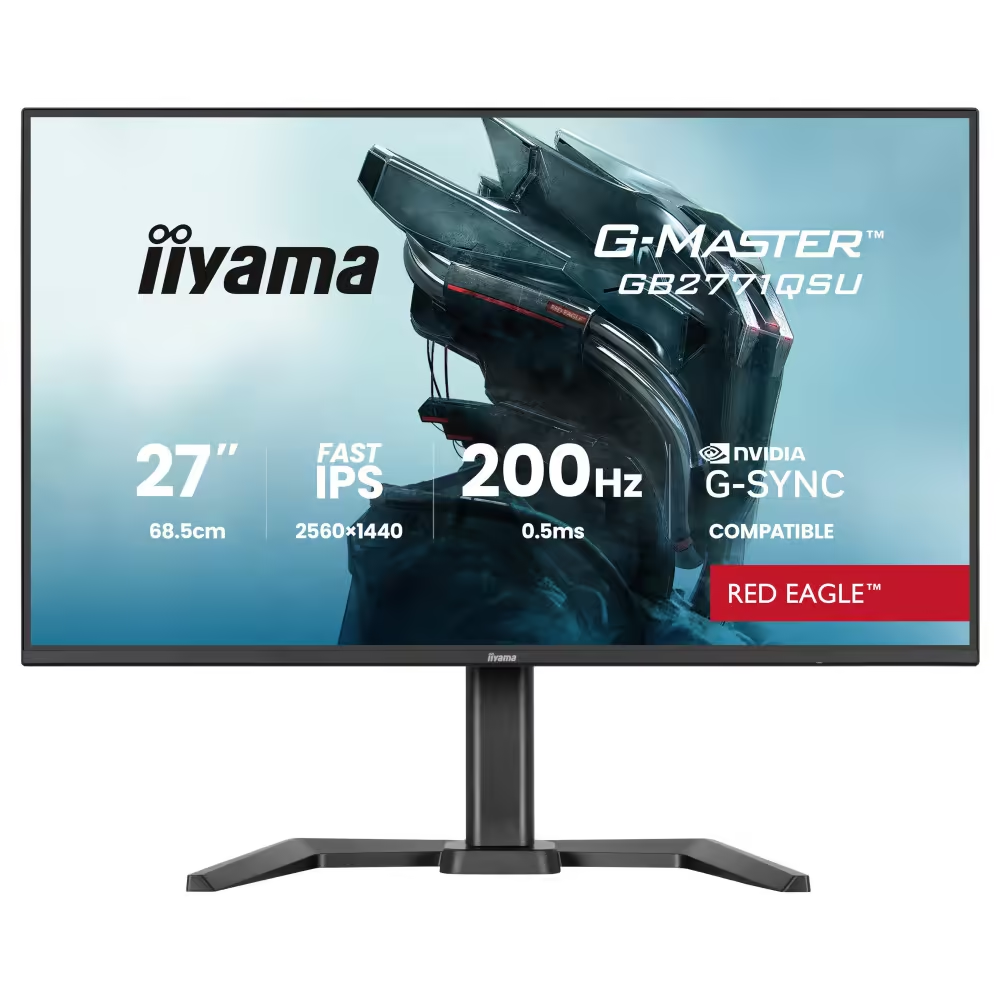
IIYAMA GB2771QSU-B1 Monitor
- Fast IPS
- 27"
- 2560 x 1440
- 200 Hz
- 0.5 ms
202.00 €
Earn 202 points+202 p.
Available in external warehouse

2 824.00 €
Earn 2824 points+2824 p.
Limited quantity
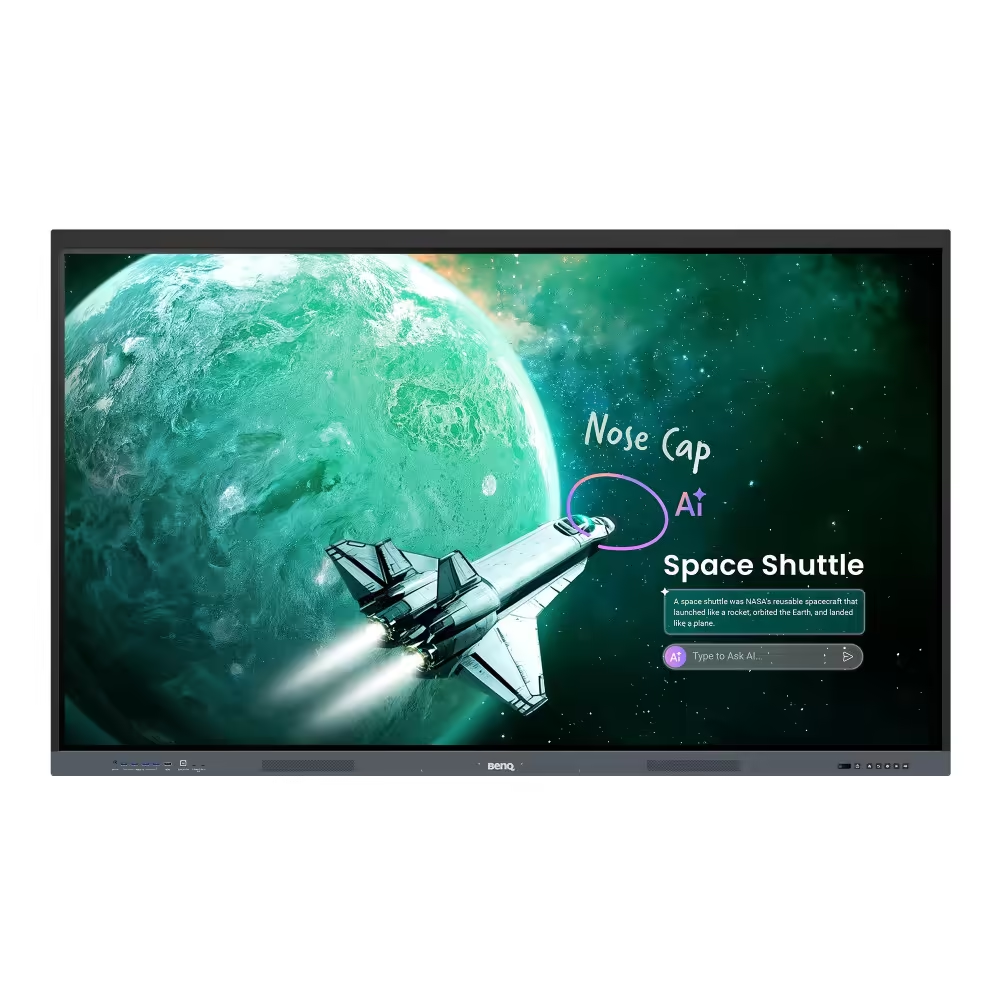
1 708.00 €
Earn 1708 points+1708 p.
Limited quantity
1 509.00 €
Earn 1509 points+1509 p.
Limited quantity
Useful when choosing
The monitor is the part you look at every day, so its choice is felt more than almost any other upgrade. Here you will find monitors for office and study, for gaming with high refresh rates, for photo and video editing, as well as wide and curved screens.
How to choose
- Size and resolution together. 23.8–24 inches with 1920 x 1080 is the classic for office and budget gaming. 27 inches with 2560 x 1440 is the most balanced choice today. For 4K (3840 x 2160), look for 27 inches and above. The wide 34-inch models with 3440 x 1440 are convenient for working with many windows and for competitive gaming.
- Type of panel. IPS provides accurate colors and wide angles. VA has deeper blacks and high contrast. TN is fast and cheap, but with paler colors. OLED offers true black and instant response for gaming and movies.
- Refresh rate. 60–75 Hz is sufficient for work. For gaming, 144–180 Hz is a noticeable jump, while 240 Hz and above are for competitive gamers.
- Ergonomics. A stand with height, tilt, and swivel adjustments, flicker protection, and a blue light filter make long work easier on the eyes and neck. Professional models often also have a built-in USB hub.
- Synchronization. FreeSync, G-SYNC Compatible, and Adaptive-Sync eliminate screen tearing. Most gaming models support at least one of them.
What to watch out for
- A high refresh rate is only visible if the graphics card delivers enough frames at that resolution.
- For 144 Hz and above, connect the monitor with DisplayPort or HDMI 2.1 and a suitable cable.
- If you will mount the monitor on an arm or wall, check if it has VESA mounting.
- HDR has a visible effect mainly on models with high brightness and local dimming or on OLED.
- With an OLED screen, hide the taskbar and use a dark theme if static elements remain on the screen for long periods.
Compatibility
Check what outputs your graphics card or laptop has and whether they support the desired resolution and refresh rate. Many professional models also have USB-C with video transfer and charging, convenient for laptops. If you are choosing a monitor for gaming, consider it with the power of the system – 4K at high refresh rates requires a high-end card.
Frequently Asked Questions
Каква резолюция да избера за 27-инчов монитор?
За 27 инча най-добрият баланс е 2560 x 1440 – картината е ясна, а видео картата не се натоварва колкото при 4K. Full HD на 27 инча изглежда по-грубо отблизо, особено при текст. 4K на този размер е най-острата картина и е подходяща за фото, видео и мощни компютри.
Колко херца ми трябват за игри?
За спокойни и сюжетни игри 100–144 Hz вече дават много по-плавна картина от 60 Hz. За състезателни шутъри 165–240 Hz са осезаемо предимство. По-високата честота има смисъл само ако видео картата дава толкова кадри в секунда в игрите, които играеш.
IPS, VA или OLED – коя матрица е най-добра?
Зависи за какво ти е. IPS е най-универсална – точни цветове и добри ъгли, подходяща за работа и игри. VA има по-добро черно и е добра за филми. OLED е най-добрата картина с идеално черно и бърза реакция, но е по-скъпа и иска малко внимание при статични елементи.
Има ли смисъл от извит или широк монитор?
Широките 34-инчови монитори заместват два екрана без рамка по средата и са удобни за таблици, монтаж на видео и игри с по-широк изглед. Извивката помага краищата на големия екран да са на еднакво разстояние от очите. За 24–27 инча извивката е по-скоро въпрос на вкус.
Мога ли да свържа монитора към лаптоп?
Да, стига лаптопът да има HDMI, DisplayPort или USB-C с поддръжка на картина. Моделите с USB-C могат да зареждат лаптопа и да предават картина с един кабел. Провери максималната резолюция и честота, които изходът на лаптопа поддържа, преди да избереш 4K или висока честота.